
Learn how to make clip art to sell quickly and easily.
If you like to draw or just like to doodle, you can turn them into digital files and make money from them.


What’s clip art?
Clip art or Clipart, is a category of digital art, which consists of pre-drawn images that can be used to create other artwork or crafts. They usually come in png or jpg format.
It started out as a set of icons and images offered by Microsoft but then caught on in popularity and then took on many different forms.


Can I sell clip art?
You’ll be happy to know that you can sell clip art. It’s a very popular digital resource that’s sold on lots of online marketplaces by illustrators, graphic designers, Cricut machine users and even someone just making their first digital drawing (hey maybe that’s you?!).
Before you start dreaming of making it rain and all those crisp bills falling into your bank account, get familiar with the rules.



Is it illegal to use clipart?
Now, I’m not a lawyer but I have been selling digital art online for a few years. Nevertheless, always do your own research.
First, let’s clarify if you want to sell clip art or sell the products made with clip art or both.
In either case, you will need to get a license or create a license that explains the usage rights. This tells the buyer what they can and can’t do with the art.
If you are using images that belong to someone else that are not in the public domain, then you’ll need to get permission. This permission comes in the form of a license that you pay for.
I get commissions for purchases made through some of the links in this post. There is no extra cost to you. See my full disclosure here.


How do you know if Clip art is copyrighted?
Some clip art is copyrighted and it’s important to know which is and which is not before you use it.
For example, if you want to use famous Disney characters, then you’ll have to buy a license from Disney. Same thing applies to all of the big-name brands that you can think of.
If you’re not sure, you can do an online search with Google and the copyright office of the country you’re in.
Individual artists and designers also sell licenses if you want to turn their art into clip art and sell it on other products.
On a marketplace like Etsy, you’ll see that each artist applies their own usage rights and some of them sell the license separately. Other marketplaces will have preset legal terms around licensing for all of the artwork on the platform.
This means that if you want to sell clipart on your own website or shop, you’ll create a license that you can sell separately or include in the price of the clip art.
What can I use to make clipart?
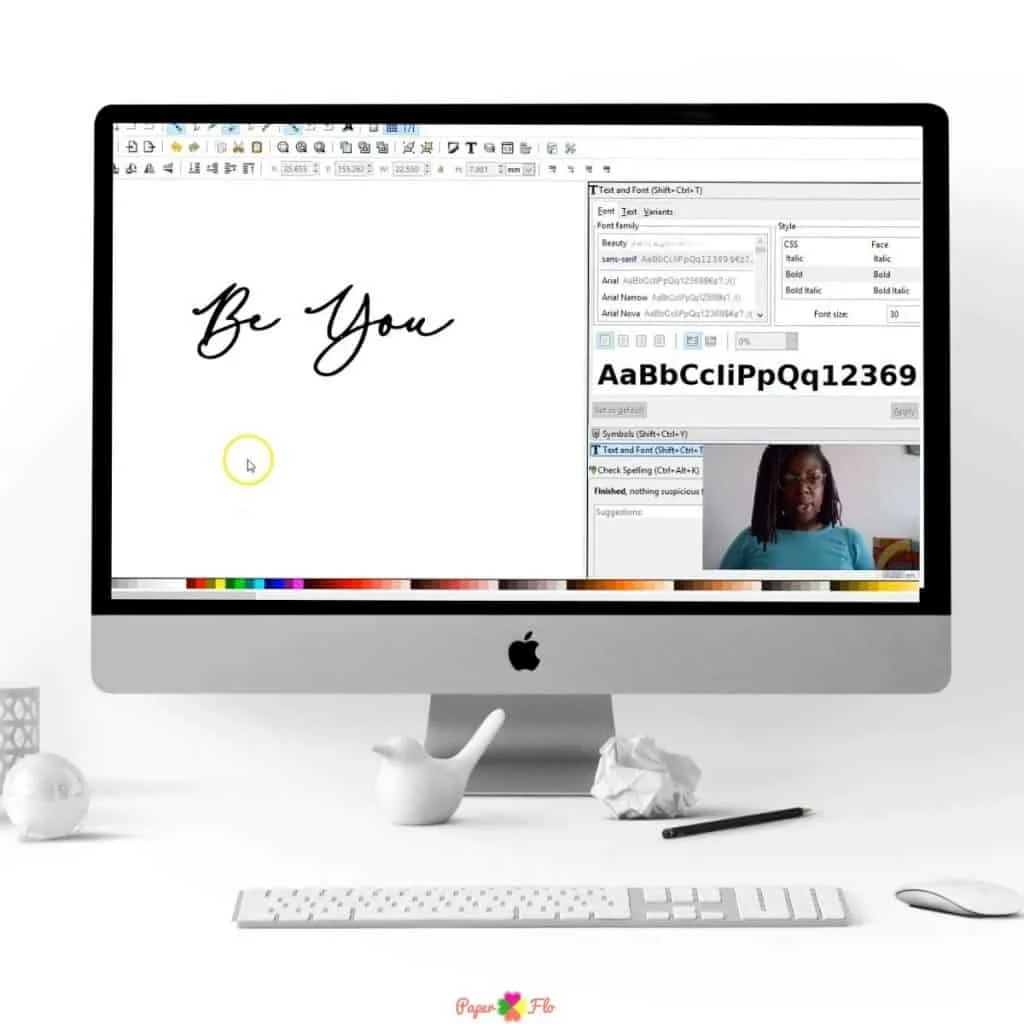
You can make your own clipart with different graphic design software programs.
Here are a few of the programs that you can use.
Inkscape
Inkscape is an open-source vector graphic software program.
Adobe Illustrator or Photoshop
Adobe Ilustrator is a professional graphic design program.
Procreate
Procreate is a rastor based drawing program for Ipad.
Canva
Canva is an online graphic editing program. There is a free version and a paid version. You can create with images in Canva or import your own designs.
Affinity Designer
Affinity is a subscription-based graphic design program. It has vector and raster capabilities and you can use it on desktop, on a tablet and on ipad.
Where can I sell my clip art online?
Like I mentioned above, you can sell your clip art on your own website, online boutique, or on a specialty marketplace. Here are a few places to sell clipart.
- Etsy
- Shopify
- Design Bundles
- Creative Fabrica
- Hungry JPEG
Take a look at a few examples of digital files that you can sell on these websites.


How do you turn a picture into clipart?
You can turn a picture into clipart in a few simple steps.
- Start by scanning it on a printer.
- Adjust the exposure and filters so that the picture is not too bright or too dark.
- Uploading the scan to a graphic software program.
- Create a drawing layer above the scanned picture.
- Trace the lines of the picture.
- Color in the clipart using the paint bucket.
- Save your clipart in png format.
How do I make my own clipart?
How to make clip art to sell
To make your own clipart from scratch, use a drawing program like one from the list above together with a graphic tablet and stylus or digital pencil. Watch my step-by-step video tutorials in my So Simple SVG course to see this in action.
Materials
- Procreate brushes
- Procreate
- Inkscape or Adobe Illustrator
Tools
- Ipad or graphic tablet
- Apple pencil or drawing stylus
- Computer
- Hard drive
Instructions
- Open a new layer in the drawing program
- Sketch your draft image in the first layer.
- Create another layer above your draft layer. This is your drawing layer.
- Draw using steady strokes.
- Create a color layer above your drawing layer.
- Color in the outlines using colors from the color wheel.
- Merge your layers and save the design.
Notes
Tip: Keep a separate copy of your drawing and color layers instead of merging them. This will make it easier to edit the clip art or change the colors if you want to later.
Recommended Products
As an Amazon Associate and member of other affiliate programs, I earn from qualifying purchases.


Tip: Keep a separate copy of your drawing and color layers instead of merging them. This will make it easier to edit the clip art or change the colors if you want to later.
How to sell your clip art
Now that you know how to make clip art, get the tips and tricks to sell your designs on Etsy. It’s one of the easiest marketplaces to get started selling online.

Vickie Gesford
Wednesday 11th of January 2023
Thank you for these articles. I just needed a little information and direction and you were very helpful. I appreciate it
Naa Ardua
Thursday 12th of January 2023
Glad you're finding them helpful Vickie!