
Do you need a new printer that can not only handle everyday printing but also support your Cricut Print Then Cut projects? Are you wondering what are the best recommendations for printers for your Cricut machine to make stickers or greeting cards?
You’ve come to the right place! In this article, I’ll go over the top seven affordable printers for Cricut printing.
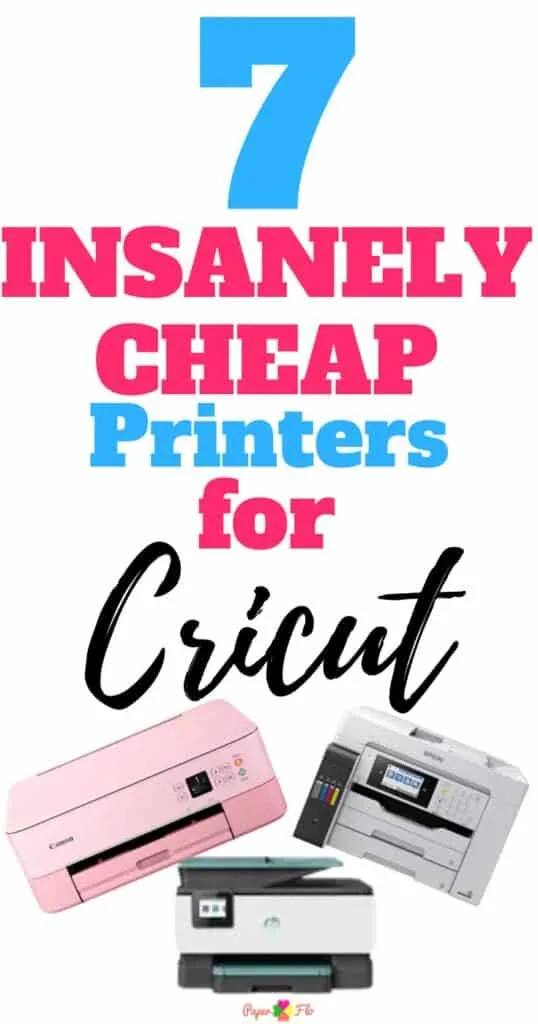
No Time to read the whole post? Here are my top 3 picks!
- HP Officejet Pro (Great to use with your phone)
- Epson EcoTank ET-16000 (Saves on ink)
- Canon Pixma TS 202 (Best compact size)

I get commissions for purchases made through some of the links in this post. There is no extra cost to you. See my full disclosure here.
Maximizing Your Cricut Projects with the Right Printer: Factors to Consider
When it comes to finding the perfect printer for your Cricut projects, there are several factors to consider. First and foremost, you’ll want to look for a printer that can produce high-quality prints. This means looking for a printer with a high dpi resolution, as well as one that produces vibrant colors.
Pro Tip: You’ll also want to make sure the printer can handle the type of media you’ll be using, such as printable vinyl or sticker paper.
Another important factor to consider is ink usage. Cricut projects can require a lot of ink, so you’ll want to choose a printer that’s economical when it comes to ink consumption.
Some printers come with features such as instant ink or high-yield cartridges that can help save on ink costs.
Lastly, you’ll want to consider the printer’s connectivity options. A printer with wireless connectivity can make printing from your mobile device or computer a breeze, while a printer with an SD card slot or memory card reader can make it easy to print your designs directly from your camera or another device.
By taking these factors into consideration, you’ll be able to find the perfect printer for your Cricut projects.
Top Printer Brands for Cricut Printing
- HP Officejet Pro
- Epson EcoTank ET-16000
- Canon Pixma TS 202 (Canon Pixma TR, Canon Pixma G, or Canon Pixma IX)
- HP Deskjet 3755
- Epson SureColor P
- HP Envy Inspire (HP Envy Photo)
- Canon SELPHY CP 1300
Each of these printers has its own pros and cons for using with a Cricut cutting machine. You’ll find a variety of Cricut crafts that can be made with each printer. Let’s take a closer look at each of them:
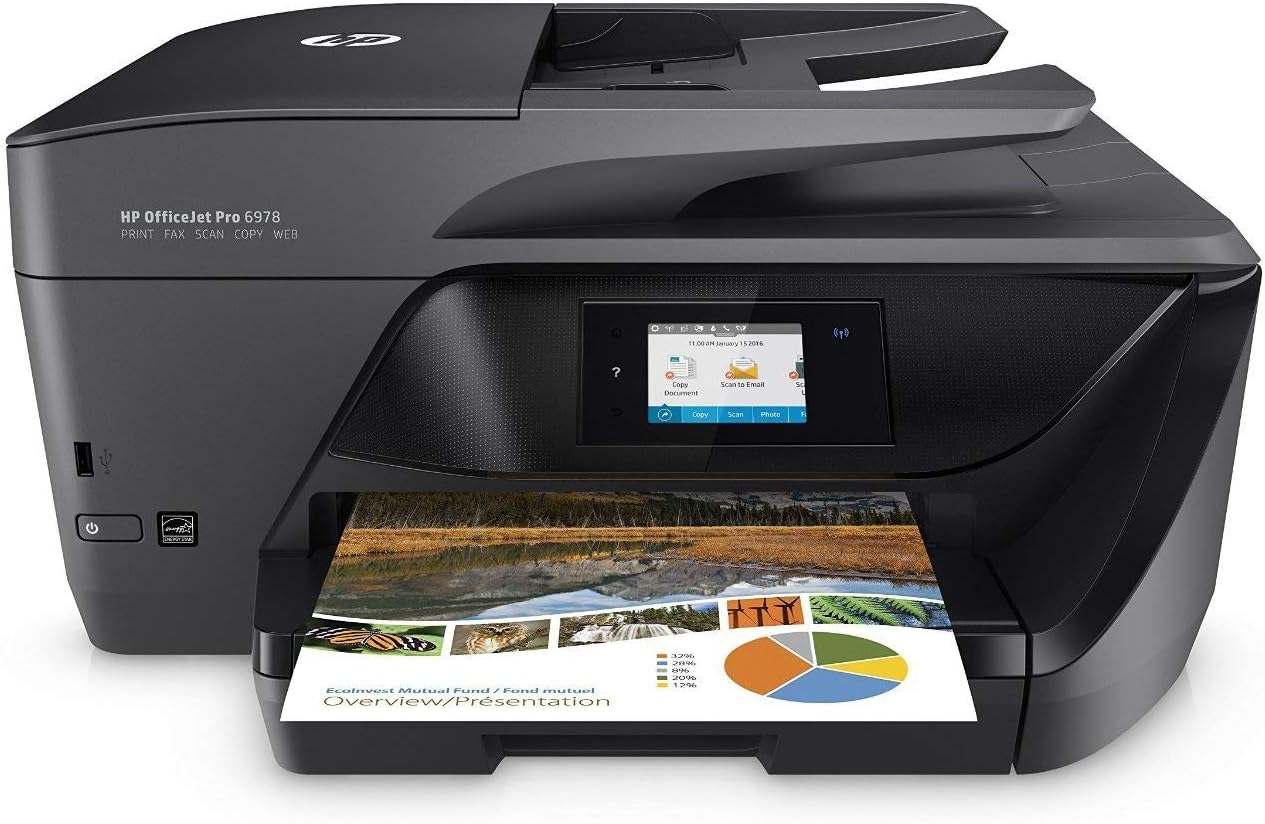
1. HP Officejet Pro
This printer is a great option if you’re looking for a wireless printer that can print from your mobile device. With Google Drive and Apple AirPrint connectivity, you can print from anywhere.
The HP Officejet Pro is known for its fast print speed and high-quality prints. The ink cartridges are easy to replace, and the auto document feeder is a bonus feature.
2. Epson EcoTank ET-16000
This printer is a great option for those who want to save on ink costs in the long run. The printer itself is a little higher priced than some of the others in the list but you’ll save on buying ink.
The Epson EcoTank ET-16000 comes with enough ink to print up to 7,500 pages in black and 6,000 pages in color.
It also has wireless connectivity, an auto document feeder, and a wide-format printer. This is perfect for making birthday decorations.

3. Canon Pixma TS202
The Canon Pixma TS 202 is a small compact inkjet printer that’s perfect for printing Cricut projects. It uses USB connectivity and is portable and lightweight. It’s also compatible with XL ink cartridges which can help save you money and print more when you need to.
It doesn’t have a scanner so you can’t do any scanning with it.
With its affordable price, it’s a great choice for those looking for a printer that can handle a variety of paper sizes and types.

4. HP Deskjet 3755
If you’re on a budget, the HP Deskjet 3755 is a good printer to consider. It’s a basic printer that can handle most print jobs, including borderless prints.
Download the HPConnect app on your phone so that you can use it via WIFI.
The print quality may not be as high as some other printers on this list, but the price point and ink costs make it a great option for those looking for an affordable printer.

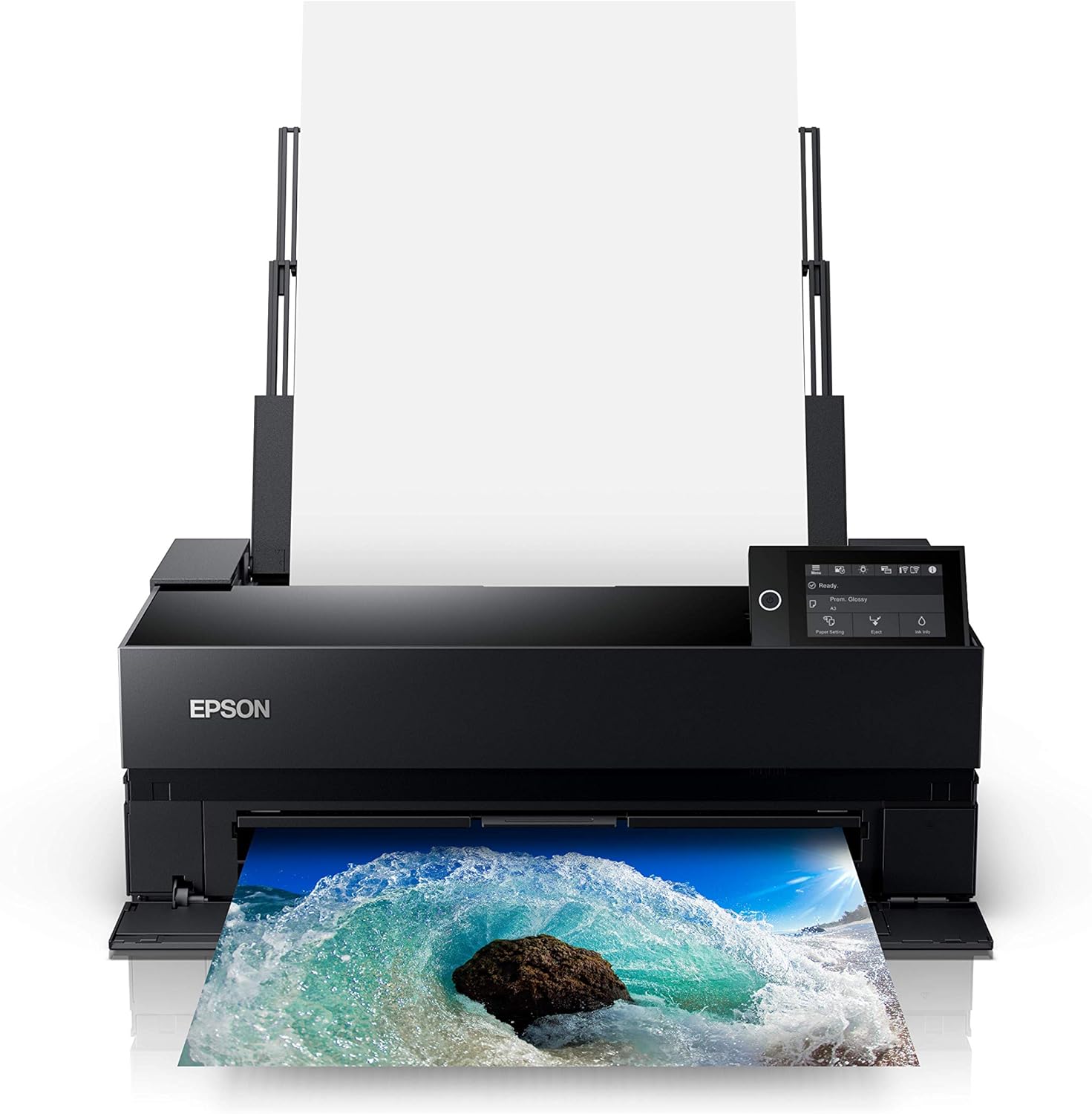
5. Epson SureColor P900
This printer is a great option for those looking for a high-quality printer that can print on different types of materials.
The Epson SureColor P 900 is a wide-format printer that can print up to 13 inches wide. This is great for printing banners and garlands.
It has a high dpi resolution and produces vibrant colors with amazing ink quality, making it an ideal choice for small businesses.
6. HP Envy Inspire
This printer is a great option if you’re looking for a printer that can print high-quality photos. With its glossy photo paper and vibrant colors, the HP Envy Inspire is a great printer for social media and other design space projects.
You can print borderless projects like full-page stickers and labels. It also has wireless connectivity and can print from your mobile phone or tablet.

7. Canon SELPHY CP 1300
This printer is a portable option for those on the go. The Canon SELPHY CP 1300 is a compact printer that can print borderless prints up to 4 inches wide. It has wireless connectivity and can print from your mobile device with the Canon Print App.
The quality may not be as high as some of the other printers on this list, but it’s a great option for those who need a small and portable printer. Think little, tiny planner stickers. Cute right?!

Conclusion
Choosing the right printer for your Cricut machine doesn’t have to make you want to pull your hair out!
Hopefully, with my list of the top seven affordable printers for Cricut, you’re sure to find the perfect printer for your needs.
Keep in mind the key features that are important to you, such as wireless connection, print quality, price point, and ink costs.
Now that you know what printer to use, check out some troubleshooting tips to connect Cricut to your computer or find out the latest Cricut projects for beginners.
FAQ
To print and cut an image with Cricut, you’ll need to select “Print then Cut” in Cricut Design Space. This will allow you to print your image on your printer and then use your Cricut machine to cut around it.
No, you don’t need special paper for print then cut on Cricut. But, you’ll probably want to use light-colored paper, cardstock, or sticker paper for your craft project.
Yes, you’ll need a computer and printer for Cricut to do print then cut projects. You’ll use your computer to design your projects in Cricut Design Space, and your printer to print your designs.
Not all printers can print on printable vinyl. It’s best to check your printer’s manual to see if it’s compatible with printable vinyl before purchasing.
