
Are you a sublimation enthusiast who’s made some mistakes while working on your projects? Don’t worry, we’ve all been there! Whether it’s a typo, a blurry image, or uneven coloring, sublimation mistakes can be frustrating.
However, with a convection oven and a few simple steps, you can fix these mistakes and have your water bottles looking flawless in no time.
If you’ve made a mistake during sublimation, it’s possible to save and reuse the water bottle.

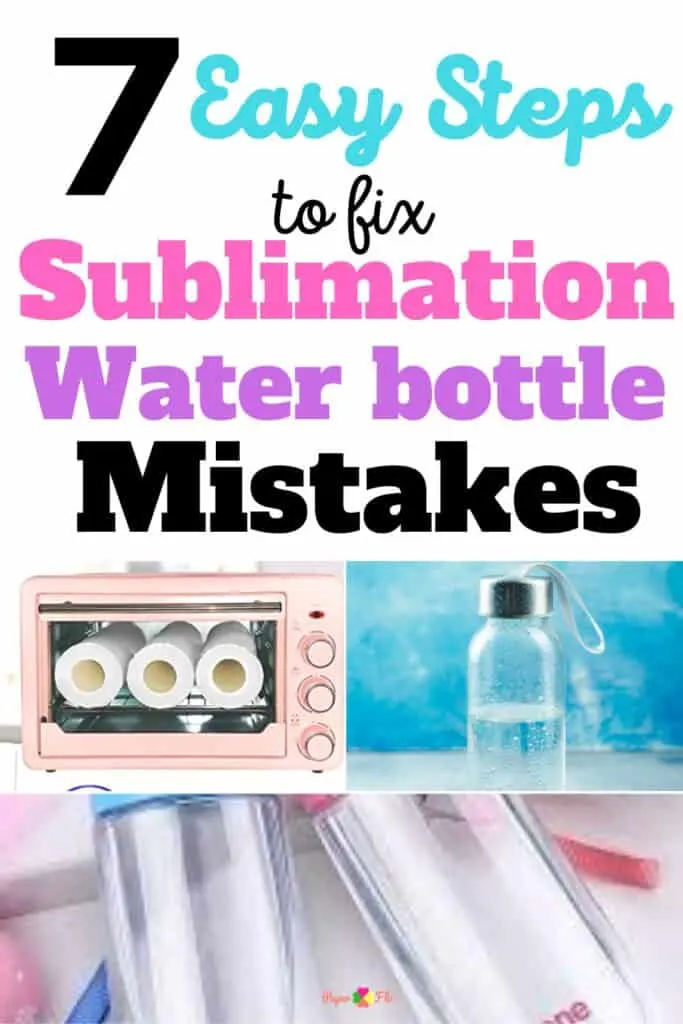
Tools and Optional Supplies
Tools:
- Water bottle (the one that you messed up)
- Convection oven
- Sublimation transfer design


What are sublimation designs?
Sublimation designs are graphic designs that use high heat to transfer the design onto a material.
Once you know how sublimation works it’s easier to figure out how to undo the process and fix your mistakes.
How Do You Remove Sublimation
Let’s say you forgot to reverse the image or put the paper upside-down. Now you’re wondering if you can remove and replace it with another design.
If you make a mistake it’s possible to save and reuse the water bottle.
The 7 steps listed below will show you how to do it quickly.
Re-bake the Water Bottle
If you’ve ever made a sublimation mistake, you know that it can be really annoying.
But you can salvage the water bottle using the magic of an oven. Yes, it’s possible to rebake it!
Convection Oven Method vs Heat Press
We’re going to need some special equipment (that you might already have) – a convection oven, to be precise.
Now, you might be wondering, “Why a convection oven? Can’t I just use my heat press?” Well, my friend, let me tell you, there’s a method to our madness. See, the reason we need a convection oven is for the even distribution of heat.
Think about it like this – if the water bottle is longer than the heat press or mug press, you don’t want to worry about having to rotate the water bottle to get all the sublimation ink off do you?
If you want to make this process as easy as possible, then use the sublimation oven so that it gets heated evenly.
Steps to Fix a Sublimation Water Bottle
- Set your oven to about 400 degrees Fahrenheit.
- Place the water bottle in a convection or sublimation oven.
- Set your timer to 60 minutes.
- Check for signs of fading after 5 – 10 minutes.
- Leave the water bottle in and keep checking it after 15 minute intervals.
- Remove the water bottle using protective heat gloves and let it cool.
- Apply a new sublimation design to the water bottle using the sublimation oven again.
Top Tip: You may need an extra 15-30 minutes to fade the existing design from the water bottle. Put it in for an initial 60 minutes and check on the progress frequently. If it’s not sufficiently faded after an hour, place the water bottle back in the oven for another 15 minutes.
Can’t I Just Use Vinegar?
This method works as an alternative to using vinegar or harsh chemicals like rubbing alcohol or acetone, which can damage the special coating that makes the water bottle able to be sublimated in the first place.
So, with a convection oven, you can rebake your water bottle and even remove the existing design with high heat, giving you a clean slate to work with.
No need for vinegar to stink up your whole craft room.
Pro Tip – Skip the vinegar step. You don’t need it to fix sublimation mistakes.
Do you have any other tips to fix sublimation mistakes on water bottles? Let me know.
Want to save this for later? Pin it to your favorite Crafts board on Pinterest!
Feel free to save this post to your sublimation tips board on Pinterest so that you can come back to it later when you need it.
Conclusion
When it comes to removing a design, a convection oven is your best friend. With its even distribution of heat, you can rest assured that your bottle will come out looking as beautiful as ever.
Plus, with the added bonus of being able to remove a design with high heat, you can unleash your inner artist and let your creativity run wild.
So go ahead, grab that convection oven, and let’s get to baking (and rebaking)! Cheers to a perfectly crafted water bottle!
Have you been using your kitchen oven and you’re ready to upgrade? Check out my post on these top sublimation ovens.
