
Blessed FREEBIE FRIDAY CUT FILE

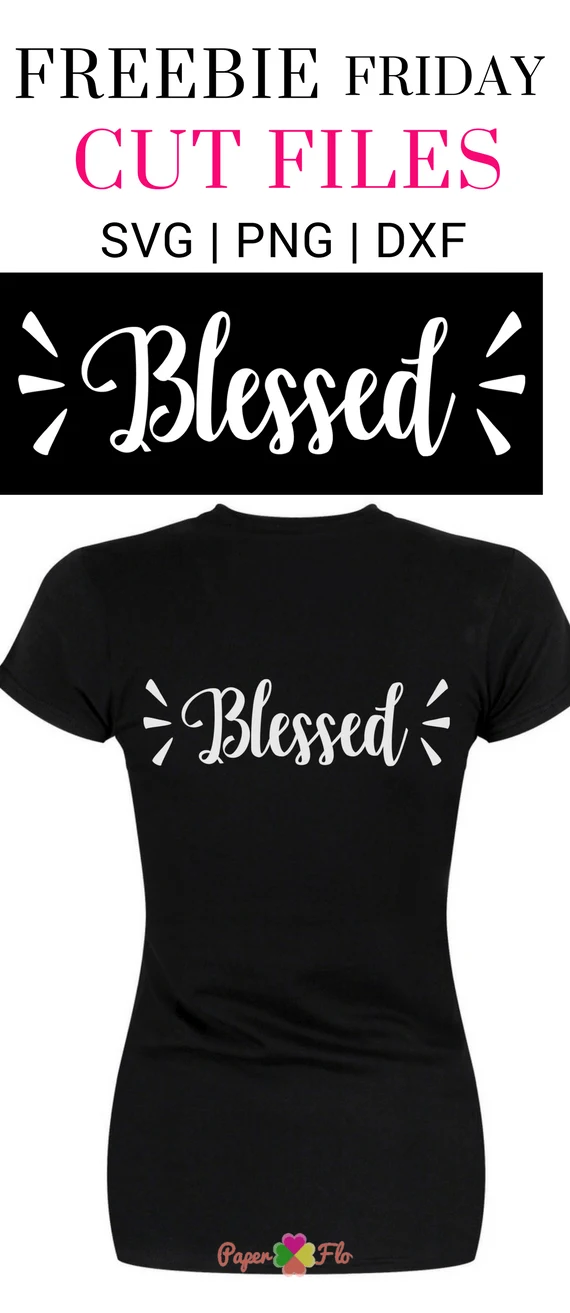
It’s Friday and you know what that means, it’s time for another free svg file. Find the inspiration and motivation to pick up your day with this blessed svg cut file.
With the help of your cutting machine, here are a few ideas of what you can make with this svg.
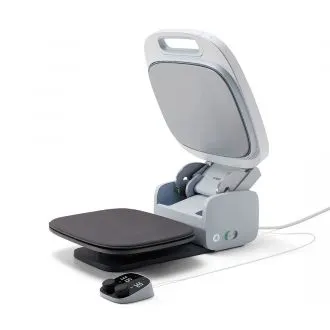
- Grab your Cricut autopress, some iron on transfer paper and make shirts for your church group or prayer circle.
- Use label paper to turn it into a sticker; put it on a personalized notebook to make a motivational gratitude journal.

This svg is available for personal use only. If you would like to use it for commercial purposes, you can get it from my Etsy shop, Paper Flo Design.
Pin this before downloading to share the love please!


[scriptless buttons=”pinterest”]
You’ll get the following files
- SVG
- PNG
- DXF
Need Help With the SVG File?
Need help with the svg files? Click on any of the links below to find answers to your questions.
- How to unzip files
- how to open svg files in silhouette studio
- how to open svg files in cricut
- learn how to use Silhouette
- learn how to use Cricut
The files come in SVG, PNG and DXF file format so you can use them with most cutting machines like Silhouette or Cricut. For Silhouette, you’ll need the Designer Edition software to be able to use the svg file.
Related:
3 Easy Ways to Add Text to an Image
10 Girls Night Out Craft Party Ideas
How to Unzip Files

3 Easy Ways to Add Text to An Image
|

10 Girls Night Out Craft Party Ideas
|

How to Unzip Files
|
