Thinking about making your own cut files? If you’re a newbie then you need to know the 3 things not to do with svg files.
There are 3 key rules to follow to make sure that you succeed with your designs.
Scroll to the end for the full video
Is it hard to make SVG files?
I decided to write this post because I get a lot of questions about designing files from new crafters that want to get started but are intimidated because they are not techy or not artists.
The truth is, neither of those is the most important aspect when it comes to making svg files. The tips are simple but easy to overlook.
Once you know them, you only need to remember to use them in order to make life much easier for yourself.
So let’s take a look at the must-do steps to draw svgs.
Forgetting to save
I love making svg files with Inkscape because it’s a professional program and it’s also accessible to anyone because it’s open source.
But, I also know that software programs can crash or get viruses.
Save yourself the headache by saving your work as you go along.
Burning out
In the beginning, when you’re first drawing you’re so excited and you want to make them all the time. You don’t want to run the risk of burning out.
Use a timer to pace yourself and keep track of what you’re doing and when. This doesn’t have to be complicated; you can use a free online timer like Toggle. The app has a Chrome extension so that you don’t have to spend time looking for it when you need it.
I like to use it for my own accountability. If you’re thinking about becoming a freelance graphic designer this would be a handy way to keep track of the time you spend making designs for clients.

Avoid copyright infringement
It’s best to avoid copyright infringement whether you’re a new or experienced designer. Now, I’m not a lawyer so this is definitely not legal advice. In a nutshell, the copyright of a drawing or design belongs to the artist that made it.
If you are planning on selling your designs on Etsy or other online marketplaces, I suggest you look after their terms of service.
These are the rules and conditions that explain what you can and cannot do in terms of selling drawings and design products on their platform.
I get commissions for purchases made through some of the links in this post. There is no extra cost to you. See my full disclosure here.
Three things not do with SVG Files
1) Forget to save and use backup storage like a hard drive and cloud storage.
An easy way to save and backup your files is to use a hard drive like this one from Toshiba. You get 1 TB of space on it.
2) Burn out – Set specific times to practice – 25 to 30 minutes a day or 1 to 2 times a week.
I like to use this timer from Toggl timer to keep track of how long I’m working on a project. That way, I also know how long it takes to make a single design and I can plan for any future designs.
3) Perform copyright infringement by using designs that have a copyright. See the two sites below for a better understanding of copyright policy and how it relates to online creators.
How to Get on the Right Track
So now that you know what not to do, try to use these tips to guide you when creating new files.
Your mind is full of wonderfully creative ideas that people are waiting to get their hands on.
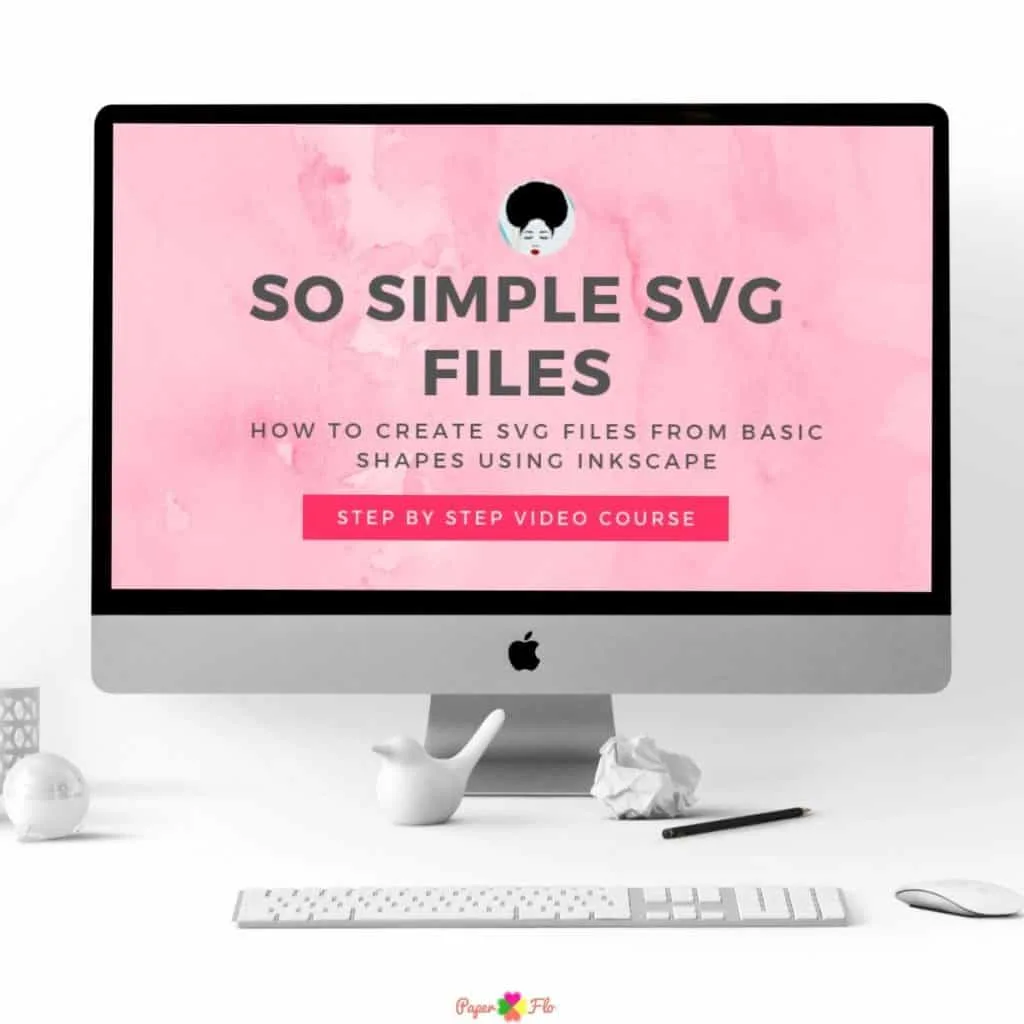
If you’d like to start making your own svg files but don’t know where to start, then check out my So Simple SVG Files course.


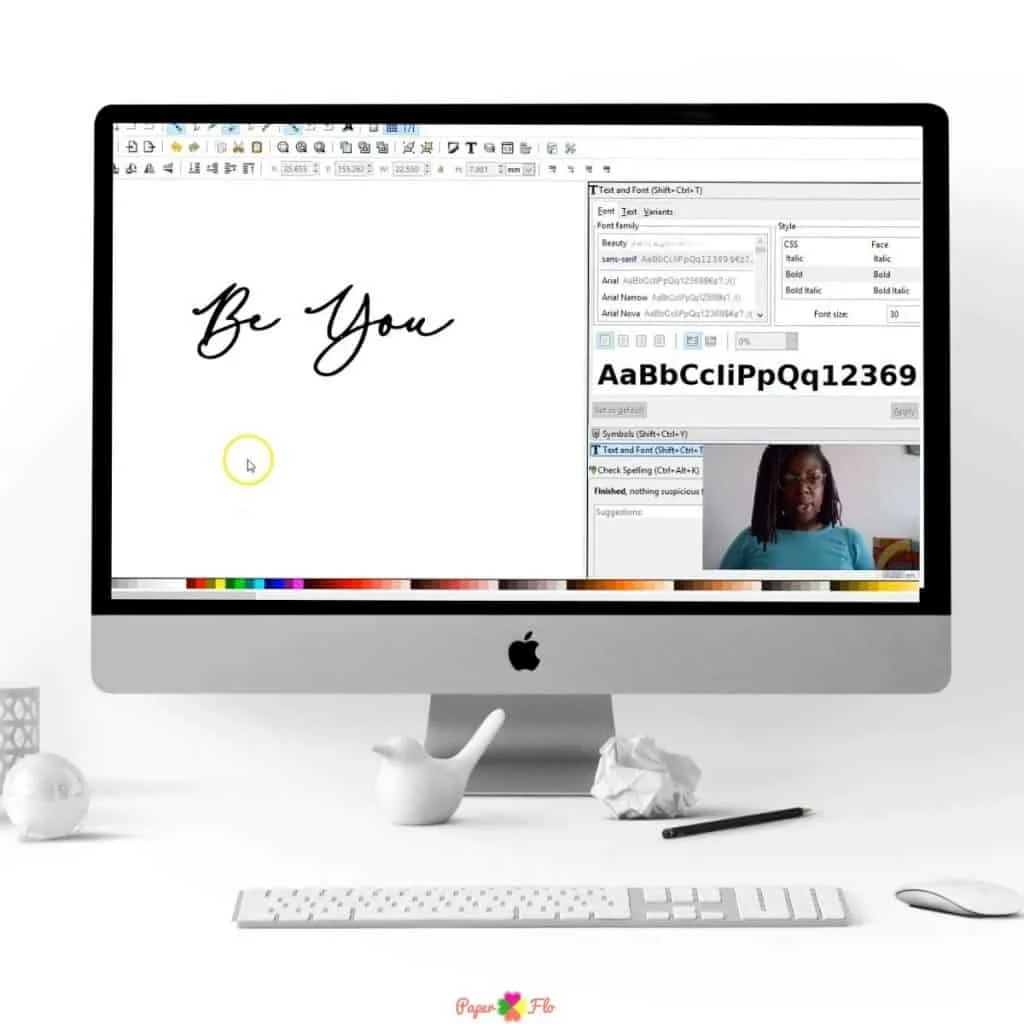


“I recently purchased a Cricut Maker and started making epoxy tumblers and t-shirts to get ready for this year’s Christmas gifts. I’ve given away everything I’ve made and people started asking me to make them personalized tumblers and t-shirts and they pay me. So this is my motivation to learn how to make SVG files.”
– Charna Pettaway, student of So Simple SVG Files
3 Things NOT to do with SVG Files


Thinking about making your own cut files? If you're a newbie then you need to know the 3 things not to do with svg files.
There are 3 key rules to follow to make sure that you succeed with your designs.
Instructions
Remember to save and use backup storage like a hard drive and cloud storage. An easy way to save and backup your files is to use a hard drive like this one from Toshiba. You get 1 TB of space on it.
Do not burn out - Set specific times to practice - 25 to 30 minutes a day or 1 to 2 times a week. I like to use this timer from Toggl timer to keep track of how long I'm working on a project. That way, I also know how long it takes to make a single design and I can plan for any future designs.
Avoid copyright infringement by using designs that have a copyright. See the two sites below for a better understanding of copyright policy and how it relates to online creators.
Ready to make your own svg files but don’t know how, then check out my So Simple SVG Files course.
Recommended Products
As an Amazon Associate and member of other affiliate programs, I earn from qualifying purchases.