
If you make graphic designs for your DIY crafts, then I bet you’ve thought about how to use Inkscape to make those designs.
A beautifully designed image is everything when you want to stand out from the crowd. Especially if you’re thinking about selling your crafts. The difference between having a pretty or just OK design can make or break your project. These days, graphics form an integral part of basically everything.
Ever wondered how to achieve a perfect image for your project? Well, look no further than a graphic designing software like Inkscape.
With countless such software on the market, it can be a daunting task narrowing down your choice to one that will best suit your design needs.


Enter Inkscape
Inkscape is a fantastic graphic editing tool that will get the job done, whether you are a rookie or a seasoned graphic designer.
Understanding Inkscape
Inkscape is open-source software that can be used free of charge. It is a vector graphics editing software that makes images in svg (Scalable Vector Graphics) format.
You can install the software on Linux, Mac, OSX, and Windows operating systems.


Advantages of using Inkscape
The outstanding advantage of this software is that it is free, which gives you access to a great editing tool on a budget. Another bonus is that it is open-source, and this allows the user to edit the code and make improvements to the program.
Images edited using this software have an unlimited resolution, thus are of excellent quality. While it uses the standard SVG file format, Inkscape can import and export various file formats like PDF, EPS, and PNG.
It also has an easy user interface, supports multiple languages, and can be used on even the most basic computers as it has minimal system requirements.


Can beginners use Inkscape?
The answer is yes. It is easy to understand and will be easy to use even with no previous designing background. Many online tutorials help beginners navigate around the software.
How do I use Inkscape?
When you open Inkscape, you have the canvas on the center of your page and the different tools on the left-hand pane of your screen. All you have to do is select the tool you need and drag it onto your canvas.
You can also upload an image onto your canvas and edit it according to your needs. The easiest way to get the hang of it is to experiment with the tools and familiarize yourself with them. Explore the creative genius within yourself as you try out the tools available in Inkscape.


What can I do with Inkscape?
This software is so versatile and can be used to design so many images. If you make crafts with a Cricut or Silhouette, you can use Inkscape to make your own designs.
By the way, if you make crafts by hand and you’re wondering what is Cricut, it can save you time and open up lots of possibilities for making crafts that you never even tried. I have a whole blog post on that too.
So, with Inkscape, you can use the program for artistic and technical graphics, from cartoons and digital scrapbooking paper to logos, flowcharts, banners, posters, and other marketing media.
I mainly use Inkscape to make digital drawings. You can see the video below of how to draw a daisy in Inkscape.
How do I design in Inkscape?
Number one, download Inkscape onto your computer, then start the program. The first step to any project is to outline your desired objective and map a way to achieve your chosen end product.
With the different design tools available on Inkscape, you can select a shape and resize it, add dimensions, colors and fillers to it, as per your specifications. You can also import images from other sources and edit them accordingly.
Learn how to design in Inkscape with my So Simple SVG Files course.


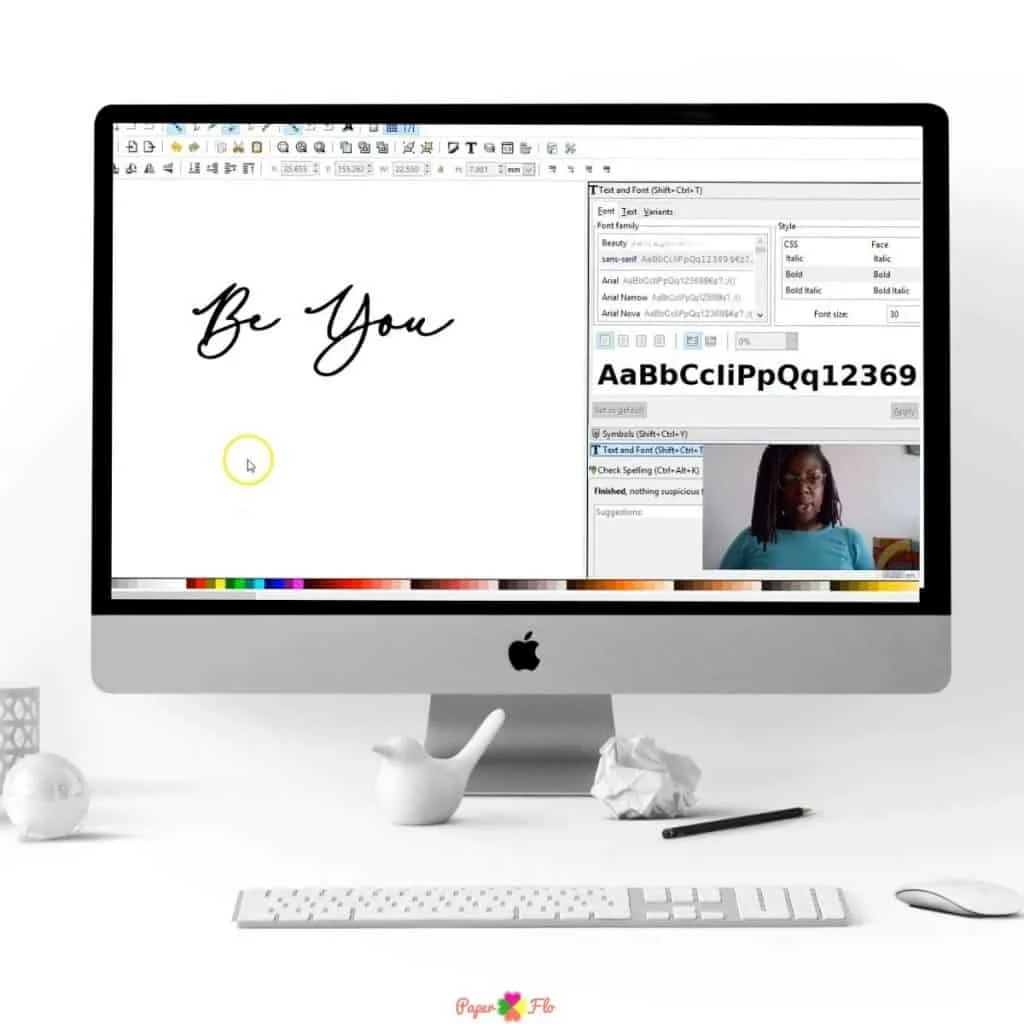


As you use the program often, you will become familiar with other editing tools available to create your piece. When you’re finished, save and export your design.
Ultimately, practice makes perfect. When in doubt, check out some of my online drawing tutorials that give step-by-step instructions.
I’d love it if you could share this post with other crafters who may be curious about Inkscape. Click here to pin it to Pinterest.
