
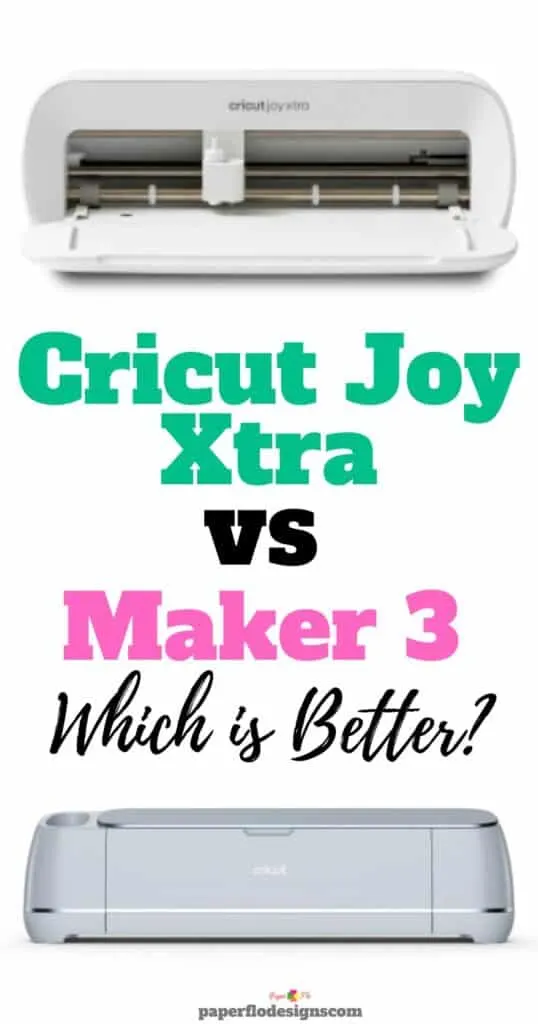
If you’re juggling a busy schedule like many of us crafters, choosing between the Cricut Joy Xtra and Maker can be as challenging as finding time for your next DIY project.
I remember the feeling all too well when I first started creating SVG files for my Cricut. With so many options and little time, it took me ages to settle on Inkscape and actually start designing.
But, just like picking the right software, selecting the right Cricut machine is crucial. In this post, we’re tackling the “Cricut Joy vs Maker” question head-on.
Whether you’re crafting for fun, thinking of starting a small business, or just looking to create those perfect, personal gifts, this post will help you find the Cricut machine that fits your needs and creative aspirations.

Creative Cricut Crafts
From stylish accessories to personalized gifts, your Cricut machine can bring a variety of creative ideas to life. Take a look at a few of them listed below.
- Bohemian-style faux leather earrings.
- Customized plant-themed coffee mugs.
- Personalized two-layered birthday cards.
Faux leather earrings

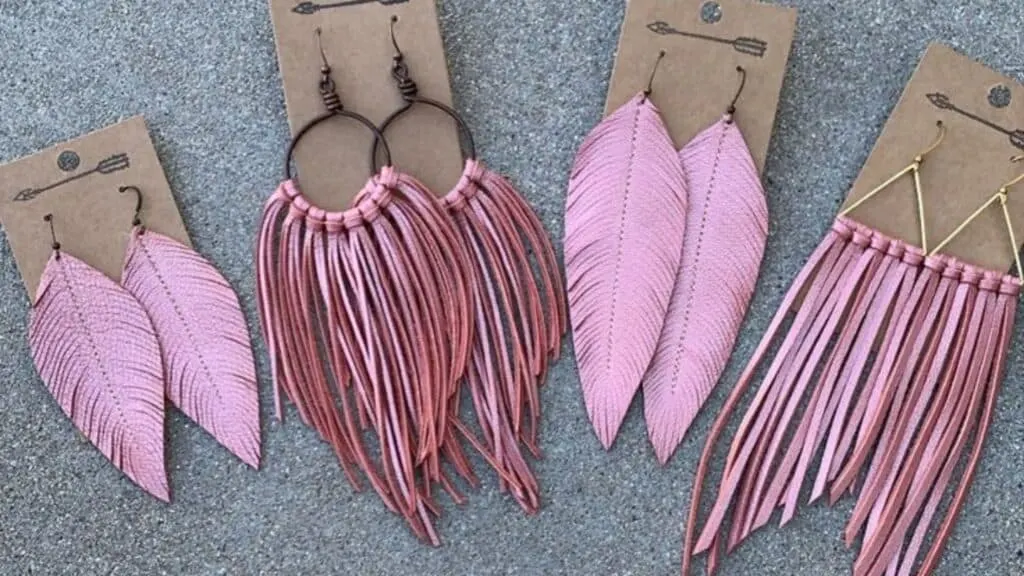
Craft stunning faux leather earrings with your Cricut machine, bringing a touch of bohemian flair to any outfit. Choose from a variety of fringe designs to create unique, eye-catching accessories that dangle with style.
Coffee mug for a plant parent

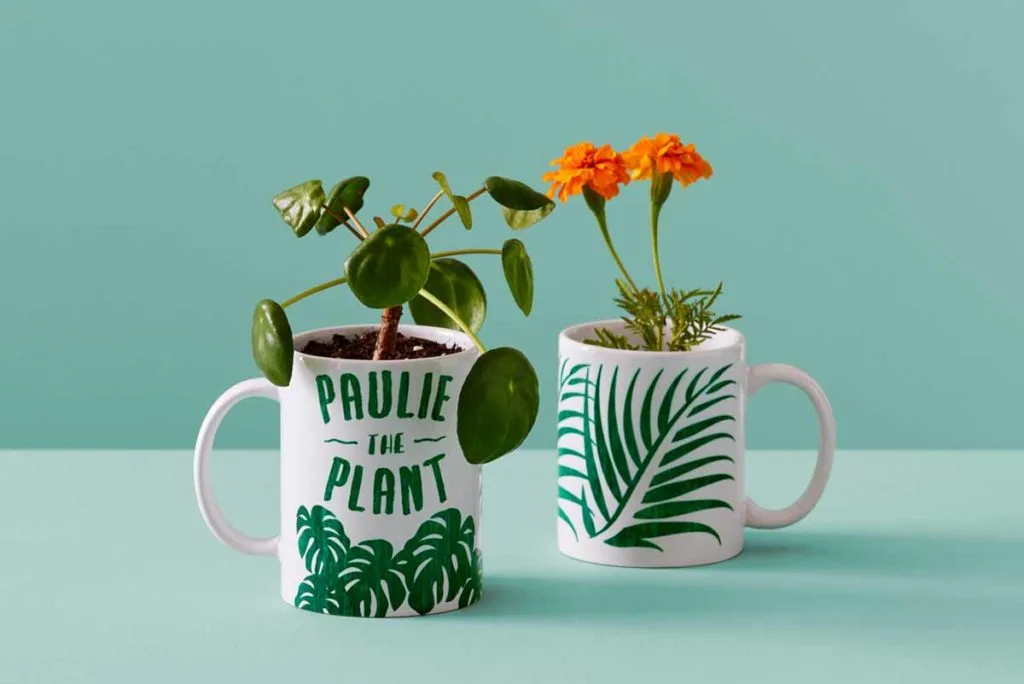
Personalize a coffee mug for the plant lover in your life using green vinyl to add intricate plant designs and their name. It’s a perfect way to combine functionality and personal touch, making their morning routine extra special.
Cutout Birthday Card

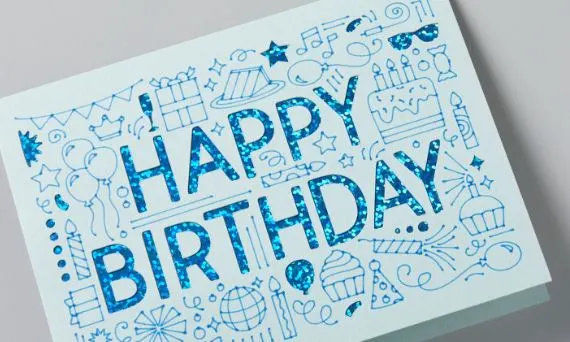
Design a two-layered birthday card that stands out with cut-out letters for a 3D effect. This personalized card crafted with your Cricut will add a heartfelt and creative twist to any birthday celebration.
Understanding Cricut Joy Xtra and Cricut Maker 3
Cricut Joy Xtra
The Cricut Joy Xtra, the baby of the family, is perfect for small projects. It’s the newest version of the Cricut Joy machines.
It can cut up to 8.5 inches wide, making it ideal for stickers, small decals, and greeting cards.
It’s the best Cricut machine for those who have limited space and prefer portability.
Cricut Maker 3
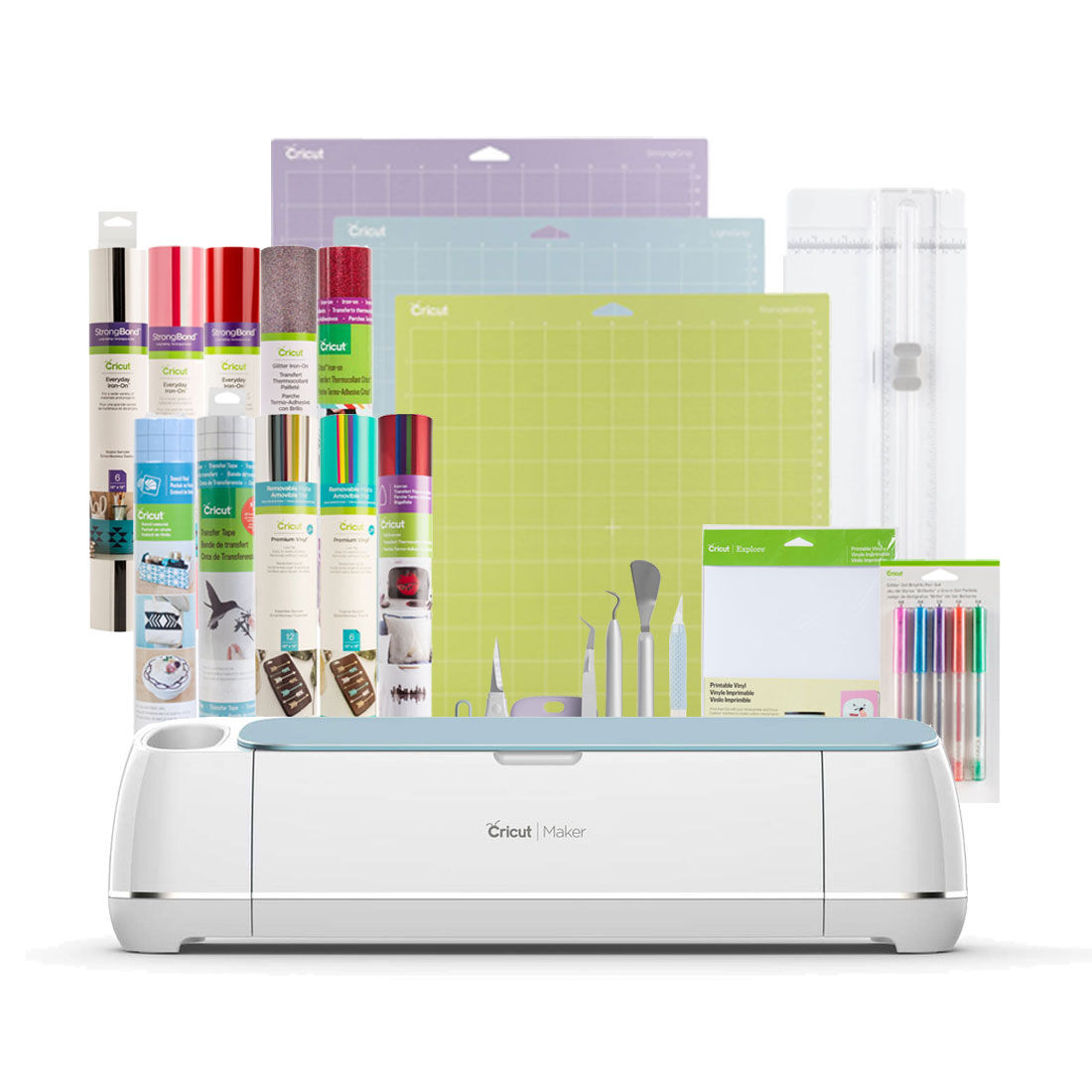
On the other hand, the Cricut Maker 3 is the top of the line for serious crafters.
It cuts over 300 different materials, including balsa wood and bonded fabric, and uses a variety of tool options like the knife blade and rotary tool.
You can even engrave thin metal with it.
This machine is the only machine in the Cricut lineup that can handle such a wide range of materials and larger projects.
Key Differences and Comparison
The biggest difference lies in their capabilities. The Cricut Joy Xtra is tailored for smaller, simpler projects, while the Cricut Maker 3 is designed for larger sizes and more complex crafts.
In terms of tool options, the Maker 3 boasts advanced tools like the fine point blade, deep point blade, and scoring stylus, offering more versatility.


What Can They Do?
Cricut Joy Xtra
Great for quick and easy projects, the Cricut Joy Xtra works well with common materials like vinyl and cardstock.
It’s perfect for creating custom cards, stickers or personalized decals.
Cricut Maker 3
For larger projects like wood signs or fabric crafts, the Maker 3 is the way to go.
Its ability to handle thicker materials and its compatibility with longer mats make it a great machine for more ambitious projects.
Use Cricut Design, a free software program, to help you make your designs. You can do things like make circle borders for your designs.
Position in the Cricut Lineup
The Cricut Joy Xtra is a fantastic second machine for keen crafters who already own one of the larger machines.
The Cricut Maker 3, meanwhile, is a standalone powerhouse, capable of catering to all your crafting needs.
Practical Crafting Applications
Step-by-step guides for both machines show how the Cricut Joy Xtra is ideal for quick, simple crafts, while the Maker 3 can be used for more complex projects like cutting balsa wood or creating intricate leather and fabric patterns.
Making the Right Choice for Your Needs
When making your final decision, consider your specific needs.
The Cricut Joy Xtra is best for those who need a compact machine for small projects, while the Cricut Maker 3 is suited for serious crafters looking to tackle a variety of larger projects.


Conclusion and Final Thoughts
This Cricut machine comparison should help you make an informed decision about the right machine for you.
Whether you’re making just as a hobby or you’re a small business owner, there’s a Cricut model that fits your unique needs.
I hope this comparison has helped you edge closer to making your choice between the Cricut Joy and the Maker. Remember, the right machine is the one that fits seamlessly into your crafting journey.
If you’re excited to start creating, why not learn about making your own SVG files in Canva for Cricut?
And if you’re just beginning your Cricut adventure, don’t miss my Cricut projects for beginners to kickstart your next projects.
Once you get good at it you can consider turning your craft into a profit, but first you’ll need to know which crafts are the most profitable crafts to sell.
