
Crafting with Cricut box templates opens up a world of endless possibilities. Want to know how? I’ll cover how to create a variety of unique and practical boxes using your Cricut machine.
Whether you’re a stay-at-home mom with a knack for crafting or an entrepreneur looking to diversify your handmade products, this post is designed with you in mind.
I can’t stress enough how much I love using templates; they simplify my SVG design process, making it easy to personalize projects for any occasion. They’re like my secret sauce.

I get commissions for purchases made through some of the links in this post. There is no extra cost to you. See my full disclosure here.
Why Choose Cricut for Box Making?
When it comes to crafting, Cricut machines are a game-changer.
The Cricut Maker and Cricut Explore Air, for instance, offer a range of features that make them ideal for creating intricate box designs.
With features like scoring wheels and fine point blades, achieving the perfect cut lines and score lines is easier than ever.
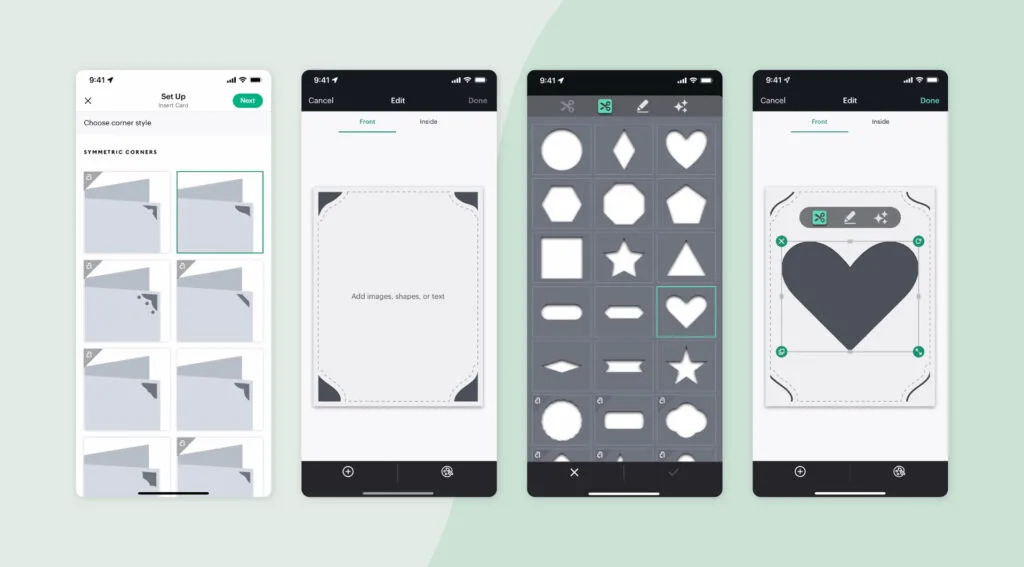
Plus, Cricut Design Space allows you to upload your own designs or use the templates in Cricut Access, offering endless possibilities for personalization.

Types of Boxes You Can Make with Cricut
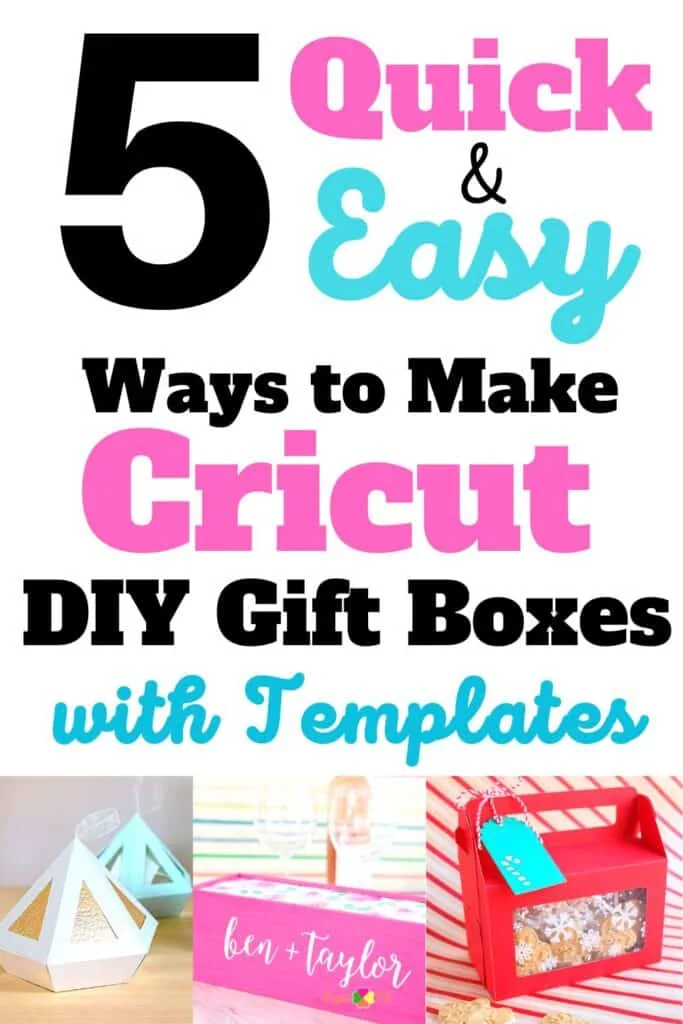
Here are some fantastic Cricut box templates that you can easily make with your Cricut machine.
1. Gift Boxes
Simple and special designs that are perfect for any occasion.
2. Wine Boxes
Classy and elegant designs that make for the perfect gift.
3. Treat Boxes
Ideal for small items like candies or trinkets.
4. Soap Boxes
Sturdy and practical designs that are perfect for homemade soaps.
5. Valentine’s Day and Bridal Shower Boxes
Seasonal and event-specific designs that add a special touch to your gifts.
The Importance of Templates
Templates are the best way to ensure you get the best results, especially if you’re crafting for the first time.
They offer a step-by-step tutorial that guides you through the entire process, from choosing the right paper size to using the scoring tool for perfect folds.
Plus, there are plenty of free Cricut box templates and free gift box SVG files available for download.
Where to Find Cricut Box Templates
You can find box template SVG files for instant download on platforms like Etsy, as well as on crafting communities on Facebook.
If you prefer to create your own boxes, Cricut Design Space allows you to upload your own SVG files for personal use.
Step-by-Step Guide to Using a Template
- Download the Template: Choose a digital template and download the SVG or PDF file.
- Upload to Cricut Design Space: Import the file and adjust the size if needed.
- Prepare Your Material: Place your paper on the standard grip mat.
- Cut and Score: Use your Cricut machine to cut and score your design. Make sure to change the operation settings for optimal results.
- Assemble: Use adhesive tape or a tape runner to assemble the box pieces.
- Final Touches: Add any additional elements like gift tags or LED strips to make your box unique.
Tools and Supplies You’ll Need
- Scoring Tool: Essential for creating solid lines and score layers.
- Fine Point Blade: For intricate paper cut designs.
- Standard Grip: Helps keep your material in place during the cutting process.
- Tape Runner: For quick and easy adhesive application.
- Bone Folder or Scraper: Useful for making crisp folds.
Community and Learning Resources
If you’re looking to expand your crafting skills, then you can check out different YouTube channels and Facebook groups dedicated to Cricut crafting.
These platforms offer video tutorials, project ideas, and a community of like-minded crafters to share tips and tricks with.
Tips for Selling Your Crafts
Are you interested in turning their crafting hobby into a small business? Platforms like Etsy are a great way to reach a wider audience. I went with Etsy when I started selling my designs and I still use it today.
Just make sure to use high-quality images of your handmade pieces and provide a detailed description to attract potential buyers.
Conclusion
Crafting with Cricut box templates is not just a fun activity; it’s a practical and creative way to make personalized boxes for any occasion.
Whether you’re a crafting newbie or if you’ve made a few already, these templates simplify the process, so that you get the best results every time.
Start crafting those unique and impressive boxes today. And if you’re looking to elevate your crafting skills even further, you’ll definitely want to learn how to outline images in Cricut Design Space.


