
Are you in the early days of sublimation and getting nothing but faded t-shirt prints? Do you need help figuring out the right way to get the best prints? Well, I’m here to share my secrets.
It’s not your printing method or your pressure settings. It’s something much simpler getting in the way of your sublimation printing!


The Heat Press Calibration Adventure
When you first start, your t-shirts may come out faded, and you may be almost ready to give up. Don’t give up just yet.
If you’re struggling with faded prints, here’s what you need to know:
What Temperature Should Sublimation Be?
The heat press settings are the key. The correct temperature plays an important role in the sublimation process. After much trial and error, I found the sweet spot to be between 380°F and 400°F.
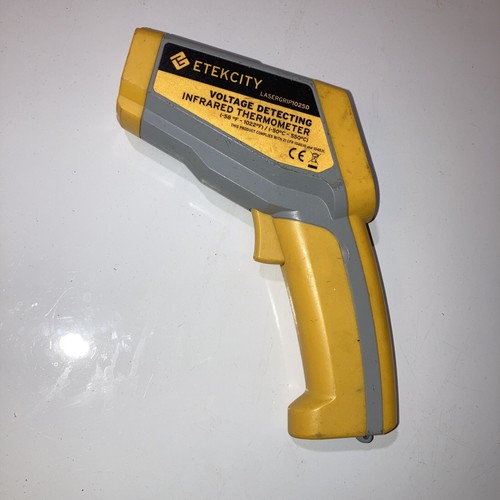
Just so you know, the temperature that’s showing on the screen may not be 100% right. The best way to check is to use an infrared thermometer.
But remember, every machine is different. It’s a good idea to start at a lower temperature and gradually increase it until you achieve vivid colors on your sublimation shirts.
I get commissions for purchases made through some of the links in this post. There is no extra cost to you. See my full disclosure here.
What Color Mode is Best for Sublimation?
When it comes to color, the ICC profile is your best friend. Always check that your designs are in the CMYK color mode for the best results.
RGB might look great on screen, but CMYK ensures your sublimation images have that full color pop on polyester fabric.

Avoiding Common Sublimation Mistakes:
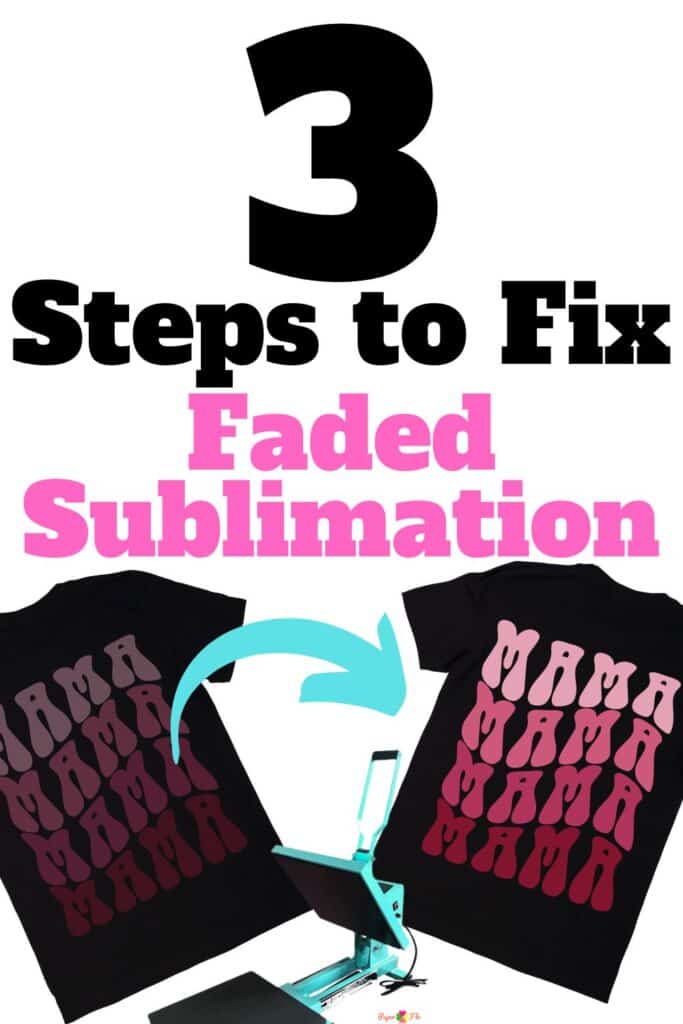
One common issue newbies face is the fading of sublimation prints. Here’s what I learned:
- Direct Sunlight & UV Rays: Keep your sublimation blank away from direct sunlight. UV rays can fade the colors over time.
- Ink Quality: The difference between high-quality sublimation ink and low-quality inks is night and day. Invest in good ink; it’s worth it.
- Washing Tips: Some people like to pre-wash their blanks shirts in the washing machine before using them. But it’s not required. Always wash your printed items in cold water with mild detergents. Avoid hot water and harsh detergents as they can fade the prints. And remember, fabric softeners are a no-no!
Materials Matter
- Polymer Coating: For items like mugs, they should have a polymer coating. This coating plays an important role in getting the sublimation dyes to transfer correctly.
- Paper Quality: Always use high-quality sublimation paper. This way, you’ll get better results in the heat transfer process and vibrant prints.
- Fabric Type: Polyester material is the best for sublimation. The polyester fibers absorb the ink, resulting in long-lasting sublimation prints.
Conclusion
Mastering the sublimation printing technique is not about having some secret magical powers.
But with the right knowledge, you can avoid common sublimation mistakes and get high-quality prints every time.
If you’ve got more tips or questions, drop them in the comments. Let’s learn together and help each other out.
More Sublimation Design Ideas
T-shirts aren’t the only thing that you can design, check out these other materials that work for sublimation.
There are all kinds of objects that you can use. As long as they have a compatible surface, the print will be bright and permanent.
A great way to make sure that your design lasts a long time is to use the best sublimation printer that fits your budget.h
FAQs on Sublimation Printing
Why are my sublimation prints faded?
The fading of sublimation prints can be due to various factors. One common issue is the incorrect calibration of your heat press. Even if you believe you’ve set the correct temperature, it might not be calibrated correctly.
How can I calibrate my heat press?
To calibrate your heat press, you can use an infrared gun to measure the actual temperature. Adjust the temperature settings on your heat press until the infrared gun reads the correct temperature.
What temperature and time settings should I use for sublimation printing?
The ideal temperature for sublimation printing is between 380°F and 400°F, with a pressing time ranging from 40 seconds to a minute and 10 seconds. However, these settings may need to be adjusted based on your specific needs.
