
Muse vs Glowforge, are you thinking about buying one of these laser cutting machines?
With the rise of 3D craft projects on website marketplaces like Etsy and Amazon, it’s no wonder that laser cutting machines are getting so popular.
They are great for small businesses and stay-at-home parents just working on their hobby in between nap times.
Lots of DIY hobbyists are scooping them up as soon as the newest one comes out.
I’m sure that you’re thinking about getting one. But which one is right for you?
In this blog post, I’ll cover the software, the speed, the design community, and of course the price of each of these well-known brands.

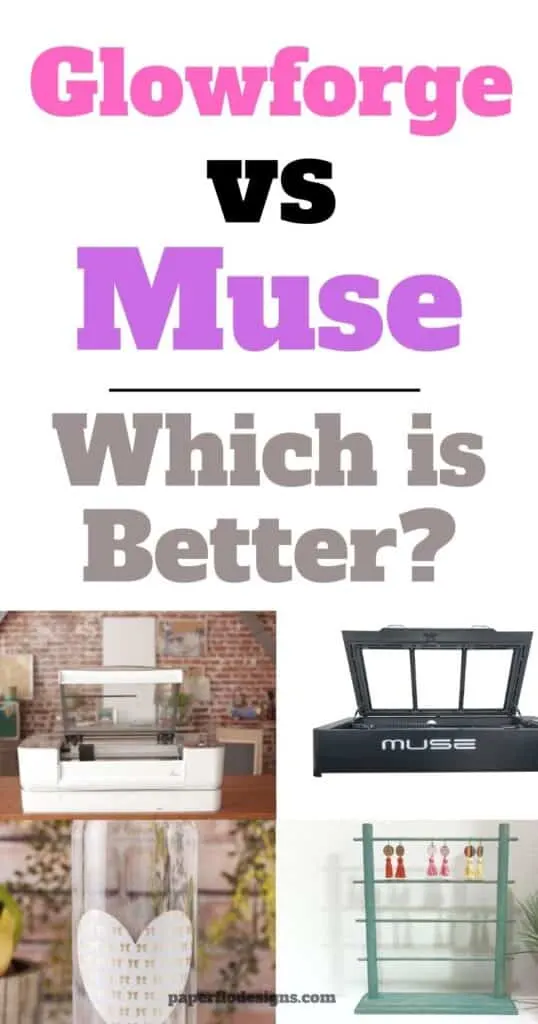
Glowforge – what to know about it
The Glowforge is an all-in-one laser cutting printer that uses a high powered laser beam to cut and engrave in various materials like wood, glass, acrylic, leather, paper, and some metals like aluminum.
It has a built-in camera to help you read the vector files, see a live preview and make your craft projects with ease.
There are 3 different categories.
These are:
- Glowforge Basic
- Glowforge Pro
- Glowforge Plus
Here are some of the projects that you can make with them:
- wood signs
- original art
- engraved tumblers (there’s a tip further below about how to do that)


I get commissions for purchases made through some of the links in this post. There is no extra cost to you. See my full disclosure here.
Muse – what to know about it
The Muse 3D has a standard laser tube of 40W CO2.
The Muse laser series is one of the leading desktop laser cutting and laser engraving machines on the market. They are known for their ease of use and exclusive features.
They have 3 types of laser engraver machines.
- Muse Core
- Muse 3D (best selling)
- Muse Titan
Three things that you’ll love about the Muse 3D are:
- Removable floor to engrave on material larger than the internal work area
- Wireless compatibility – Ability to connect through a local network without an internet connection
- 3D Camera option that scans every pixel for better precision and has an autofocus feature.
It can cut and engrave glass, paper, cardboard, leather, fabric, and more.


1. Engraving Ability and Software
Engraving
The Glowforge can make a 3D engraving with a resolution of up to 1355 dpi (dots per inch), while Muse engraves up to 1000 dpi resolution.
This means the Glowforge will produce more detailed images than the Muse.
Apart from the camera system, Muse has a built-in mechanical sensor to adjust to the thickness of the material.
This will help you move more quickly between engravings. The lcd screen also allows users to control major functions right from the machine.
Software
Just like Glowforge, the Muse design software, called RetinaEngrave, works with Windows, MacOS and Linux operating systems.
The RetinaEngrave laser cutter software is integrated in the machine. Although you can access it using any web browser, it’s recommended to use Google Chrome.
2. Price Range
If you’re looking for something affordable, the Glowforge laser cutter is your best bet. The starting cost for the Basic model is $3995, compared to $6,499.00 for the Muse.
3. Design Community
It’s always good to be part of a community when you’re starting something new.
Glowforge has a community forum where you can get ideas, share your designs, and show off your finished projects with other members!
Have a question about whether or not you can use non proofgrade materials? Ask in the forum and you’ll get an answer right away. It’s like having easy access customer service at your fingertips.
The Glowforge community also shares lots of free laser designs for you to use.
Finally, you can schedule a virtual one-on-one product demo with one of the Glowforge experts to see the machine in action.
Muse has a weekly show called Inside ‘The Laser Lab’ on their Facebook channel that airs every Wednesday. You can use the live chat to get answers to your laser questions and hear from laser experts.
While there is no online community run by Muse, you can find blog posts, examples of projects, and videos on their Full Spectrum Laser Tips page.
4. Design Speed
Glowforge is a leader in the laser cutter market. It’s also one of the more popular options available.
It gives you the ability to make a wide variety of 2D and 3D projects
Just like anything else, there are some cons to it too.
First, the Glowforge has a waiting period between projects. What does this mean?
It means that there is a cooldown cycle that happens after each project. It typically takes about 1-2 minutes.
While this is not a deal breaker, just take it into consideration if you want to print lots of projects at the same time.
Tip: Use the Glowforge Draft Board instead of your own materials to test projects.
5. Additional Features
Lots of people like to make custom cups and tumblers. You can personalize them with a name, a monogram or a combination of those and pretty graphic designs.
To make these you’ll need a rotary tool that allows for cylindrical objects such as cups to be engraved.
Neither machine includes a rotary attachment.
Glowforge machine users have come up with different ways to get around that.
The Muse 3D laser printer has an optional rotary attachment. This doesn’t come with the basic models so you’ll have to purchase it separately at an extra cost of $1400.
The price point of a Muse 3D laser cutting machine is $6,499.00
Muse 3D laser machine comes with a 1 year warranty.
Want to save this for later? Pin it to your favorite DIY board on Pinterest!
No time to read and compare both machines now? Feel free to pin this post to your crafts board on Pinterest to read it later.
More creative craft ideas!
Now that you’ve read the main differences, you’re ready to pick out the best desktop laser for you. Don’t forget to check out simple ways to make money with popular laser cutters.
