
Epilog vs Glowforge, find out which of these laser cutting machines is right for you.
There is a lot to consider before choosing a laser cutting machine.
Does it have enough laser power? Is it good for personal use? How many different types of materials can it cut or engrave? How does it stack up against similar machines?
It’s a good idea to get answers to these questions in order to find the best laser cutter.
In this blog post, I’ll cover the software, the hardware, the design possibilities and of course the price of each of these well known brands.

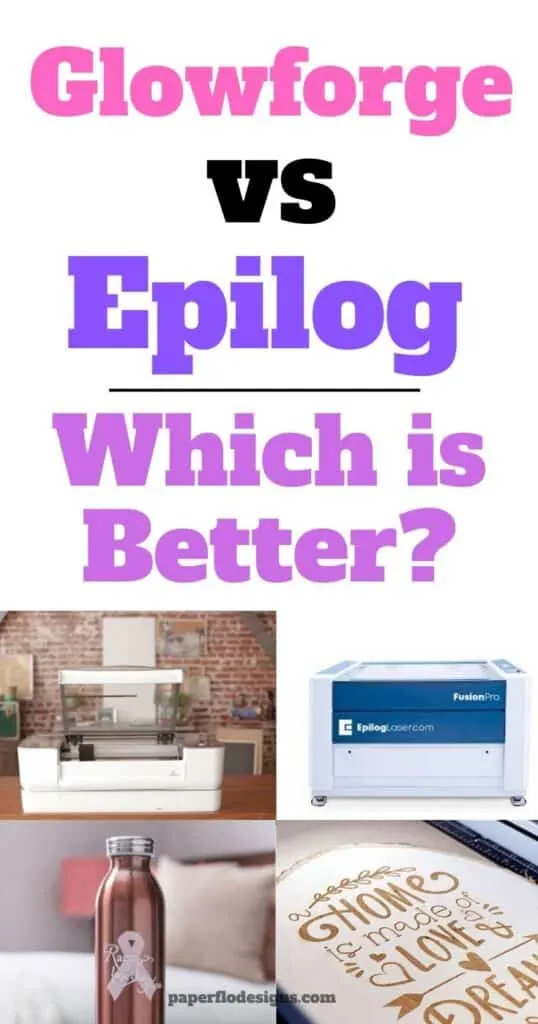
Glowforge – what to know about it
The Glowforge is a new type of laser cutting printer that uses light instead of heat to make projects.
It lets you print, engrave and score things onto different materials, and it has a built-in camera to help you read the design templates, see a live preview and make your creations right away.
There are 3 different Glowforge machines.
These are:
As you can imagine the basic is a starter laser engraver, and the pro version is an upgraded machine with a higher speed. The Plus is the deluxe version that has different features that you can’t find in the first two.
But, each one is capable of printing on, engraving, and cutting a wide range of materials like glass, wood, acrylic, leather, paper, thin plastic, and even metal.
As you can already see, Glowforge is an all-in-one laser cutter.


Epilog – what to know about it
Epilog’s newest laser machine, the Fusion Maker, was made just for hobbyists and small businesses.
It allows you to bring your creative visions to life at the touch of a button.


Epilog has 7 types of machines in three categories.
Epilog Fusion Maker (Starter Series)
- Fusion Maker 12
Epilog Fusion Edge (Business Series)
- Fusion Edge 12
- Fusion Edge 24
- Fusion Edge 36
Fusion Pro (Industrial Series)
- Fusion Pro 12
- Fusion Pro 24
- Fusion Pro 36
Three things that you’ll love about the Fusion Maker 12 are that it comes with the following:
- large engraving table (24” x 12” )
- High speed engraving capability (60 IPS engraving speeds)
- Camera Positioning System
It can cut and engrave fiberglass, acrylic, glass, leather, and more.
This is great if you want to test out different materials.
I get commissions for purchases made through some of the links in this post. There is no extra cost to you. See my full disclosure here.
1. Engraving Ability and Software
Engraving
The Glowforge can do 3D engraving with a resolution of up to 1355 dpi (dots per inch), while the Fusion Maker ranges between 75 to 1200 dpi.
This means the Glowforge will produce more detailed images than the Epilog.
Epilog has a cutting thickness of 7″ (178 mm). With that amount, you’ll be able to cut even the thickest material.
Software
Just like Glowforge, the Epilog studio software works with Windows, macOS, and Linux.
You’ll need an internet connection to upload your design files to their proprietary software program, Laser Dashboard™, Epilog Job Manager™ in order to start your project.
The following file formats will work with both machines.
- vector file (SVG)
- JPG
- PNG
- DXF
You can buy these files or design them yourself in Adobe Illustrator, Adobe Photoshop, or in an open-source software program like Inkscape.
2. Price
If affordable price is your main deciding factor, then Glowforge is an excellent choice. The starting cost for the Basic model is $3995, compared to $10,000 for the Epilog Fusion Maker 12.
Even if compared to the Glowforge Plus at $9,000, the price point of the Fusion Maker is still higher.
3. Design Community
It’s always good to be part of a community when you’re starting something new.
Glowforge has its own forum where you can get ideas, share your svg file designs, and show off your finished projects with other members!
It’s also a way for Glowforge laser owners to get feedback on their projects.
Glowforge also comes with lots of high quality simple designs for you to use right away.
Next, it’s known for its ease of use. The set up time is minimal.
Even though it has powerful high precision tools like the interior camera which allow you to drag and drop files, it’s still easier than your average cnc laser cutter.
Finally, you can schedule a virtual one-on-one product demo with one of the Glowforge experts to see the machine in action.
Epilog has influencers that post projects on their social media pages.
While there is no online community run by Epilog, you can find examples of projects and files that you can download on their Samples Club page.
4. Hardware & Maintenance
Glowforge is a leader in the laser cutter market. It’s also one of the more popular options available.
It gives you the ability to make a wide variety of 2D and 3D projects
Just like anything else, there are some cons to it too.
First, Glowforge has a cooling period between projects. What does this mean?
It means that there is a cooling system cycle that happens after each project. It typically takes about 1-2 minutes.
While this is not a deal breaker, just take it into consideration if you want to print lots of projects at the same time.
Tip: Save on supplies by using the Glowforge Draft Board to test out your projects before using the ProofGrade Materials.
Hardware
The Glowforge case is made of high-modulus injection molded plastic.
The main difference between it and the Epilog is the size.
Dimensions: 38W x 20.75D x 8.25H
You can see from the dimensions below that the Fusion Maker 12 is almost twice the height of the Glowforge.
Dimensions: 39.5W x 26.5D x 17.9H
Work Area: 24″ x 12″ (610 x 305mm)
It also has a CO2 laser tube that’s air-cooled with super-silent exhaust fans. The air assist pump is optional.
5. Warranty
The Glowforge has a solid warranty, with a 6 to 12-month warranty against defects depending on which of the three machines you choose.
I couldn’t find any information on the Epilog warranty.
The cost of an Epilog laser cutting machine starts at $10,000.
Epilog Fusion Maker 12 can cut wood up to 7 inches thick.
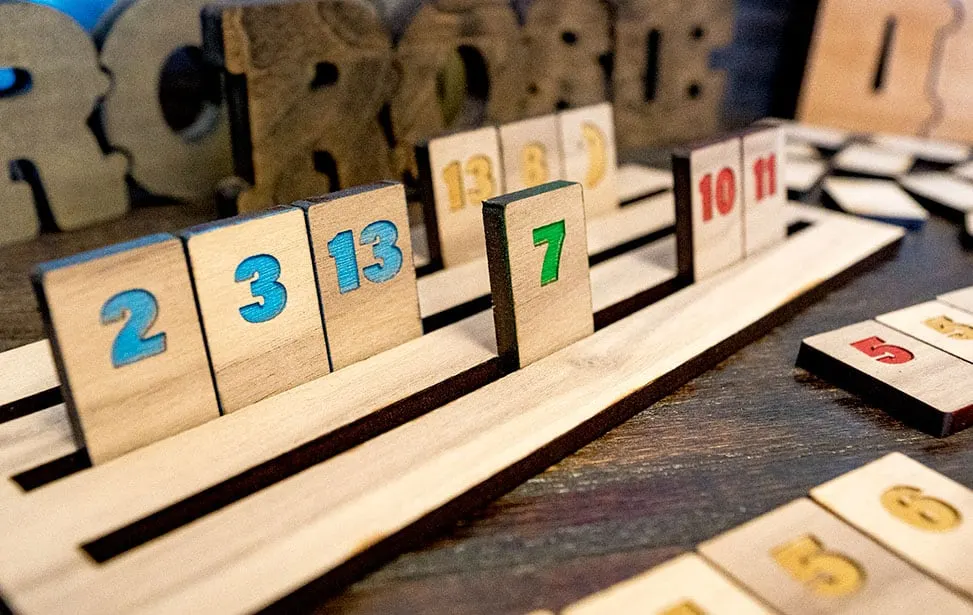
Laser engraving machines like xTool D1 or xTool P2 are a great alternative to Glowforge.
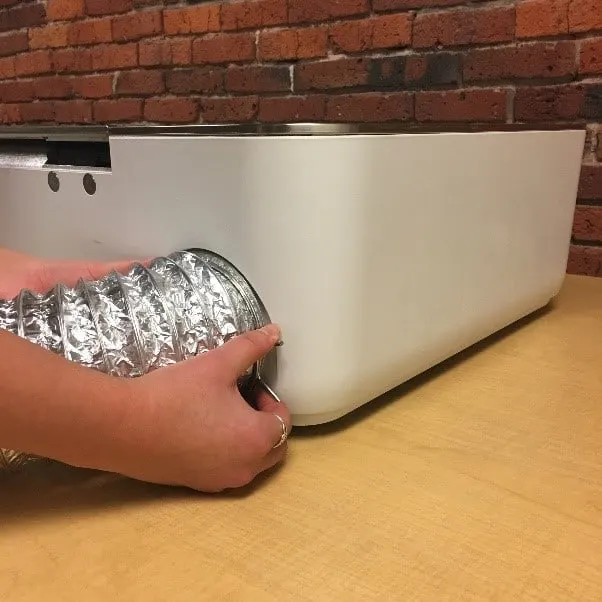
Glowforge is not a fire hazard as long as you use it in a well-ventilated room. Glowgforge also offers an add-on Air Filter to use as a separate source of extraction. 
Want to save this for later? Pin it to your favorite DIY board on Pinterest!
No time to read and compare both machines now? Feel free to pin this post to your crafts board on Pinterest to read it later.
More creative craft ideas!
Ready to start making laser cut projects? Try these easy 3D crafts for beginners.
