
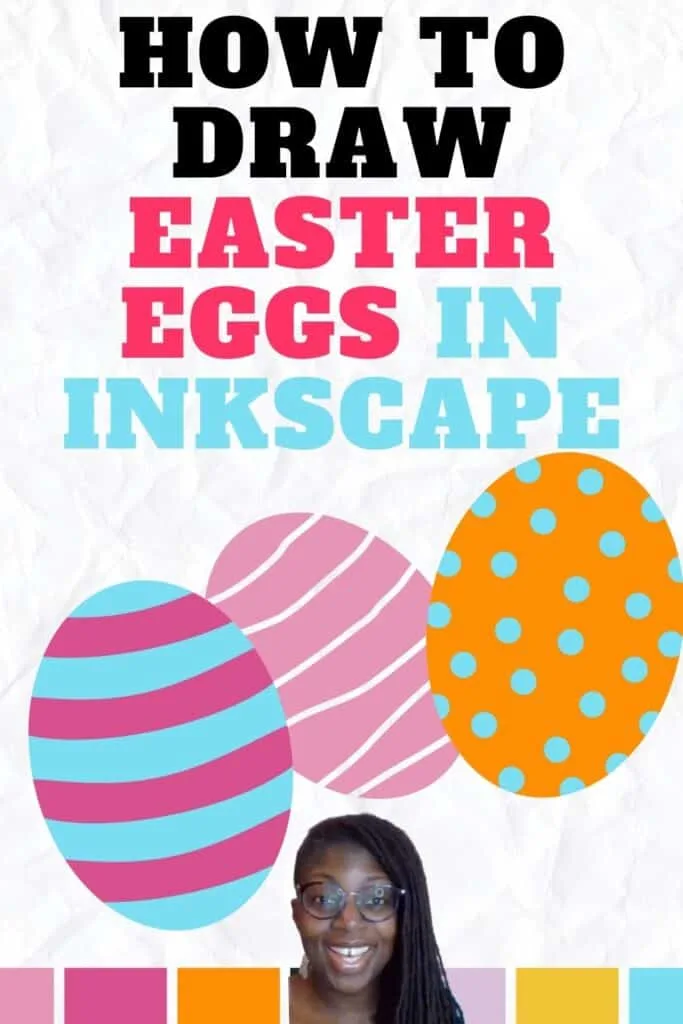
Learn how to draw Easter eggs in a fun and easy way.
You can use them to make Easter decorations for the house or to make gifts for friends.
We’ll use Inkscape to draw three different styles of Easter eggs. I like to use Inkscape on my laptop but there are lots of digital drawing web apps available for you to use online.
Take a look at what we’ll be drawing in the video below.
WATCH the quick Easter eggs drawing video
Scroll to the bottom for the free color palette
Easter Drawing Challenge
This is the second lesson in my Easter drawing challenge. See the list below to find out what to draw each week.
- Week 1 – How to draw a cute Easter bunny.
- Week 2 – How to draw an Easter egg.
- Week 3 – How to draw an Easter basket.
- Week 4 – How to draw an Easter scene.
Are you ready to make fun and original crafts for Easter? If so, you’ll want to join me in my Easter drawing challenge every Friday.
We’ll use the same color palette for each drawing in the challenge. Scroll to the bottom of the post and sign up to get it for free. You’ll become a member of my VIP club at no charge!
You’ll also get notified by email before every lesson of the drawing challenge.

Drawing Supplies
Check out the supplies we’ll be using below.
Digital Drawing Supplies
Here is a list of digital drawing supplies that I use for all of my Inkscape projects.
This is the same tablet that I used when I started learning how to make graphics and still works great.
The Inkscape Ready Set Go ebook has my favorite essential shortcuts to help you learn the program faster.
They are both easy to use and budget-friendly.
Digital Art Supplies


Graphic Drawing Tablet
Graphic tablet (optional)
Huion HS610 Pro Graphic Drawing Tablet with Pen Pressure Sensitivity


Inkscape Ready Set Go! ebook
This e-book will show you the default keyboard and mouse shortcuts of Inkscape.
These easy shortcuts will help you use Inkscape simply and quickly.
Make your designs in Inkscape with ease once you know these tips.


So Simple SVG Files course - 3 Month Payment Plan
In this video course, you'll learn how to use ordinary shapes, like circles and squares, to draw svg files with Inkscape in Microsoft Windows.


Need more holiday drawing tutorials? Find lots of ideas in the playlist below.
If you like this tutorial and want to save it for later, click the link to pin it to your favorite drawing board on Pinterest.


Frequently Asked Questions
- Q: Can you provide some tips for drawing Easter eggs?
- A: Sure! When drawing Easter eggs, start with light pencil sketches, use oval shapes as your base, and add intricate patterns or colors to make them vibrant and festive.
- Q: What materials do I need for drawing Easter eggs?
- A: You’ll need paper or sketchbook, pencils, erasers, colored pencils or markers, and, if you prefer, a ruler for precise patterns.
- Q: How can I make my Easter egg drawings more creative?
- A: You can get creative by experimenting with different patterns, using pastel or vibrant colors, and adding unique designs like stripes, flowers, or even mini scenes.
- Q: Are there any online tutorials for drawing Easter eggs?
- A: Yes, there are many online tutorials and video guides that can help you learn how to draw Easter eggs. You can find them on platforms like YouTube and art tutorial websites.

How to Make Easter Drawings - Paper Flo Designs
Friday 26th of March 2021
[…] Week 2 – How to draw an Easter egg. […]
How to Draw an Easter Bunny - Paper Flo Designs
Saturday 20th of March 2021
[…] Week 2 – How to draw an Easter egg. […]
How to Draw an Easter Basket - Paper Flo Designs
Thursday 18th of March 2021
[…] Week 2 – How to draw an Easter egg. […]