
How to Make SVG Files: 7 Easy Apps to Try Now
Why You Don’t Need Adobe Illustrator
When you’re first starting to make svg files, you need a software program that’s reliable and easy to use.
For that reason, Adobe Illustrator may not be the best choice.
I came up with a list of 7 apps to create svg files that you can try right now.


I get commissions for purchases made through some of the links in this post. There is no extra cost to you. See my full disclosure here.
WATCH 7 APPS TO CREATE SVG FILES INTRO
Find the video with full explanations, further below.
There will always be times when you are away from home but you still want to be crafty.
Maybe while you’re on vacation, at a conference, or just away for an extended period of time.
If you’ve already taken my So Simple SVG Files course, I’m sure you love creating svg files for your projects now that you know how to do it.
Are you looking for ways to create svg files that don’t require you to pay a monthly subscription for the software?
Maybe you use Adobe and you need an alternative program to make svg files.
I use Inkscape but the difficulty is that it’s downloaded to my computer.
This means that I can’t work on it when I’m away from my computer.
Which SVG Creation App is Your Crafting Soulmate?
Take this easy quiz to find your perfect SVG app match!


Why you need web based apps for svg files
For instance, when we went on vacation to California, I didn’t take my laptop with me.
I figured that I could do pretty much everything that I need to do from my phone.
I had all my most used apps, like the
- Etsy app for sellers to keep in touch with customers,
- my portable hard drive and
- the Google Drive apps where I store my svg files as backup, if I needed them.


But I didn’t have an easy way to edit svg files because I use Inkscape and the software is downloaded to my computer.
I ended up having to download the program to my cousin’s computer in order to make some minor tweaks to one design.
This is not the best option for security reasons ( I trust my cousin, she’s not going to run off with my work).
Also, it’s not very convenient to download software on someone else’s computer, plus you run the risk of annoying the owner of said computer.
If I had known about these apps and this graphic tablet that is compatible with Android devices, oh boy, I would have been set!


Before you ask, no, I wasn’t planning on working on vacation, but I would have preferred to be prepared just in case.
Just because you’re on vacation doesn’t mean that you can’t still be creative. A girl likes to have options.
So, in the name of having options, I searched for web based apps that I could use to make svg files for the next time.
I discovered these 7 apps.
The great thing is that you can use your mouse or your graphic tablet with them.
How to use apps to make svg files
In the video below, I explain what you can do with these apps and why it’s important to have a back up to the current software program that you use to design svg files.
Click to play the video with explanations



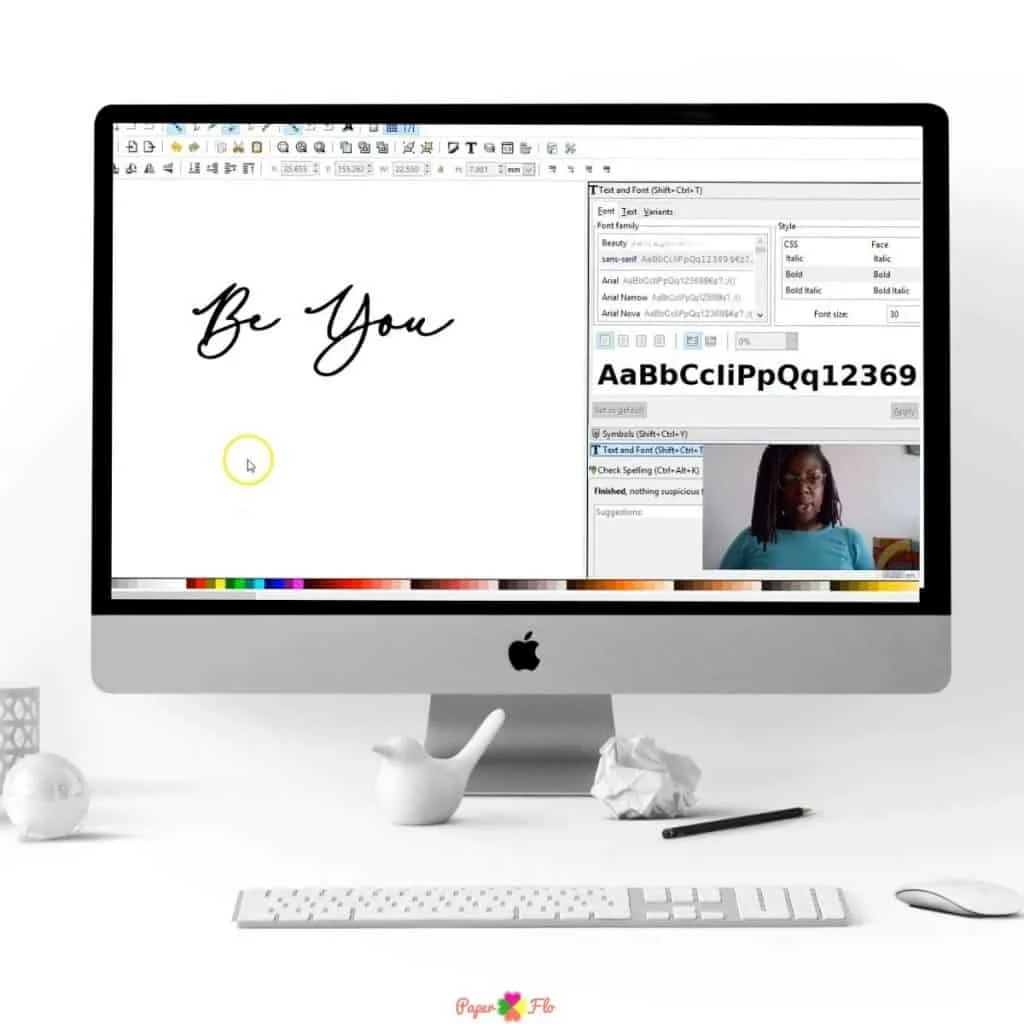
7 Easy apps to make SVG files online
To get your creative juices flowing even when you’re away from home, here are 7 web based apps to make svg files.
- Method Draw
- SVG-edit
- Vector Paint
- Drawing SVG
- Vecteezy Editor
- Vectr
- Janvas
- Boxy SVG
- RollApp / Inkscape
I included a bonus app. It’s called macSVG and as you probably guessed, it works on the Mac operating system. Yipee for all the Mac users!
Most of these apps are self explanatory. If you’ve already used Illustrator or Inkscape, these apps work in a similar manner.
The toolbars are straight forward, meaning that you’ll have menu bars that include drawing and other design tools.
You can make shapes, draw figures, change colors and click and drag objects around.
If you are adding images to your design, I suggest that you clean it up before uploading it. The easiest way to do this is with a background remover app like the one from this graphic design tool.
Try them all out to see which one you like best.
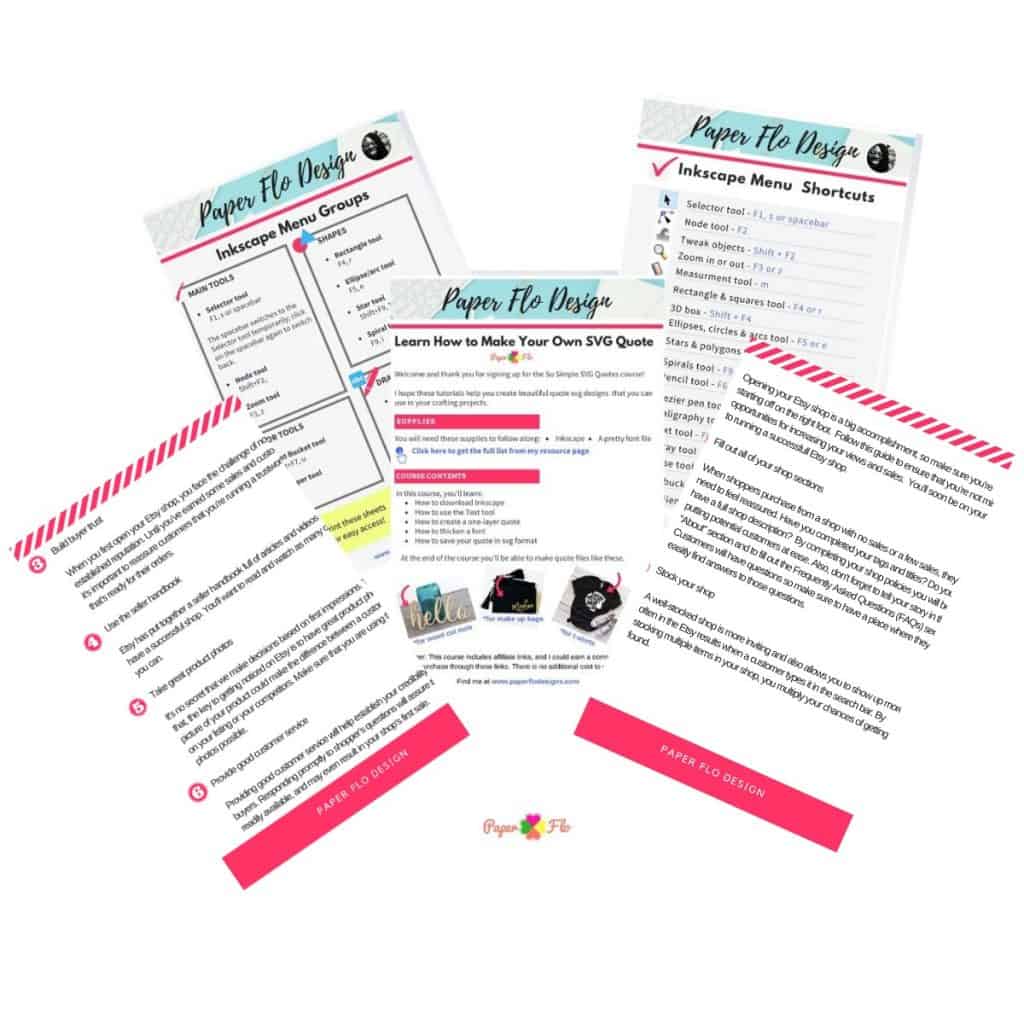
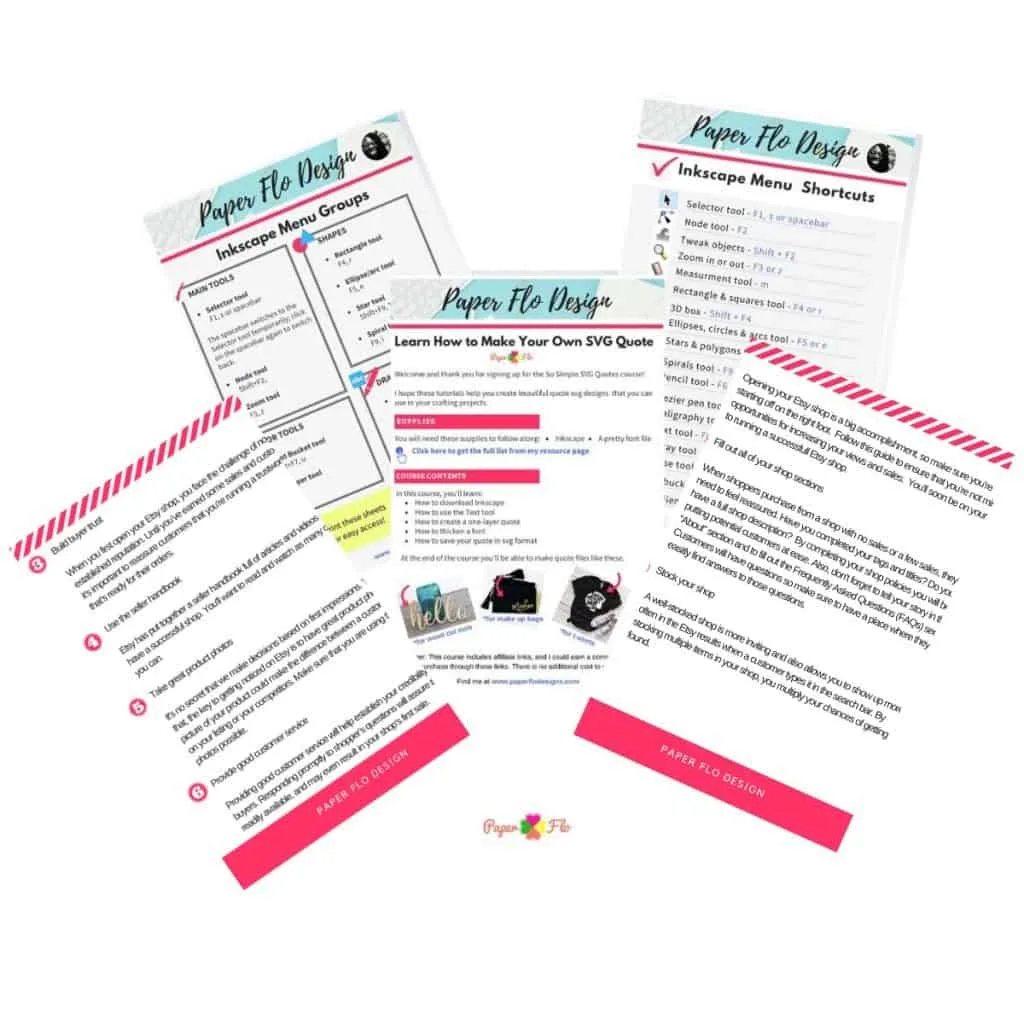
If you’re new to drawing svg designs, you’ll love my So Simple SVG Files course where you’ll learn how to make an svg using basic shapes.


I haven’t tried them all, but my favorite so far is the RollApp/ Inkscape.
I use Inkscape, so I am already familiar with the layout.
I can easily transfer the files and use them in the downloaded version without worrying if they will be compatible.
Understanding Image Types: SVG vs. Bitmap/Raster
If you’re still scratching your head over terms like “vector” and “raster”? Trust me, I’ve been there. Let’s break it down together.
Vector vs. Raster: In our digital crafting world, there are two main types of image formats we often bump into. First, we have vector images, like our beloved SVGs (Scalable Vector Graphics). These are magical because no matter how much you stretch or shrink them, they stay crystal clear. On the other hand, bitmap or raster images (think JPG, PNG) can get all pixelated when you try to enlarge them. And nobody wants a blurry craft, right?
Why SVG for Crafting: Now, if you’ve dabbled in Cricut Design Space or played around with the Silhouette Cameo, you might have noticed how SVG image files just pop! They bring a level of detail and precision to your crafts that’s hard to beat. And the best thing? Crafting with your own SVG files means you’re in control. No more settling for generic designs!


Designing Your Own SVGs: Tools & Tips
Alright, let’s get into the fun part! Ever thought about creating your own SVGs? It’s like adding your personal touch to every craft. And guess what? It’s not as daunting as it sounds.
SVG Creation for Beginners: There are tons of powerful tools and free software out there that can help you dip your toes into the world of SVG creation. And many of them come with such an excellent user interface that even if you’re just starting out, you’ll feel right at home. Plus, who can resist a free cross-platform SVG drawing application?
From Hand Lettering to SVG: Now, for my fellow hand lettering enthusiasts, imagine turning your beautiful hand-drawn designs into digital images. Apps like the Procreate app are game-changers. And with tools like the pen tool, refining your designs is a breeze.
Optimizing for Cutting Machines: Once you’ve got your SVGs ready, it’s all about making them shine on your crafts. Whether you’re team Cricut or cheering for Team Silhouette machine, there are little tricks to ensure your designs cut perfectly every time. And trust me, understanding things like cut path and export options can be a game-changer.


Advanced SVG Crafting Techniques & Resources
Feeling adventurous? Once you’ve got the basics down, there’s a whole world of advanced SVG crafting waiting for you. And I promise, it’s worth diving into!
Elevate Your SVG Designs: There’s always that next level to reach, right? Delving into the intricacies of SVG code or even tweaking things with a text editor can truly set your designs apart. And if you’re curious about the magic behind SVGs, getting to grips with the underlying SVG XML source code can be super rewarding.
Freebies and Tutorials: Who doesn’t love a good freebie? From free SVG icons to insightful YouTube video tutorials, there’s a treasure trove of resources out there. And tools like Gravit Designer? They’re like the cherry on top for any crafter looking to expand their skills.
Engage and Learn: Crafting is more fun together! There’s a whole community of web design professionals and fellow crafters out there, ready to share, learn, and grow. You’ll find out that you don’t need to be a graphic designer to get in there and ask questions or just lurk around for answers to questions that you’re afraid to ask. So why not join in?
Advice About Making Your Own Designs with Apps
What about you? What travel friendly resources and apps do you use to still be creative when you’re away from home.
7 Easy Apps to Create SVG Files
Here is a list of 7 web-based apps to help you make svg files.
SVG web applications - free
SVG web applications - fremium
SVG web applications - paid
Now it’s your turn! Want to try editing your own svg file?
Click on the button below to get your free step by step video course.

SO QUICK SVG COURSE
STEP BY STEP VIDEO COURSE FOR CRAFTERS
Create and design your first svg to use in your crafts or even sell.
Learn to make an SVG with Google in one click!
Want to keep the tips from this post? Click the button below to download a PDF of all 7 apps to try later.
FAQ
You can use an svg creator app, an online free svg editor or graphic design software. The results of the svgs created with the graphic design software will be better than those of the app or the free editor.

Helen
Wednesday 6th of October 2021
Do u make Svgs? I
MelissaMelissa
Saturday 3rd of December 2022
@Naa Ardua, I ment to say svg
Melissa
Saturday 3rd of December 2022
@Naa Ardua, What app do you use to create your own scg files in?
Naa Ardua
Wednesday 6th of October 2021
Yes I do. I make svgs and sell them in my shop on Etsy. You can see them if ou click on the shop tab above.
How to Draw a Sunflower - Paper Flo Designs
Thursday 15th of April 2021
[…] The sunflower only takes a few minutes to draw, so don’t worry if you’re a beginner. It’s totally beginner-friendly! We’ll use Inkscape which is an open-source drawing software program. […]
How to Draw a Daisy - Paper Flo Designs
Thursday 1st of April 2021
[…] when it comes to digital drawing. We’ll use Inkscape to make it, but there are lots of digital drawing web apps available for you to […]
How to Draw Easter Eggs - Paper Flo Designs
Friday 26th of March 2021
[…] three different styles of Easter eggs. I like to use Inkscape on my laptop but there are lots of digital drawing web apps available for you to use […]
best online tool to create svg file - Tool Lists
Wednesday 24th of February 2021
[…] 7 Easy Apps to Create SVG Files – Paper Flo Designs […]