
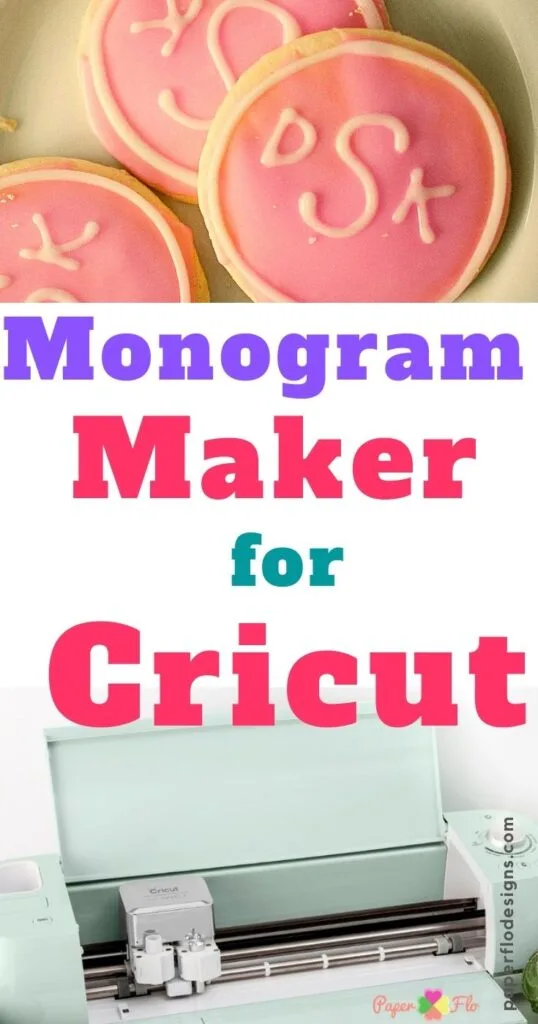
Monograms are a stylish way to personalize items either for personal use, gifts, or branding. You can monogram glasses, jewelry, wine glasses, linen, robes, mugs, purses, among others.
A Cricut is a great tool to make monograms, and there are two ways you can use it. The first option is to create a monogram in Cricut Design Space.
You can also use Inkscape to create a font, then use your custom font to make monograms in Cricut. Check out my blog on how to make a fancy font in Inkscape for the steps.



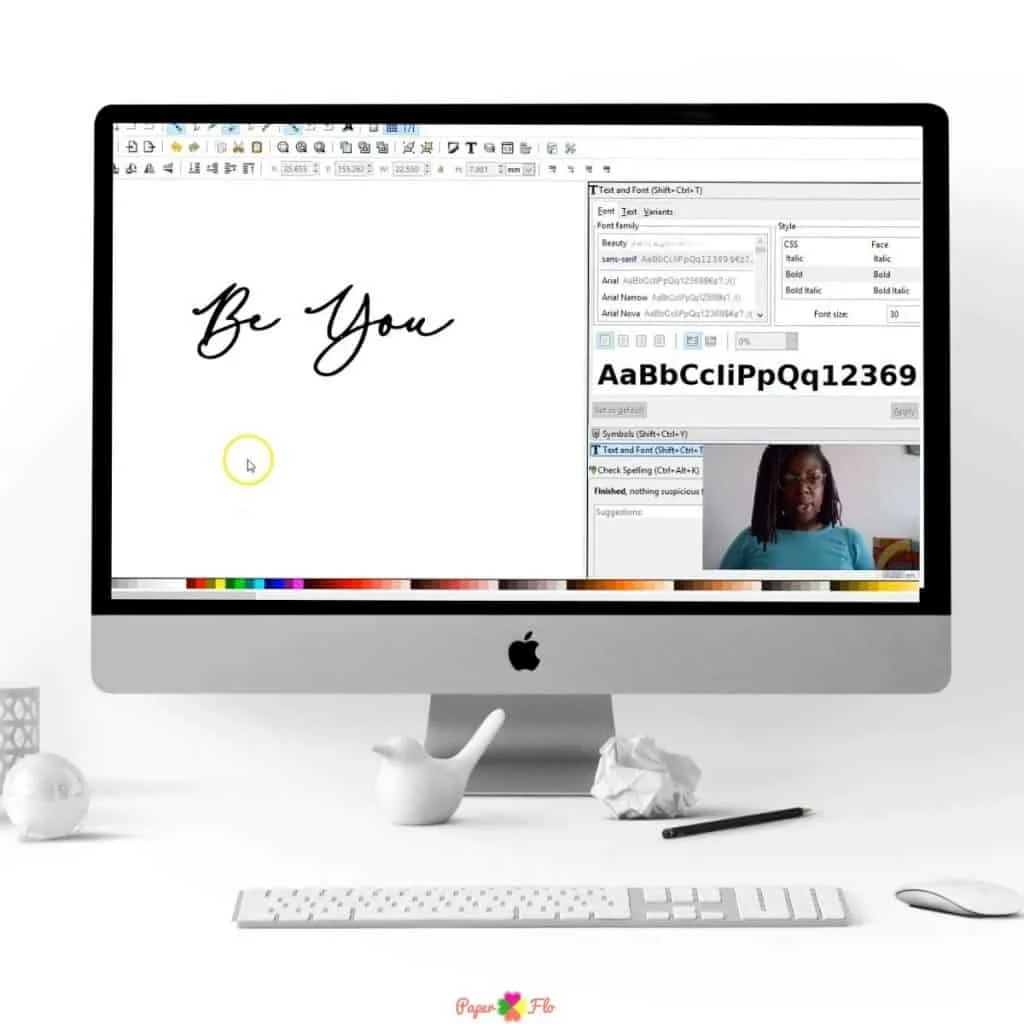
The second option is to use an online monogram generator then cut using your Cricut.
Read on to find out how to go about the two.
I get commissions for purchases made through some of the links in this post. There is no extra cost to you. See my full disclosure here.
How Do I Make A Monogram With My Cricut? Cricut Design Space Guide
Before you begin this process, you need to download the Cricut Design Space Program. It’s free to download, and you can use it on Mac, Windows, iOS (Both iPhone and iPad), and Android devices.


Once you have that, you can proceed with the steps below.
- Download your preferred monogram font. Get monogram fonts on websites such as designbundles.com or creativefabrica.com.
- Start a new project in Cricut Design Space.
- Using the Text Tool, type your initials, placing each in a different layer.
- Select your monogram font.
- Set the size and shape of each initial.
- Weld or attach the initials to cut as one piece. You can choose to have the monogram initials equally spaced, kissing, or interlocking.
- Once you are satisfied with your monogram, click the Make it button. Follow the instructions to cut the design. If you’re using an iron-on material, ensure you mirror the design.

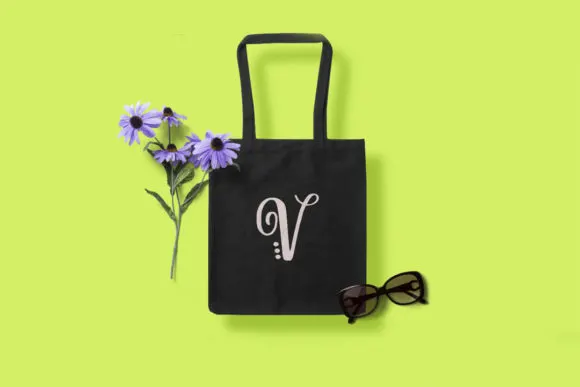
Once you’re done, you’ll have a cute monogram item like the tote bag above.
PS: Remember to save the monogram in your projects, especially if you intend to use it again.
How to Use Monogram Generators to Make Monograms with Cricut
If you’re looking for an easier way to make monograms, this is it.
You also need to download the Cricut Design Space Program for this process.
Now, with a quick search on Google, you can find multiple Monogram maker or generator websites. They are free to use, and you will have your monogram in no time.
You get to customize your monogram style, font, and color as you please on the websites. Then, you can download your monogram file to use on your Cricut.
Websites to Make Monograms
Here are some monogram making sites you can check out:
- Mark and Graham’s Free Monogram Maker. There are 27 monogram designs available with 16 color choices to work with.
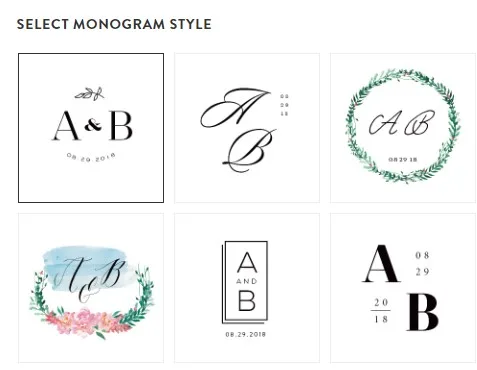
- Chicfetti Monogram Maker. It has six monogram designs for individuals and 3 for weddings customizable to the couple’s names. In addition to the monogram style, you can also add images and texts.
- Free Monogram Frames by Monogram Frames. Here there are 15 fonts and over 150 frames of various shapes to choose from.
- Joojoobs Free Monogram Maker. Here you will find some classic designs.
- Customize Your Free Monogram by Minted Weddings. It doesn’t matter if your style is simple, traditional, or modern; you will find something here.

Make Monograms with Cricut Design Space
Once you have your monogram image, the next step is to upload it on Cricut Design Space.
- Open a new project on Cricut Design Space.
- Click the Upload button on the bottom left side. Then, select Upload Image. Choose your monogram file.
- Once uploaded, select the image type depending on your monogram.
- Remove any areas you want out of the images, such as white background areas.
- Once done, click continue and “Save as a cut image.” You can find your monogram saved under recently uploaded images.

Conclusion
As you have seen, making monograms with Cricut is easy and fun. Go ahead and try it out on your next Cricut DIY project!
