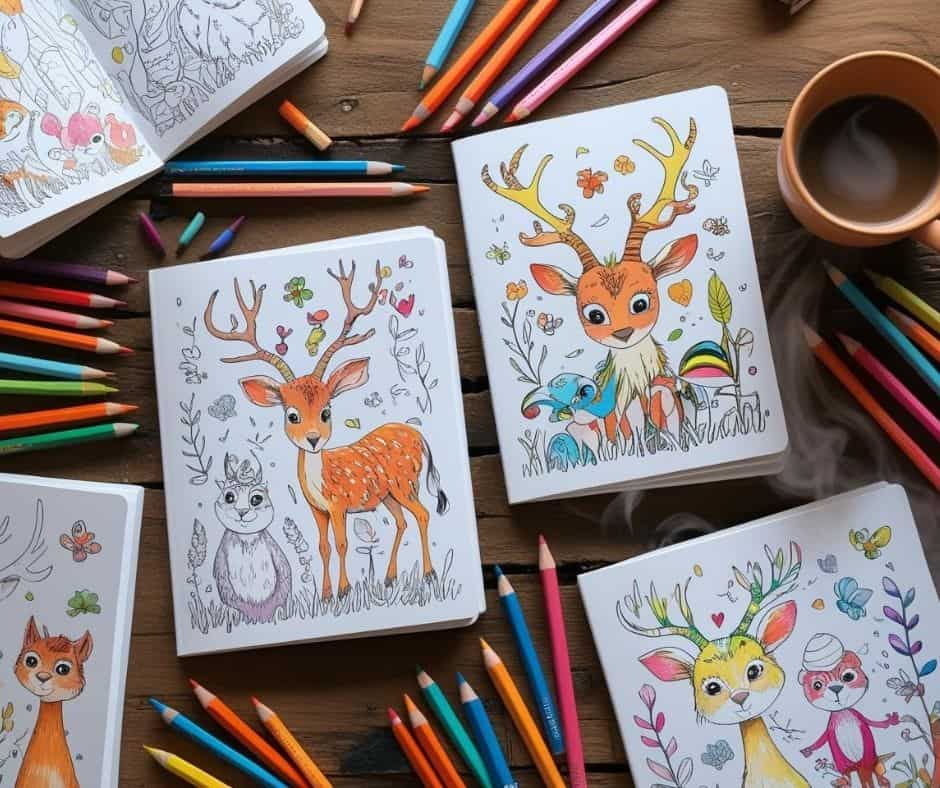
If you’ve ever wanted to make a coloring book and sell it on Amazon KDP, but felt overwhelmed by all the tech stuff — don’t worry. This guide breaks it down step by step.
Even if you’re brand new to Canva or self-publishing, you can still launch your own best-selling coloring book with zero experience.
When I first started learning how to design and sell coloring books, I didn’t have fancy tools or a background in illustration. I was a busy mom with a creative itch and a Cricut machine.
Now I create coloring pages in Canva and earn passive income from books I published just once. Let me walk you through how you can do the same!
I get commissions for purchases made through some of the links in this post. There is no extra cost to you. See my full disclosure here.
Supplies You’ll Need
- Canva (Free or Pro)
- Creative Fabrica (for non-AI graphics)
- Amazon KDP account
- Optional: AI tool like ChatGPT Coloring Book Hero
- PDF print settings
- Keyword tool like Self Publishing Titans (optional but helpful)
Step 1: Decide Your Book Specs
Before you create any art, you need to know your book’s trim size and page count.
- Trim Size: 8.5 x 8.5 inches (square)
- Page Count: 64 pages (30 coloring pages, 30 blank backs, cover, and title/copyright pages)
- Binding: Paperback
- Print Type: Black and white, with bleed
Tip: Always leave the back of each coloring page blank to prevent ink bleed-through.
Step 2: Set Up Your Page Layout in Canva
- Go to Canva and choose Custom Size.
- Enter 8.625 x 8.75 inches (this includes bleed).
- Turn on Rulers and Guides.
- Add 0.375-inch margins on all sides.
- Duplicate your page until you have 64 total (32 sheets front and back).
Step 3: Design Your Interior Pages
You can choose AI or non-AI methods. Here’s what works best:
Option A: Using AI (with Fixes)
- Use ChatGPT Coloring Book Hero.
- Upscale low-res images in Canva.
- Remove grayscale and random lines.
- Clean up mistakes using Magic tool Eraser.
BUT: AI images often need heavy editing. Hands and extra limbs? Not fun.
Option B: Use Publisher’s Vault (Best Method)
- Download hand-drawn PNG images (includes characters + backgrounds).
- Upload to Canva.
- Mix and match to create unique pages.
- Add a title page (“This book belongs to”) and copyright page.
Step 4: Create the Cover Template
- Use Amazon’s Cover Calculator Tool to generate the correct size template.
- Upload the PNG cover template to Canva.
- Place it on your canvas as a guide.
- Design the front and back cover using colored versions of your graphics.
- Add your book title, subtitle, and pen name (e.g. “Ellie Doodlewood”).
- Export as PDF Print (CMYK) with Flatten PDF checked.
Step 5: Upload to Amazon KDP
- Log into Amazon KDP.
- Create a new paperback project.
- Upload your interior PDF and book cover.
- Set up your book info:
- Title
- Subtitle
- Pen name
- Description
- Keywords (e.g. “bold and easy animal coloring book”)
- Categories: Children’s > Activity Books > Coloring
- Set your price. Most sell at $7.99.
- Hit Publish. Your book will be live in 72 hours!
Bonus Tip: Keyword Research for Sales
Use Self Publishing Titans or the Amazon search bar to find real search terms. Good keywords include:
- cute animal coloring book
- bold and easy coloring book animals
- animal coloring book for kids 8-12
Avoid stuffing — keep keywords relevant and natural.
Want More Ideas for Selling Crafts Online?
If you love designing printables and want more ways to earn passive income, check out these guides on creating SVG files for Cricut and the most profitable crafts to sell.
You can combine these skills with coloring book creation for even more ways to grow your income.


Conclusion
Designing and selling coloring books on Amazon KDP doesn’t require fancy software or years of experience. With just Canva, some smart design choices, and the right tools, you can create beautiful books people actually want to buy.
And if you’re looking to level up your skills for digital crafting, take a peek at how I started making my own SVGs for my Cricut — it’s the perfect next step for turning your creativity into cash.