
If you are in the market for a laser cutter, you may have heard of the Cricut. This machine is popular for its ease of use and wide range of functions. However, it can be expensive, and many other machines on the market may better fit your needs. In this blog post, I will discuss 10 of the best Cricut alternatives available today.
No time to read the whole post? Here are my top 3 choices


I get commissions for purchases made through some of the links in this post. There is no extra cost to you. See my full disclosure here.
10 Best Cricut Alternative Laser Cutting Machines
Read on as I discuss the features and benefits of each machine and decide which one is best for you.
1. xTool S1
The xTool S1 is a game-changer in the world of laser engraving. With first-class laser safety certification and an enclosed design, it offers four-tier safety protection.
The machine boasts up to 40W high power and stable performance at 600mm/s. Its revolutionary tech includes twin-point positioning for camera-like precision and a full-scene autofocus system.
This makes it easy to see the image that you want to engrave.
It’s a newer machine so, you may not find as many tutorials on how to use it just yet. Nevertheless, it’s made with beginners in mind, so the learning curve is pretty small.


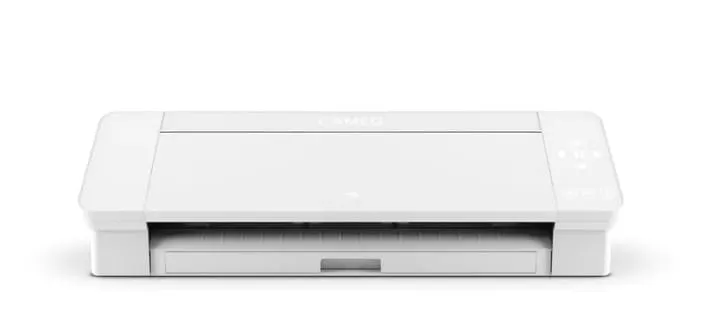
2. Silhouette Cameo 4
The Silhouette Cameo 4 has a cutting width of 12 inches and can cut up to 10 layers at once. It also features Bluetooth connectivity for easy setup and file transfer and the ability to save your projects on a USB drive. It has an auto-blade system and various editing tools for customizing your designs.

3. Brother ScanNCut SDX125
This wireless cutting machine is perfect for you if you just want an all-in-one crafting machine. No need to connect this to a computer and you don’t need any outside software.
You can make your own designs and see them on the 5-inch LCD touchscreen display.
The sensor automatically detects the material thickness so that you can make precise cuts. It features 600 DPI resolution for intricate designs and the ability to detect registration marks on your material. It has more than 600 pre-programmed shapes and designs, plus a range of editing tools.
The Brother ScanNCut SDX125 is a great choice if you’re looking for a smaller machine that can still handle large projects. It’s versatile, easy to use, and comes with a built-in scanner.


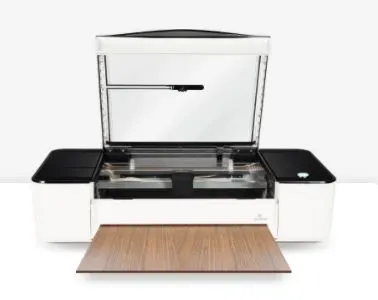
4. Glowforge Pro
This professional-grade laser cutter is great for cutting, engraving, and marking. It features air assistance to help prevent burning or scorching delicate materials and can cut up to 18 inches wide. The machine also has a built-in camera to recognize positioning marks, allowing you to create complex designs quickly and accurately.

5. xTool D1
xTool D1 is a diode DIY laser engraving and cutting machine that’s comparable to Cricut cutter.
xTool really prides itself on its around-the-clock customer service. They also have an awesome replacement policy. Basically, they’ll replace any defective machine within a 15 or 30-day time period. This means that you’ll never have to go a long time without having a good quality machine to use.


You can cut and engrave several different kinds of material with this laser cutter. Here are some of them.
- Plywood
- Acrylic
- Metal
- Paper
- Rubber
- Vinyl
6. Brother Disney ScanNCut DX
The Brother ScanNCut DX SDX230Di comes ready to use out of the box and just like with the other ScanNCut machines, it doesn’t require a computer to connect to it. It also has an app called Canvas, that lets you use the machine via WiFi.
Disney fans will love the 1,435 designs that come with the machine. These include
- 152 built-in Disney Designs
- 140 Quilt patterns
- 17 lettering fonts
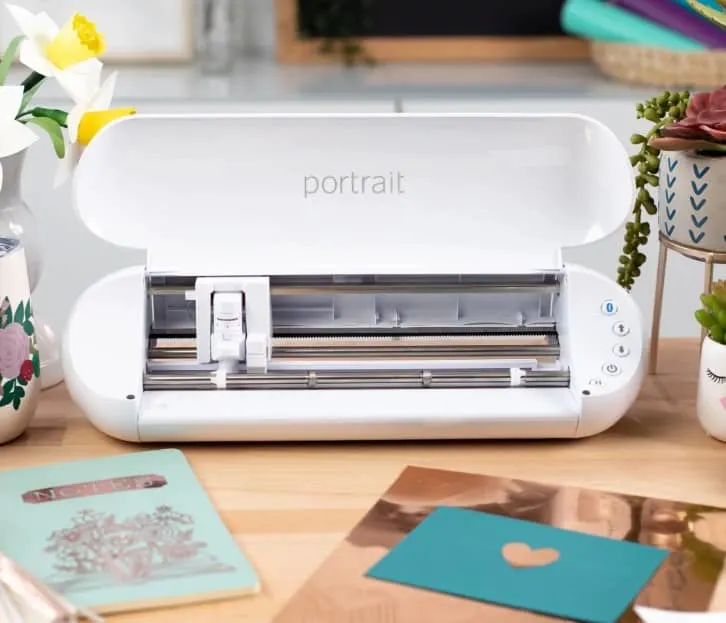
7. Silhouette Portrait 3
The Silhouette Portrait 3 is an affordable machine that can easily tackle large projects. It can cut materials up to 8.5 inches wide and features various pre-programmed designs, a built-in scanner, and Bluetooth connectivity. It also has an auto-blade system for precision cuts.

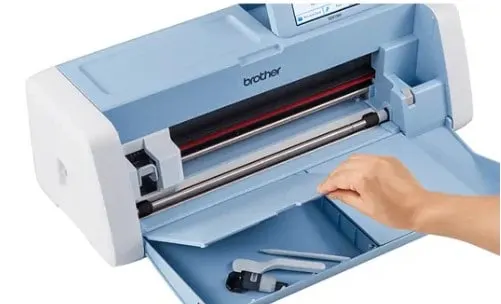
8. Brother ScanNCut SDX1200
This machine can cut materials up to 12 inches wide, making it an ideal choice for larger projects. It features 600 DPI resolution for intricate designs and the ability to detect registration marks on your material. It has more than 1000 pre-programmed shapes and designs, plus a range of editing tools.

9. Silhouette Cameo 4 Pro
This one is ideal when working with thicker materials up to 2mm thick. You can work with material up to 24 inches wide with this machine, and it is ideal for larger materials, particularly fabrics and paper.

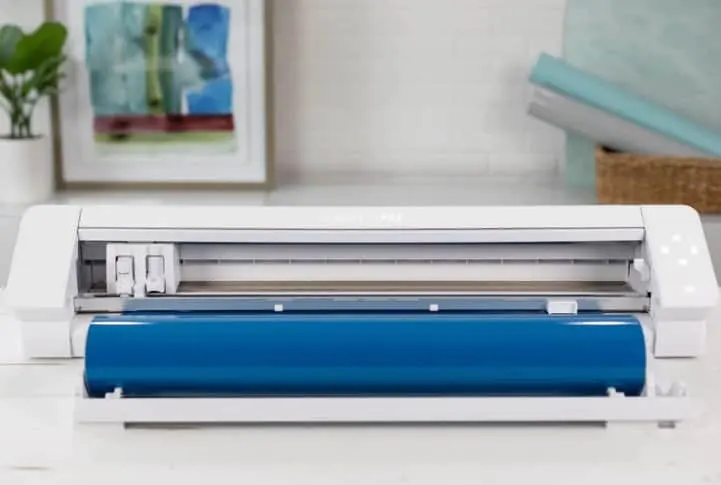
10. Silhouette Mint
This machine is perfect for making custom stamps or embossing your designs with intricate detail. This machine can digitally create ink stamps on shirts, bags, and other fabrics. It can also be used to make 3D objects or custom jewelry pieces.
Bonus – Crafter’s Champion Gemini
This is a great choice if you’re looking for an affordable machine that can handle large projects. It features an adjustable cutting pressure, allowing you to work on thicker materials. You can also cut fabrics up to 12 inches wide with this machine.
Sizzix Big Shot Manual Die-Cutting Machine
The Sizzix Big Shot is small enough to fit on your desk and can cut and emboss a range of materials up to 8.85 inches wide. It is perfect for creating custom cards, scrapbook pages, and other crafts.
Final Thoughts
When it comes to choosing the best Cricut alternative, many great options are available. Each machine has its own unique features and capabilities, so consider what type of projects you will be working on and decide which one is best for you.
Hopefully, this article has helped you narrow the choices and find the perfect machine for your needs.
Need to know what you can make with a cutting machine? How about making a custom t-shirt?
