
If you are in the market for a new cutting machine, you may be wondering whether to buy a Cricut Air or Silhouette Cameo. Both machines are excellent options, but they do have some key differences.
The key differences between the two are their maximum cutting size, design, tools, pricing, and kit. You will also find that they differ in cutting speed and blades. These differences are worth considering to make the best choice for you.
In this blog post, I will compare the two machines and help you decide which is right.

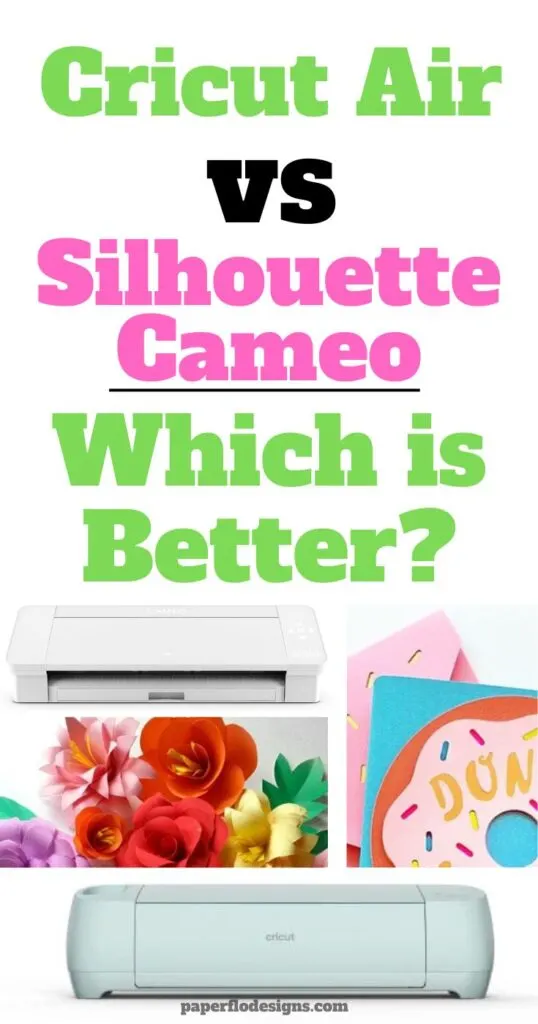
Key Differences Between the Cricut Air and Silhouette Cameo
Read on as I detail the major differences between the two of the most popular versions of the Cricut machine and the Silhouette machine.
Maximum Cutting Size
The Cricut Air has a maximum cutting size of 12” X 24”, while the Silhouette Cameo has a maximum cutting size of 12” X 10”. If you need to cut larger pieces, then the Cricut Air is the better choice for you.
Design
The design of both machines is sleek and modern. However, the Cricut Air has a sleeker, more modern look with its slim design.
Tools
The Cricut Air (aka Cricut Explore Air) is the mid-level category in the family of Cricut machines. As of the time of writing this blog post, the new machine in this category is the Explore Air 2.
Cricut Explore Air has Precision Point technology that allows you to cut intricate designs and different materials easily. The kit has the following:
- A premium fine-point blade with its housing
- A fine point black pen, a light-grip machine mat
- A welcome book
- USB cable, power adapter
- 50 ready-to-make projects


I get commissions for purchases made through some of the links in this post. There is no extra cost to you. See my full disclosure here.
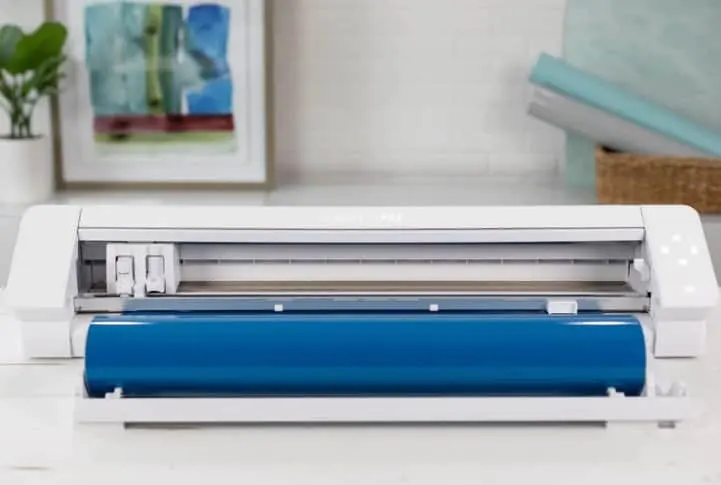
The Silhouette Cameo comes with its own set of tools, which include the following:
- A standard blade with an auto-blade feature
- A 12-inch cutting mat
- AutoBlade
- Silhouette Studio software (digital download)
- 100 exclusive designs (digital download)
- Adapters for the standard blade
- Premium blade, deep-cut blade
- 2mm Kraft blade
- Silhouette sketch pens
- Power cable
- USB cable

Pricing
The Cricut Air costs around $179, while the Silhouette Cameo costs around $199. This price difference is worth considering when choosing between the two machines
Cutting Speed
The Cricut Air has a cutting speed of up to 200mm/s, while the Silhouette Cameo has a cutting speed of up to 30 inches per second.
Blades
The Cricut uses an engraving tip, a fine debossing tip, a rotary blade, a scoring wheel, a knife blade, a basic perforation blade, and a wavy blade. The Silhouette is rather compact, though. It makes use of a knife blade, a deep-cut blade, a punch blade, and a rotary blade.
Software
Each of these popular machines works with its own proprietary software program.
Both the Cricut software and the Silhouette software are free. The learning curve for each is minimal but they don’t have the same capabilities.
Cricut Design Space software is known for its ease of use. You can upload your own images or use certain simple designs for free.
Silhouette Basic Edition which is the free version of their software, lets you upload images to convert them into cut files. But, you need to upgrade to the Designer Edition, Business Edition, or higher if you want to be able to upload SVG, PDF, or embroidery files.
You can also use free software like Inkscape or paid design software like adobe illustrator to make svg files for both machines.
If you’re not ready to make your own designs, you can also use the library of images in both programs. The Cricut store is called Cricut Access and Silhouette’s is called Silhouette Design Store.
You can buy images, fonts, and svg files created by graphic designers in both of these catalogs.
Can you use Cricut Explore Air without internet?
You can use Cricut Explore Air without an internet connection as long as you have saved your designs to your computer or to a cloud drive. If you want to use or cut a new design that’s not saved, then you need to connect to the internet.
Can you use Silhouette cameo without internet?
You can use the Silhouette Cameo machine without connecting to the internet. But, you need internet access to use Silhouette Design studio software together with the machine.
Which Cutting Machine is Best?
Both the Cricut Air and Silhouette Cameo have their advantages. Ultimately, it’s up to you to decide which is best for your needs. If you need to cut larger pieces or intricate shapes, then the Cricut Air should be your choice. The Silhouette Cameo is the better option for those on a budget looking for an entry-level machine.
Final Thoughts on Cricut vs Silhouette
Both the Cricut Air and Silhouette Cameo are excellent cutting machines, so it all comes down to what you need.
The bottom line is that you need to consider your budget, project size, and tools needed before making your decision. In the end, the choice is yours.
I hope this post has helped you decide between Cricut Air and Silhouette Cameo. If you have any questions, feel free to leave them in the comments section below. Happy crafting.
In the meantime, check out some svg troubleshooting tips that work with either machine, see what you need to create custom t-shirts or find out about the most profitable crafts to sell.
