
Have you tossed around the idea of making t-shirts at home?
But then you start thinking about what supplies you need to print the shirts, what computer program is the best, what cutting machine is the easiest to use and the graphic designs, how can you make or find cute graphics for your shirts?

Pretty soon, your head is swimming with too many ideas, you get overwhelmed and you give up on the idea of starting a new craft.
One thing that helped me simplify the process was focusing on the essential tools first. If you’re planning to make custom T-shirts with heat transfer vinyl, a reliable heat press can make a huge difference in the quality of your finished projects.
Now let’s take a look at the rest of the supplies you’ll need to start making your own shirts at home.
What do you Need to Make a Shirt with Cricut?
Here is my list of 10 beginner supplies for printing t-shirts at home.
- Cutting machine
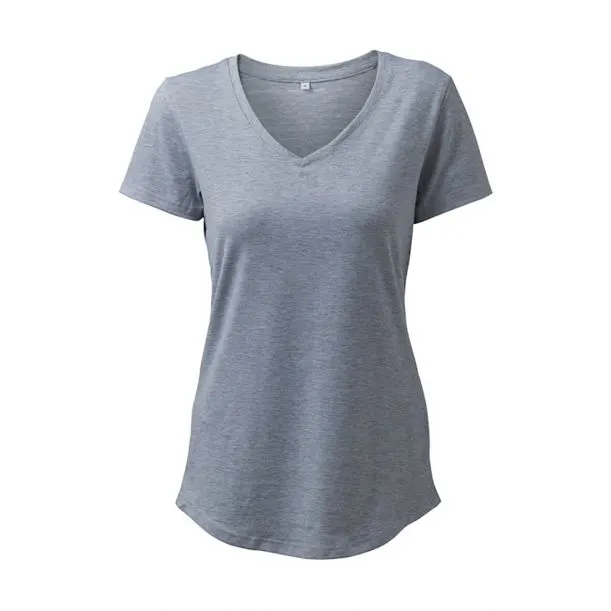
- Blank t-shirts
- Graphic fonts
- Course to make custom SVG designs
- Computer and/or Graphic tablet *(check for compatibility)
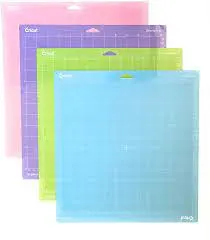
- Cricut cutting mats
- Vinyl sheets
- Weeding tool
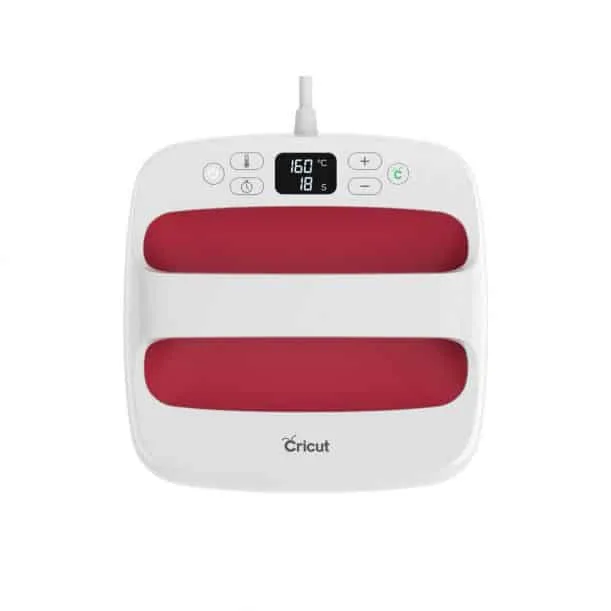
- Heat Press Machine
- VLR Solvent or Awesome Spray
- Bonus – Paper for making t-shirts
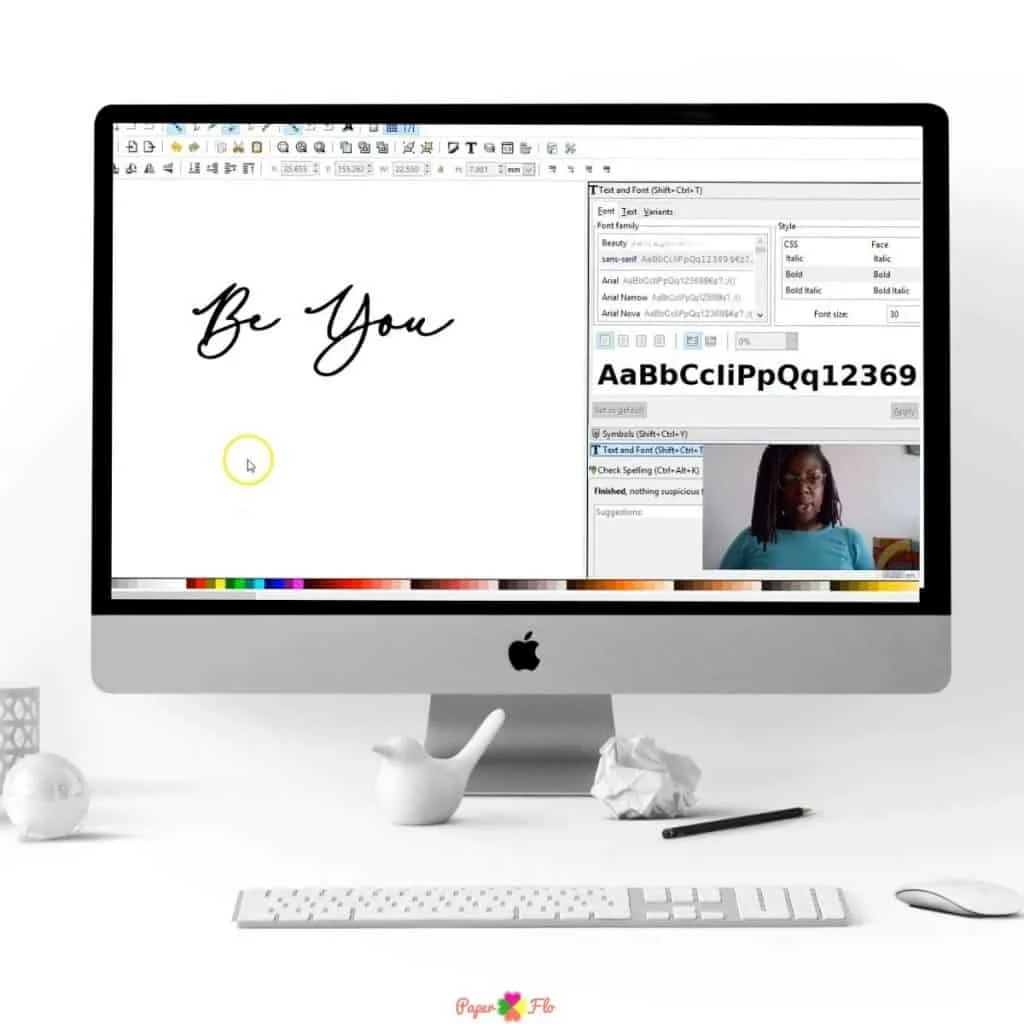
Listen to the video to learn how to use each of these items.
WATCH 10 SUPPLIES TO MAKE T-SHIRTS WITH CRICUT INTRO
Find the video with full explanations, further below.
Is there an easy way to make t-shirts at home?
What if there was an easy way to get started making t-shirts at home? There is.
You can start with just the basics and you don’t need a crazy amount of supplies either.
Soon you’ll be making t-shirts with Cricut for your friends and family that they will love.


I get commissions for purchases made through some of the links in this post. There is no extra cost to you. See my full disclosure here.
Where do you Find T-shirt Designs?
First, you want to decide if you will make the designs yourself or if you’ll buy premade designs and fonts to make your shirts.
If you’re not artistic, that’s ok. You can still find quality designs and graphics from sellers on places like Etsy and Creative Market.
Once you have the design files you can use them to make t-shirts over and over again.
Make sure to check the license and terms of use before you buy any graphic resources.
Some sellers let you use the designs for a limited quantity or in only certain end products.


How do you Make T-shirt Designs?
Creative people often love doing everything themselves. I completely understand.
If you’re artistic and want to learn how to make your own designs for your shirts, I suggest taking a course.
That’s how I got started designing svg files.
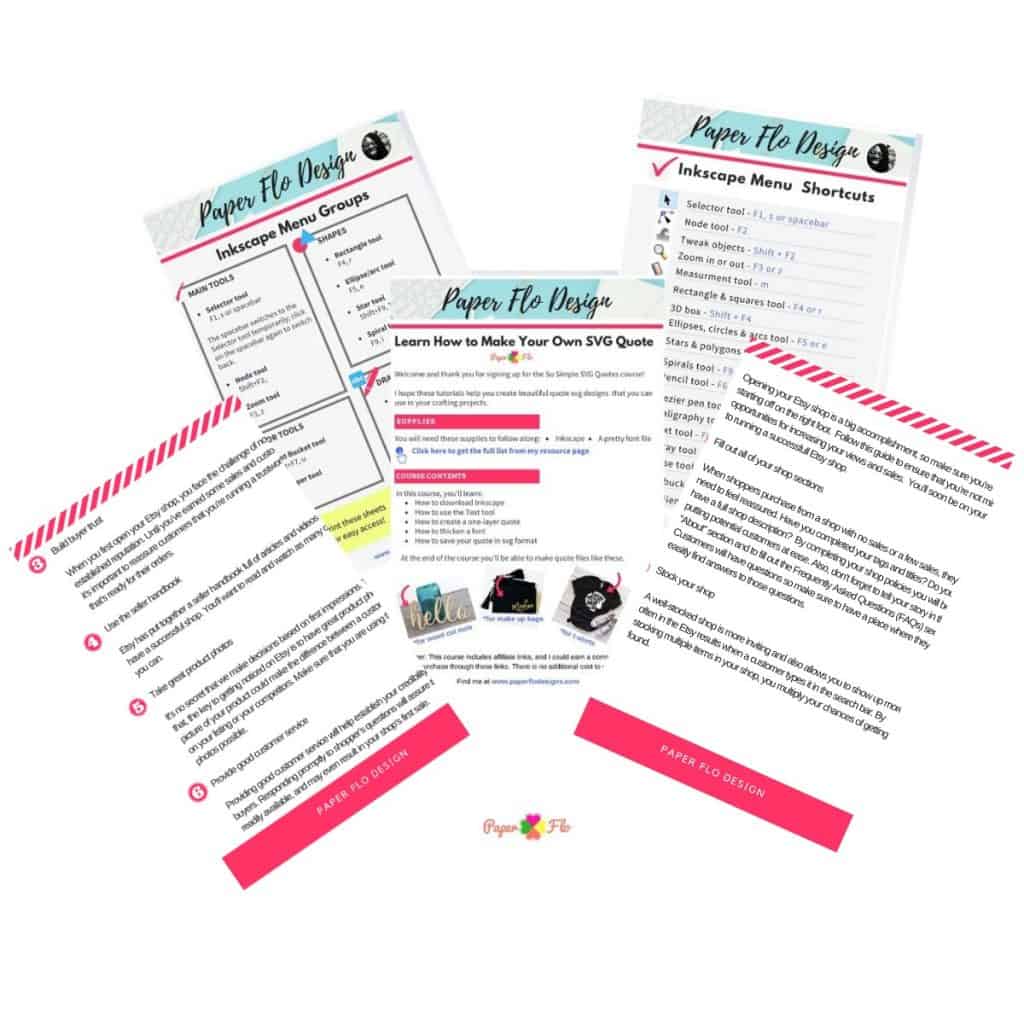
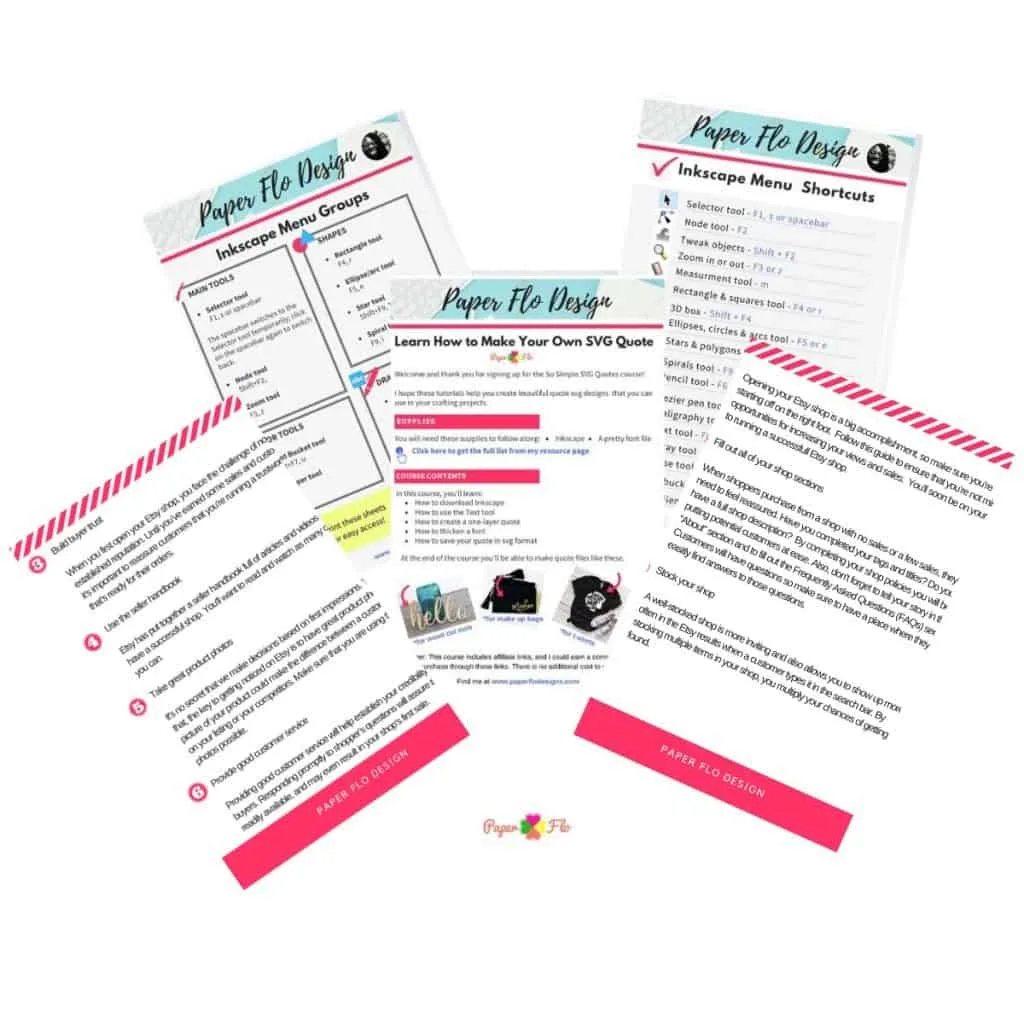
Digital design courses can seem intimidating and that’s why I created a simple video course that teaches you all of the steps you need from learning how to set up the software to making a finished design and then uploading it to Cricut.
Click on the link below to find out more about the course.



Click to play the video with explanations
Need an easy starter kit? Click on any of the images below to find every item you need to get started.
Cutting machine – Cricut Explore 5 Rainbow Essential Bundle








VLR Solvent – Vinyl & Letter Remover


Now that you know what you need to get started, you’ve got no more excuses.
If you’re still on the fence about cutting machines, check out this post on whether you should pick a Glowforge or Cricut machine for shirts.
Let your imagination run wild! Leave a comment below and let me know what your first t-shirt design will be.


Cricut iron-on vinyl is great to use for shirts. The iron-on Cricut supplies come in Patterned, Sportflex, Glitter, Foil, and Everyday varieties.
Start with the basics to make t-shirts at home. You’ll need blank t-shirts, svg files, vinyl, a cutting machine, and a heat press.

Lakeisha
Thursday 23rd of February 2023
And I need A List PLS
Naa Ardua
Thursday 23rd of February 2023
Sure, they are listed from 1 to 10 in this post.
Lakeisha
Thursday 23rd of February 2023
What kind of Things That I need to make Tshirt
Naa Ardua
Thursday 23rd of February 2023
You can use all of the things I mentioned in the post above.
Kizzy
Sunday 29th of August 2021
What’s the best laptop or computer to use
Naa Ardua
Sunday 29th of August 2021
Any style of PC or Mac computer or laptop will work just fine.
How to Draw a Bunny - Easy Video Tutorial - Paper Flo Designs
Thursday 27th of May 2021
[…] you have a Cricut or Silhouette machine and a heat press, you can make iron-on t-shirts. Of course, you can use scissors to cut out the bunny but a cutting machine will make it even […]
How to Draw an Easter Basket - Paper Flo Designs
Friday 19th of March 2021
[…] can use this basket design to make t-shirts with a Cricut machine or tumbler mugs. Those are two very popular choices and always do […]