
If you’ve just taken your first steps into the fascinating world of the Cricut Maker machine, I bet you’re immediately intrigued by the variety of blades it comes with.
You really need to understand that different blades are designed to cut different materials and knowing how to use them effectively is crucial. Consider this the ultimate guide to help you before you buy a new blade.

What Blades Come with the Cricut Maker?
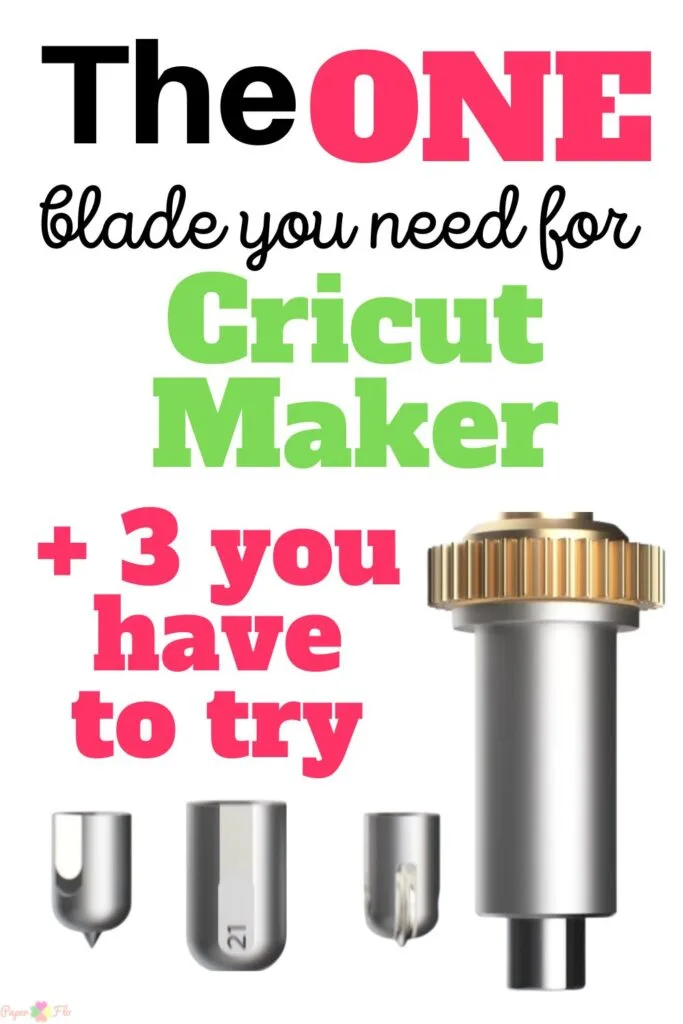
So you might be wondering, “What blades actually come with my brand new Cricut Maker?” The answer is relatively simple: every fresh-out-of-the-box Cricut Maker includes a Premium Fine-Point Blade along with its housing unit.
This versatile blade can handle a multitude of medium-weight materials, making it an excellent starting point for beginners.
However, if you’re buying a secondhand Cricut Maker machine, the blades included could vary depending on the previous owner. They might include additional blades like the Deep-Point Blade or Rotary Blade, which can significantly expand your crafting possibilities.
Nevertheless, remember to check the condition of these used blades. After all, you want to ensure you’re getting a good deal and a replacement blade might be needed sooner than you’d think!
Read on to find out what other blades work with the Maker.
I get commissions for purchases made through some of the links in this post. There is no extra cost to you. See my full disclosure here.
The Many Faces of Cricut Maker Blades
Our beloved Cricut Maker is a true master of many crafts, capable of cutting through a plethora of materials, from delicate tissue paper to rugged leather and everything in between. To achieve the best results, it’s really important to choose the right blade for each job.
The Cricut Maker’s adaptive tool system accommodates a variety of different blades, each engineered for specific materials and cutting techniques. Let’s get acquainted with these blades, shall we?
- The Rotary Blade: An Artist with Fabric and More
Our journey begins with the incredibly versatile Rotary Blade. It’s like a Swiss army knife, ready to cut through a broad range of materials including fabric, felt, and even leather. It contains a small, circular blade that rotates, facilitating precise cuts through even the thickest materials. It’s the go-to blade for crafting intricate designs and patterns on fabric or cutting shapes from other materials like felt and paper.
- The Fine-Point Blade: Precision Maestro for Paper and Cardstock
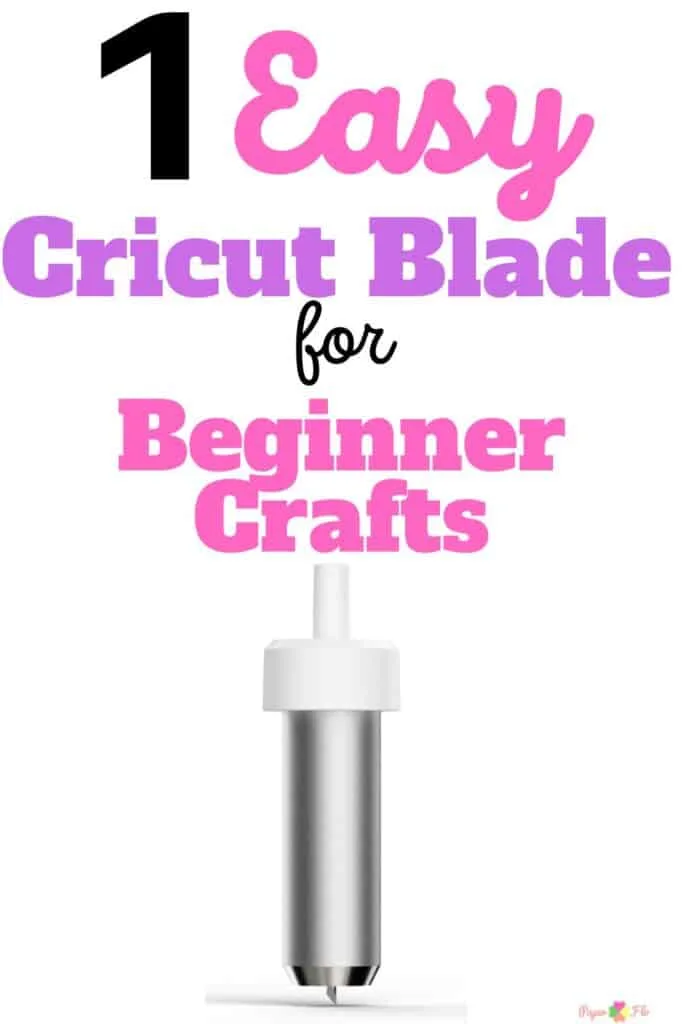
Next up is the Fine-Point Blade. This blade, housed in a gold housing, is designed for precision work on thin materials like paper and cardstock. It’s perfect for creating personalized cards, unique invitations, and other paper crafts. It’s also fantastic for cutting out intricate details and shapes for various projects.
- The Deep-Point Blade: The Heavy Lifter for Thick Materials
When it comes to working with thicker materials like leather, felt, and even balsa wood, the Deep-Point Blade takes center stage. It has a steeper blade angle and a longer tip than the Fine-Point Blade, which enables it to make deeper cuts. Whether you’re creating custom leather goods, felt decorations, or even wooden signs, this blade is a must-have.
- The Knife Blade: The Powerhouse for Cutting up to 2.4mm Thick Materials
When your projects require a bit more muscle, the Cricut Knife Blade steps in. It’s designed to handle materials like balsa wood, matboard, and leather, and can even tackle denser materials like chipboard and acrylic. Remember to pair it with the StrongGrip Mat and the correct settings in the Cricut Design Space for a successful cut.


Conclusion
Embracing the world of the Cricut Maker machine is not just about getting a new tool—it’s about unleashing a whole new world of creative potential.
The diversity of Cricut Maker blades enables you to work with a wide range of materials and craft the most intricate designs. So don’t be afraid to experiment and find the blade that works best for your project.
Remember, the key to getting really good results lies in understanding and using these blades effectively.

Frequently Asked Questions
Some blades are compatible across different machines, like the Fine Point Blade which works with both the Cricut Maker and Cricut Explore family machines. However, some blades, like the Rotary Blade, are exclusive to the Maker due to its Adaptive Tool System.
The lifespan of a blade depends on the type of material you cut and how often you use it. Generally, you’ll know it’s time for a replacement blade when your cuts are not as clean or precise as they used to be.
Absolutely! With the Rotary Blade and a Fabric Grip Mat, the Cricut Maker can handle fabrics with ease. For fabrics with a backing material, use the Bonded-Fabric Blade.
Yes, the Scoring Stylus or the Double Scoring Wheel can be used to create score lines, which are perfect for making 3D projects like gift boxes or raffle tickets.
Besides blades, the Cricut Maker’s Adaptive Tool System allows you to use other tools like the Engraving Tip for detailed designs on hard materials, the Debossing Tip to create depressions in a material, and the QuickSwap Housing which lets you quickly swap between different tips.
