
With these 3 easy ways to add text to an image, you can convey a message, entertain or inspire.


How to Add Text to a PNG, JPG or SVG File
Adding text to your images can help to convey a message, entertain or inspire.
I’ll show you 3 easy ways to add text to an image whether it’s a png, jpg or svg file.


Use Canva with a PNG or JPG


Canva can be your one-stop shop for combining images and text the fast, easy way. You have tons of fonts and font combinations to choose from.
- Canva
- 1. Open your image in Canva.
- 2. Select browse the “Text” pane. The text pane has lots of features.
- 3. Click on “Add text” and a little text box will be added to your image. You can move or scale your text just like any other design element.
- 4. Once you know what you’d like to write, you can click the inside of the text to start typing.
If you want an even easier solution, you can use the “Textholder”: little drag-and-drop sets of pre-made font combinations. You can find the textholders at the bottom of the text pane.
To see how quickly this comes together, click on the video below to watch my short tutorial.
Adding Text with PicMonkey to Add Text
PicMonkey is an online editor that lets you add text to your images. What’s really great about it is that you can upload your own fonts as well.
- PicMonkey
- 1. Open your photo in the PicMonkey Editor.
- 2. Head to the Text tab (Tt icon) on the left-hand side.
- 3. Choose from our collection of fonts, or click Yours to access any font saved to your computer.
- 4. Click the Add text button at the top of the tab, then type your words in the box that appears.
- 5. Use the Text palette to change your font size, color, add text effects, and more.


Inkscape for SVG Files
Inkscape is a free option to add text to your SVG files. It’s free to download and use and gives you almost all (if not more) of the same capabilities as Adobe Illustrator.
Inkscape is a software that you download to your computer, but there are lots of other online apps to make svg files with too.
If you’ve already taken my So Simple SVG Files course, you know how to create text and image svg files for your projects.
So let’s get into how to use text in Inkscape.
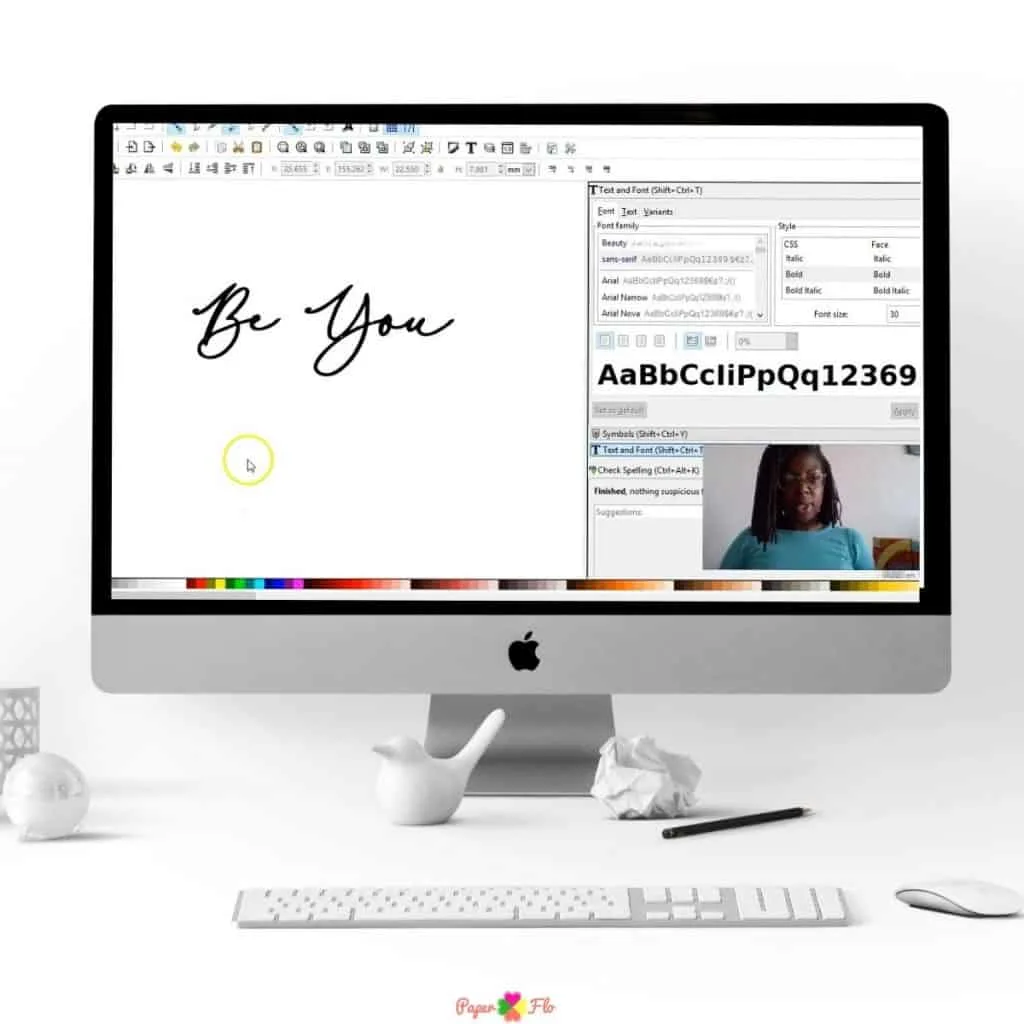
There are two ways to add text to an Inkscape drawing; as regular text or a flowed text object. I’ll tell you about the regular text option.
- Inkscape
- 1. Open the Text Tool to add text to a document. You can access the tool by clicking on F8 or t.
- 2. Once you open the text tool, click anywhere on the screen
- 3. Type in the text that you want to add
- 4. Convert the text to a path
- 5. Select your text and the svg image by clicking and dragging over both of them
- 6. Save them as an svg.

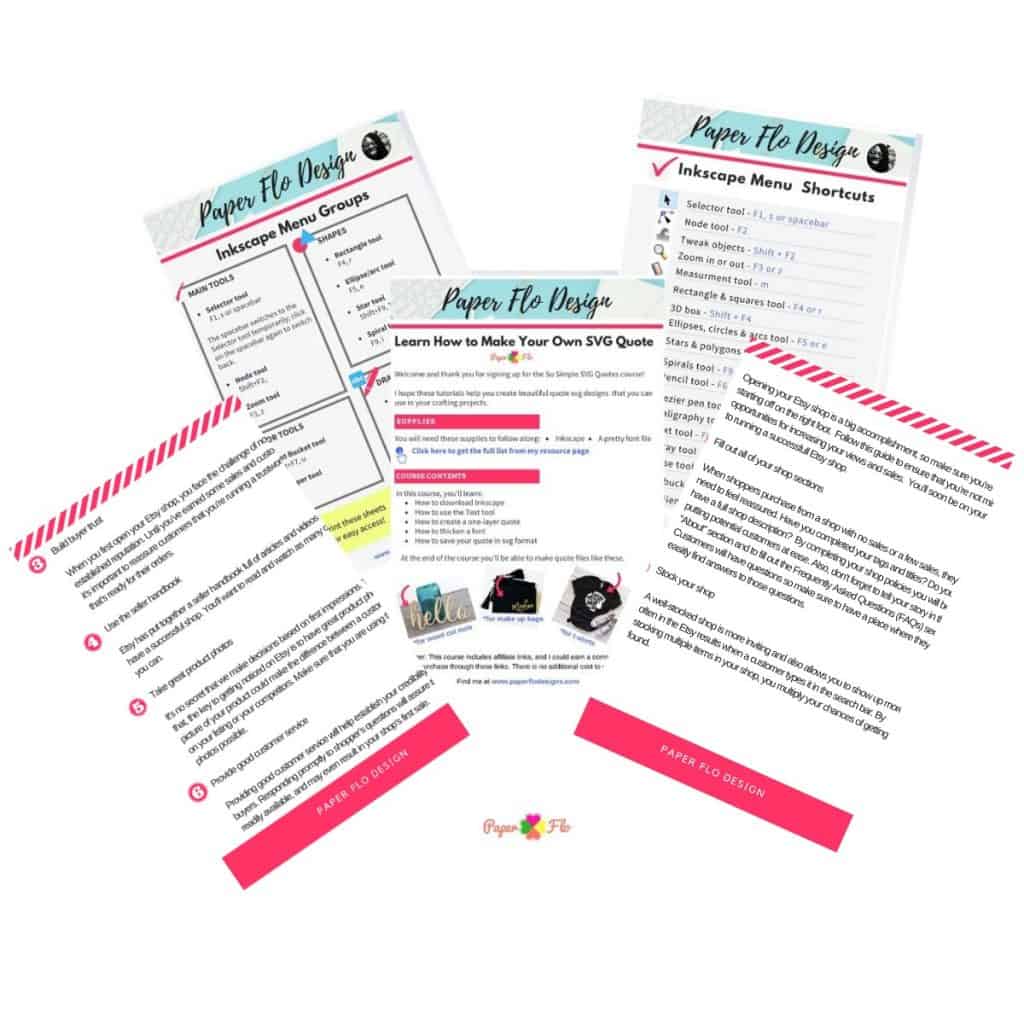
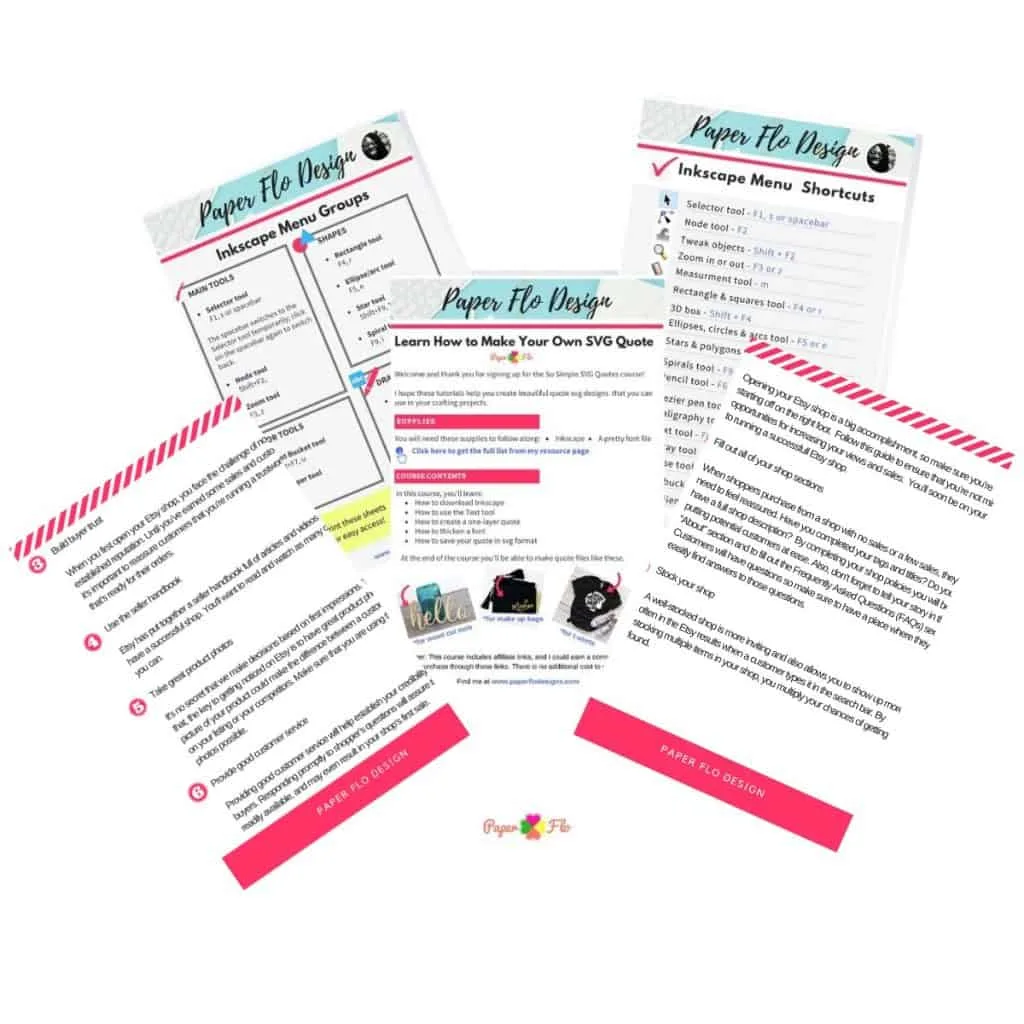
SO QUICK SVG COURSE
STEP BY STEP VIDEO COURSE FOR CRAFTERS
Create and design your first svg to use in your crafts or even sell.
Learn to make an SVG with Google in one click!
Crafts to Make


Now that you know how to add text to your png, jpg or svg file, you can upload it to your cutting machine and cut the image on colored or metallic vinyl. Put a creative twist on your project and try a vibrant colored htv vinyl or an african fabric patterned htv vinyl.


These are just 3 of the ways to add text to an image. Do you know of any other ways? Let me know.




5 Easy Easter Decor Craft Ideas - Paper Flo Designs
Friday 5th of March 2021
[…] To personalize your drawing, you can add a name inside the bunny. In this blog post, I explain, step -by-step, three ways that you can add text to a drawing. […]
How to Draw a Lucky Horseshoe - Paper Flo Designs
Friday 26th of February 2021
[…] To personalize your horseshoe, you can write a name around it. Check out my post for three different methods to add text to your drawing. […]
How to Draw a Leprechaun Gnome - Paper Flo Designs
Saturday 13th of February 2021
[…] To personalize your drawing, you can add a name to the shamrock. There is enough space to write a short name or a monogram. Here are three ways that you can add text to your drawing. […]
5 Trending Crafts to Make and Sell with Cricut - Paper Flo Designs
Tuesday 26th of January 2021
[…] To personalize a craft, you can add a name to it. Here are three ways that you can add text to your drawing. […]
How to Draw a Candy Cane - Video Tutorial - Paper Flo Designs
Friday 25th of December 2020
[…] To personalize your drawing, you can add a family name just under the candy cane. Here are three easy ways to add text to your drawing. […]