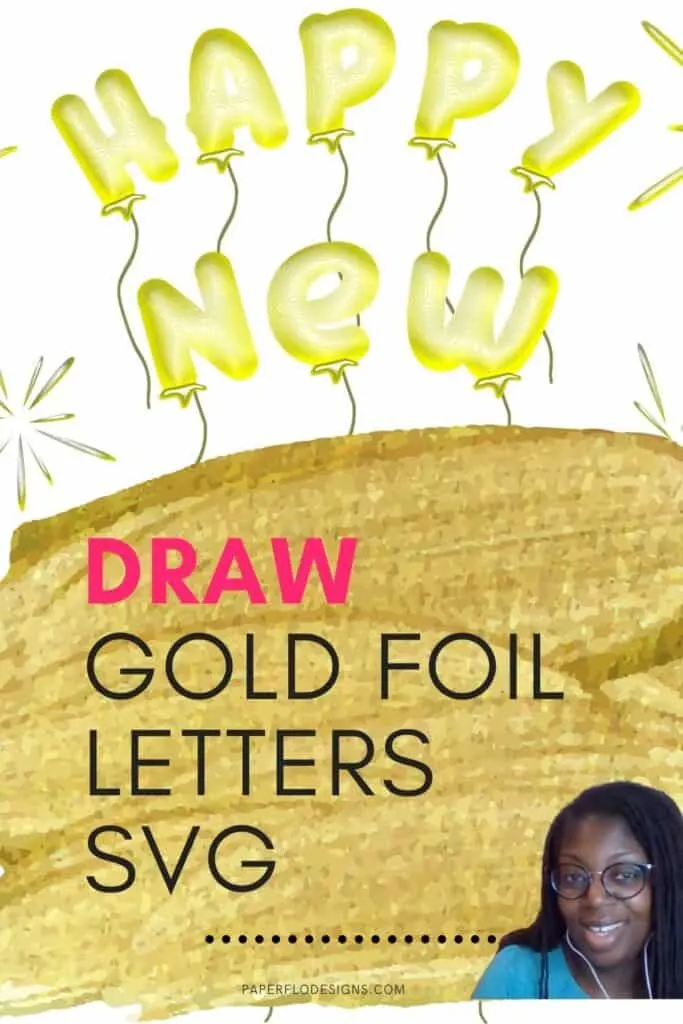
Let’s turn the page on 2020 and draw happy new year gold foil balloons to welcome in 2021.
Did you know that you can make gold foil letters in Inkscape? You can, and it’s easier than you think. I’ll show you how in this easy tutorial.
I say that it’s easy because there are filters in Inkscape that do most of the work for you. Don’t you love it when someone else has already done the heavy lifting?!
Click to WATCH New Year Gold Foil Balloons intro video
Scroll to the bottom of the post to watch the full video
I get commissions for purchases made through some of the links in this post. There is no extra cost to you. See my full disclosure here.
Update to Inkscape
In May, Inkscape released version 1.0. The update to Inkscape added more filters to make exciting effects to our drawings!
These effects make it even easier to draw svg files and digital illustrations for sublimation.
I talked about why Inkscape 1.0 is great for art and crafting and how you can use some of the features.
Check out my Live video below to learn about them.
WATCH the Inkscape Update video
How to Draw Gold Foil Balloon Letters in Inkscape
Let’s start by gathering your materials to draw the foil balloons.
Drawing Supplies
Digital Drawing Supplies
- Inkscape software program
- Computer
- Graphic tablet (optional)
- Inkscape, Ready, Set, Go! ebook
To draw the letters, we’ll use the following two functions.
- Path
- Text

You could also draw the letters on a separate sheet of paper and scan the sketch into Inkscape.
Once you import the sketch, put it on a lower layer and use it as a template for your drawing. You can always hide the sketch layer if it gets in the way.
Once you’re done with your drawing, just delete the sketch layer.
I have more options to add text to your drawing. One of them involves using Canva, my favorite online image editing software. I love it because it’s so easy to use the click and drag features.
The video for this tutorial doesn’t really go into detail on how to use text in Inkscape. For a step by step tutorial on how to use the Text function to make text and quotes svg files in Inkscape, sign up for my So Simple SVG Quotes course.


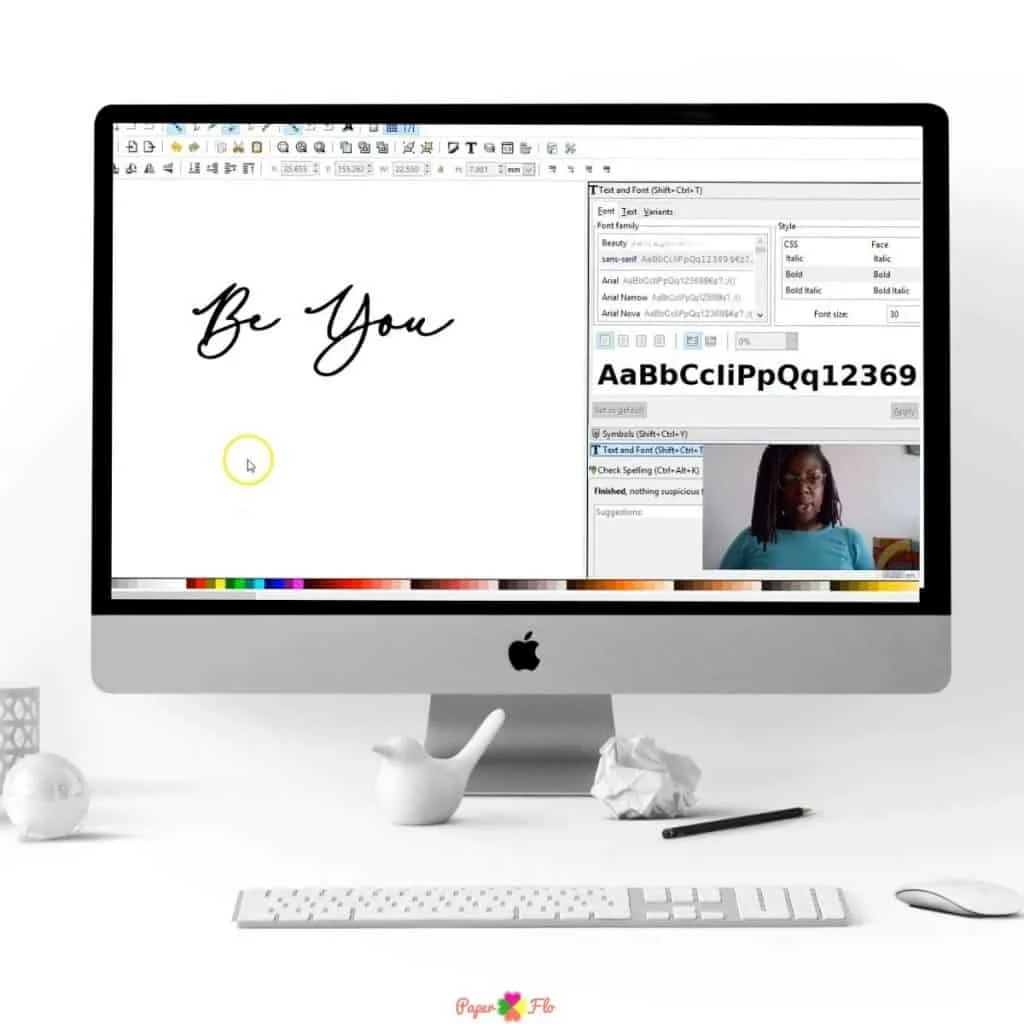
Want more easy drawings for starter projects like this? Click the video below to see my collection of holiday drawing tutorials. These are quick and easy lessons to draw Thanksgiving, Halloween, Easter, and Christmas theme drawings.
Make sure to save this to your favorite drawing board on Pinterest. Click the link below to save it for later.
Feel free to add a photo of your drawing to the pin so that I can see it and let me know that you tried it.
Click to play the full tutorial video