
Do you need to know how to group letters in Cricut Design Space? This is a question that I hear from lots of beginner crafters.
Well, maybe not complete beginners, but at least those who are new to using svg files in Cricut.
You may buy an svg file or even get a free svg file that you upload into Design Space and when you go to cut it out….horror of horrors… the design is not grouped together. If you don’t know what to look for, it can be a little difficult to group them.
If you try to cut it out this way, it could lead to having an uneven or crooked image on your final project. And you certainly don’t want that. Now, do you?!
Luckily, there is a quick and easy fix for this.
This short tutorial will show you how to group letters in any text or quote style svg file that you upload to Cricut.
WATCH How to Group in Cricut intro video
Scroll to the bottom of this post to see the full video
I get commissions for purchases made through some of the links in this post. There is no extra cost to you. See my full disclosure here.
No time to read the post now? Don’t worry, just save it to Pinterest so that you can read it later.
Here is what you need. It’s easy to follow along with and will take less than 3 minutes to do.
Supplies
Supplies to Edit in Cricut
- Cricut Design Space software program
- Computer (tablet or mobile phone will also work)
- An svg file
How to Attach Letters on Cricut
To attach letters in Cricut, start by clicking and dragging your design into Design Space.
Upload the design to your canvas as a new project.
Click and drag to select each element that you want to group.
Now click on the Group button in the upper right hand side of your Canvas space.
Repeat this step for any other elements that you want to group.
What Type of Files Do you Need for Cricut
When you’re uploading images to Cricut, you can use the following type of files:
- SVG
- PNG
- JPG
- DXF
- GIF
- BMP
This method can also be used to group images on Cricut and will work with any svg.
Whether it’s made in Inkscape or Illustrator, Affinity Designer or any other vector software program, it should still work.
I like to use Inkscape to make svg files. It’s similar to Adobe Illustrator and has most of the same capabilities.
Sometimes, I use Affinity Designer if I want to do a mix of raster base designs and svg. You can find my favorite art and craft supplies on my resources page.
In case you didn’t know, there are also online svg apps. They are good for short quick jobs in my opinion.
A while back, I wrote about 7 online svg file makers that you probably don’t know about. It’s really helpful if you like drawing on a tablet.
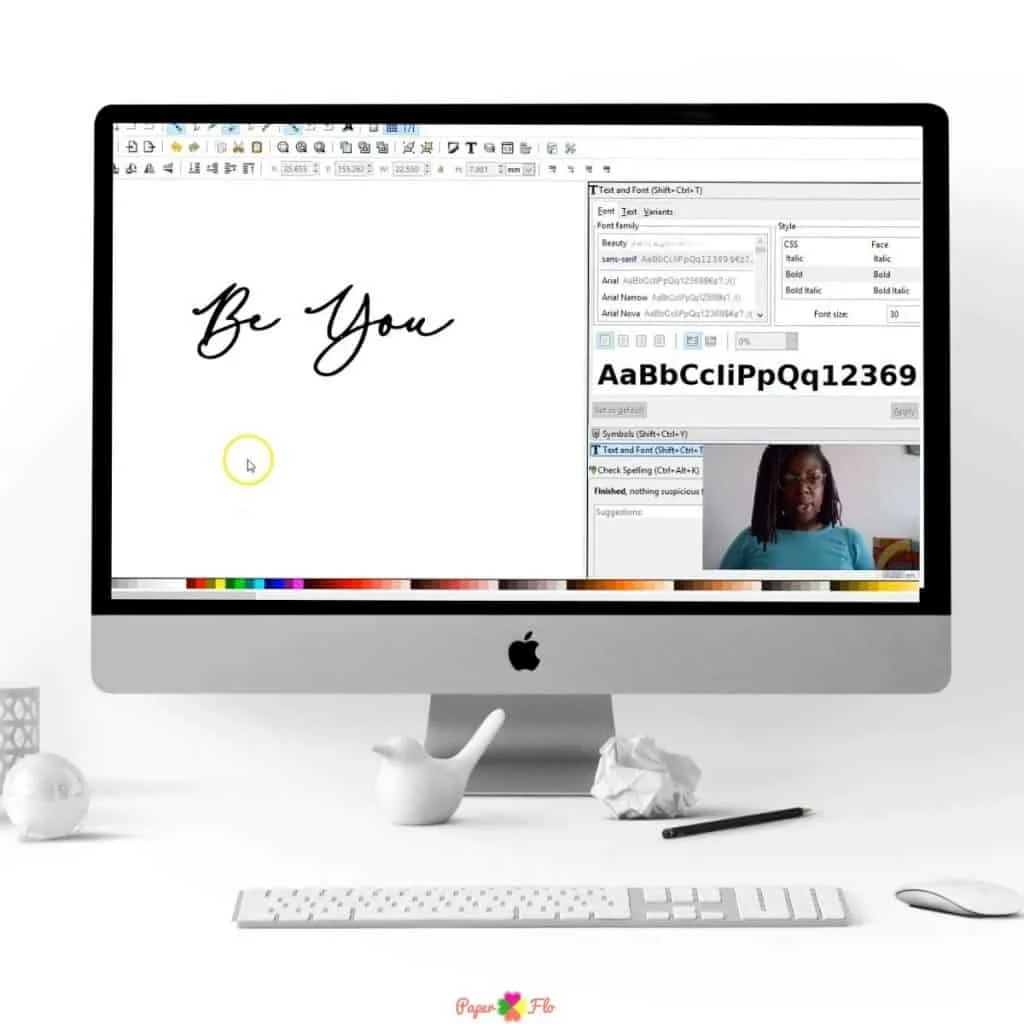
If you liked this lesson, you’ll love my So Simple SVG Files course. I will walk you through the steps to make digital drawings using simple shapes in Inkscape. You’ll also learn how to transfer your drawings to your craft projects and get better use from your cutting machine.




Want more shortcuts like this? Check out my collection of posts about svg tips to help you design quickly and get more projects done.
Make sure to save this to your favorite Cricut board on Pinterest. Click the link below to save it for later.
Feel free to add a photo of your grouped graphic to the pin so that I can see that you tried it.
How to Group Letters in Cricut Design Space


Here is how to group letters in Cricut Design Space.
Materials
- svg files
Tools
- Cricut Design Space
Instructions
How to Attach Letters in Cricut Design Space
- To attach letters in Cricut, start by clicking and dragging your design into Design Space.
- Upload the design to your canvas as a new project.
- Click and drag to select each element that you want to group.
- Now click on the Group button in the upper right-hand side of your Canvas space.
- Repeat this step for any other elements that you want to group.
Notes
If you use Inkscape, my Inkscape, Ready, Set, Go! e-book will show you how to use all of the shortcuts so that you can design svg files like a pro.
Recommended Products
As an Amazon Associate and member of other affiliate programs, I earn from qualifying purchases.


