
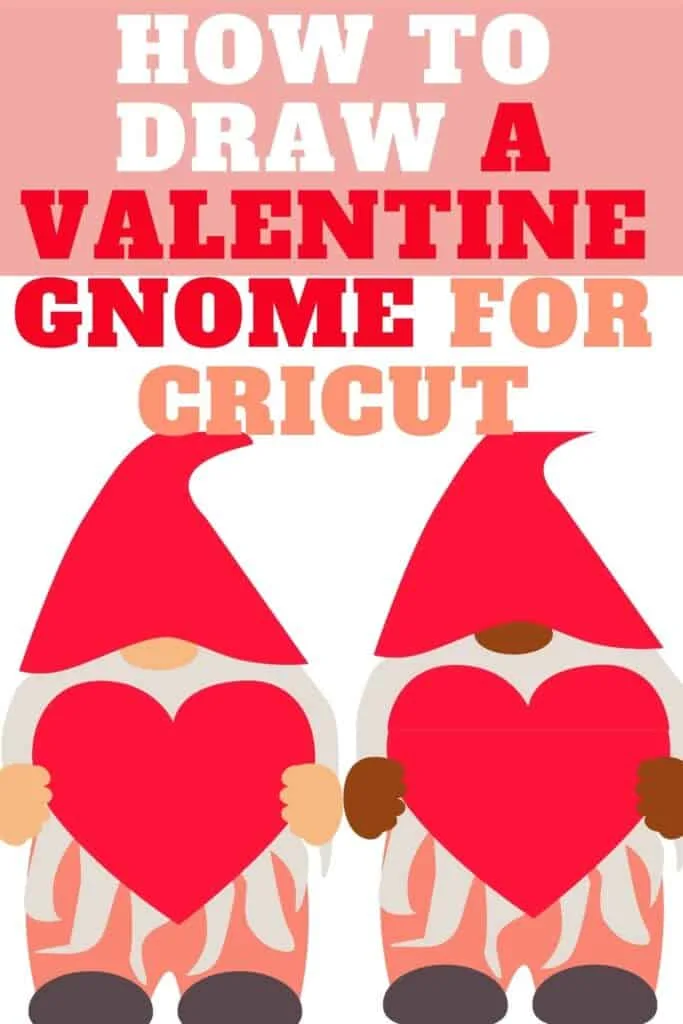
Here’s an idea that you’ll love for the sweetest day. Learn how to draw a Valentine gnome in this tutorial that uses Inkscape together with my custom red and pink color palette.
This cute little guy wants to give you his heart. He’s ready to celebrate love in his jolly pointed red hat and grey boots. Don’t worry, he’s not grumpy. Make him more cheerful by drawing a Valentine wreath in place of the plain heart.
The quick intro video below will give you an idea of the steps.
WATCH the Valentine Gnome intro video
Scroll to the bottom of the post to see the full tutorial video
I get commissions for purchases made through some of the links in this post. There is no extra cost to you. See my full disclosure here.
This short tutorial is great for beginners and should take you about 20 to 25 minutes to draw.
To make yours look like mine, use my free custom color palette. Scroll down to download the palette. Once you download it, you can then upload it to Inkscape to have it on hand while you’re drawing.
Open up Inkscape on your computer and follow along to make the drawing. You can use a mouse or a digital drawing tablet and a stylus pencil.
If you’re looking for more valentine drawings or holiday inspired tutorials, then check out my collection of holiday drawing tutorial videos here.

You’ll find lessons to make designs for your Easter, Halloween, Thanksgiving and Christmas craft projects.
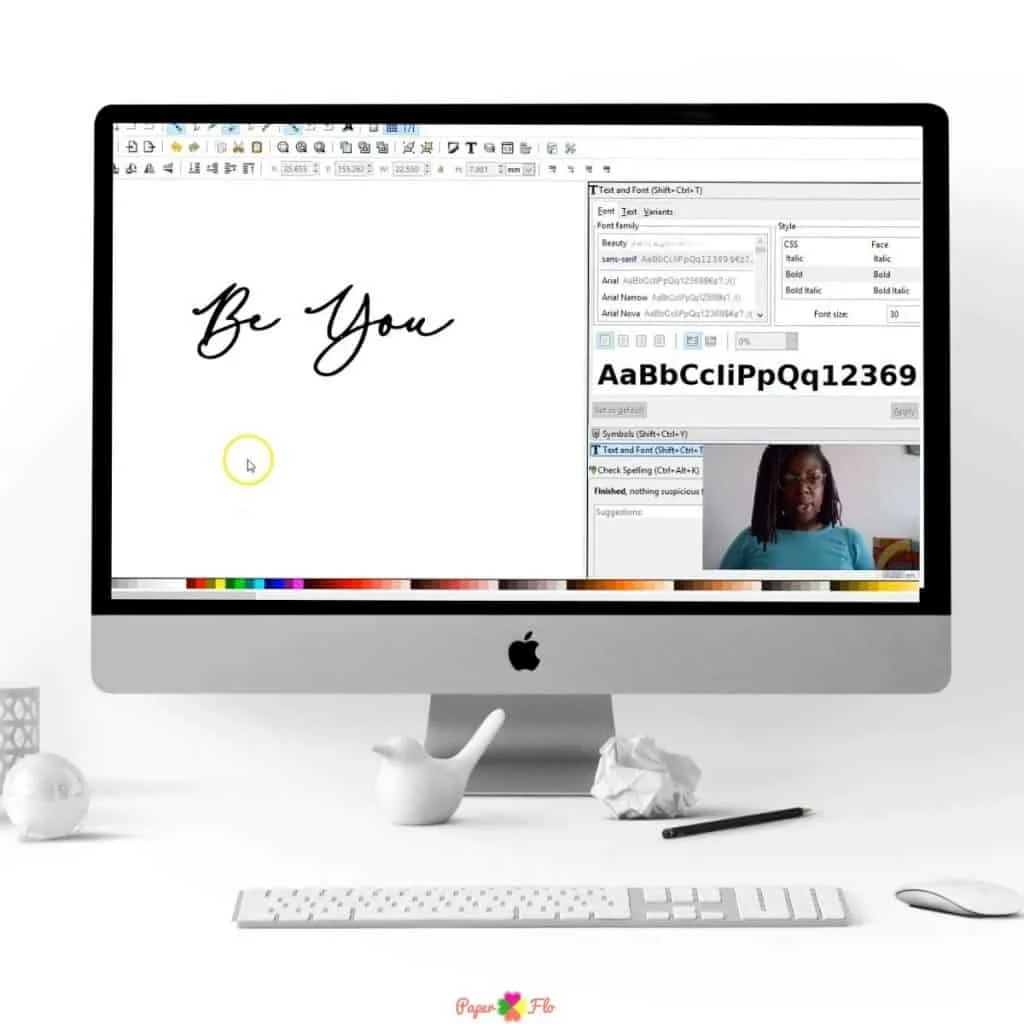
To personalize your drawing, write a message using a pretty handwritten Valentines font. The text can also be turned into an svg file.
For a step by step tutorial on how to do this in Inkscape, sign up for my So Simple SVG Quotes course.


“I love having a creative outlet and just do my crafting and Cricut for myself and family. I don’t have a whole lot of time but I love to do it when I can. To be honest, I just love learning!
I like to know how to do things so when the time comes, I don’t have to stress to find the answers.
Thank you so much for creative SVGs and taking the time to teach others. It is truly appreciated!!”
– Tory Myers, student of So Simple SVG Quotes

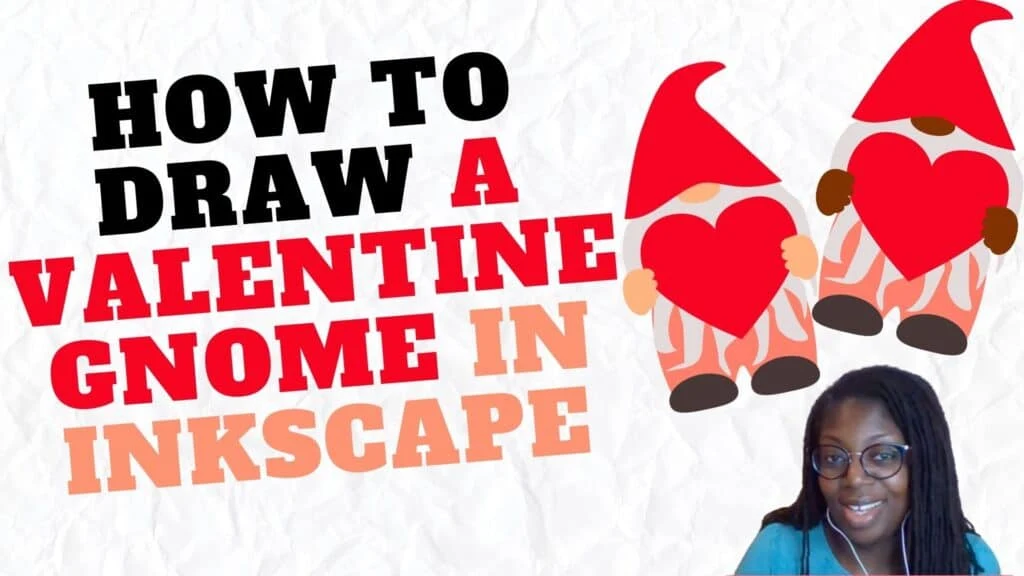
How to Draw an Easy Valentine Gnome
Let’s start by gathering your materials to draw the gnome.
Drawing Supplies
Digital Drawing Supplies
- Graphic tablet (I use this one from Amazon (optional))
- Computer
- Inkscape software program
Paper Drawing Supplies
I like to use Inkscape to make my easy digital drawings. Inkscape is an open-source graphic software. Which means it’s free to use.
Sometimes, I use Procreate on my iPad or an online Inkscape drawing app if I’m not at my home computer.
I use a variety of tools in the Inkscape program, like the rectangle tool, the bezier pen and the triangle tool.
I love using a mix of the different shape tools. I want to show you that you can draw almost anything using basic shapes.
Draw a Gnome Hat
For the first step, we’re going to use the triangle tool to draw a medium size pointed triangle. Select the eye-dropper tool, then pick the red color from the color palette.
Double click to get the nodes, then round out the corners of the hat.
Make the Gnome Face
The face of the gnome is pretty simple since we only need to draw his nose.
Use the circle and ellipses tool to draw a small circle that you’ll turn into an oval shape.
How to Make a Gnome Beard
We’ll make the gnome beard with the bezier pen. This is the free-hand part of the drawing.
I start from the left side of the hat and draw a few peaks, going up and down to draw the beard. Feel free to make the beard however long you want. I draw it so that it’s not too long, but you’ll notice that I adjust it later in the video.
Draw the Gnome Body
Use the rectangle tool to draw the body of the gnome. Double click to get the nodes and then pull out the sides to curve them.
To make the boots, just click on the nose and duplicate it, change the color to grey and duplicate this first boot.
We’ll reuse the same shape again to make the hands. Now click and duplicate the hand four times to make the fingers. Just click and drag any corner node to shrink the shape and rotate each one into place.
Draw a Valentine Heart
Let’s make a heart for the gnome.
I’ll use the bezier tool again to make a loose heart shape. Then, I’ll double click to get the nodes and push and pull them into the heart shape.
Pro Tip: Use the eye-dropper tool to change any color.
To do this, use the color palette that I provided for you, or you can choose your own colors
Your easy gnome drawing is done. Isn’t he adorable?!
If you liked this lesson, you’ll love my So Simple SVG Files course. I will walk you through the steps to make digital drawings using simple shapes in Inkscape. You’ll also learn how to transfer your drawings to your craft projects and get better use from your cutting machine.

Want more easy drawings for starter projects like this? Check out my collection of digital drawing tutorials.
Make sure to save this to your favorite drawing board on Pinterest. Click the link below to save it for later.
Feel free to add a photo of your drawing to the pin so that I can see your cute gnome.


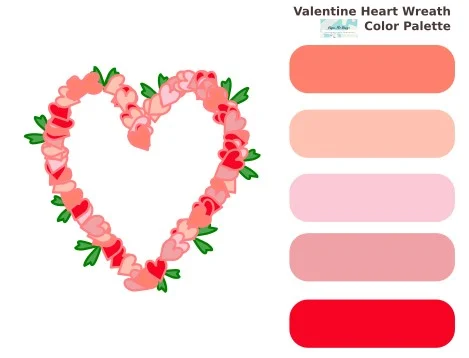
Get the free color palette here.

How to Draw a Leprechaun Gnome - Paper Flo Designs
Monday 8th of February 2021
[…] similar to the Valentine’s day gnome that I […]