
Detailed Comparison of Beginner Cutting Machines
There are a number of things to consider when deciding between the Cricut Expression 2 and the Cricut Explore Air 2 machines.
Whether you are getting your first Cricut machine or upgrading to a new Cricut machine, you’ll want to know the pros and cons of each in order to make the best choice.

I get commissions for purchases made through some of the links in this post. There is no extra cost to you. See my full disclosure here.
Cricut machines are the best for crafting hobbies and businesses.
Artists particularly love the brand as it designs and cuts decorative stickers and decals on different materials.
Cricut equipment comes in various types, which uniquely perform similar tasks depending on the artist’s needs.
If you are not sure which one to purchase, this comparison of the features of the two cutters will help you figure it out.
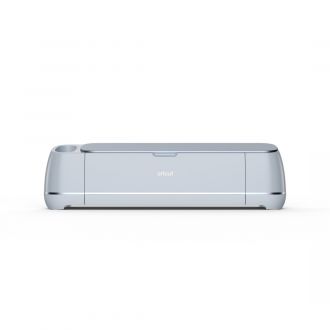
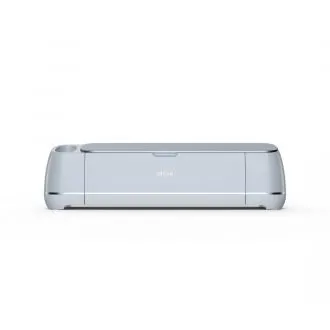
What are the Differences between Cricut Explore Air and Cricut Expression 2?
The most significant difference between these two machines is the availability. The Cricut Expression 2 is one of their legacy machines and is no longer sold on the Cricut shop website.
You can still find these machines for sale on eBay or Amazon.
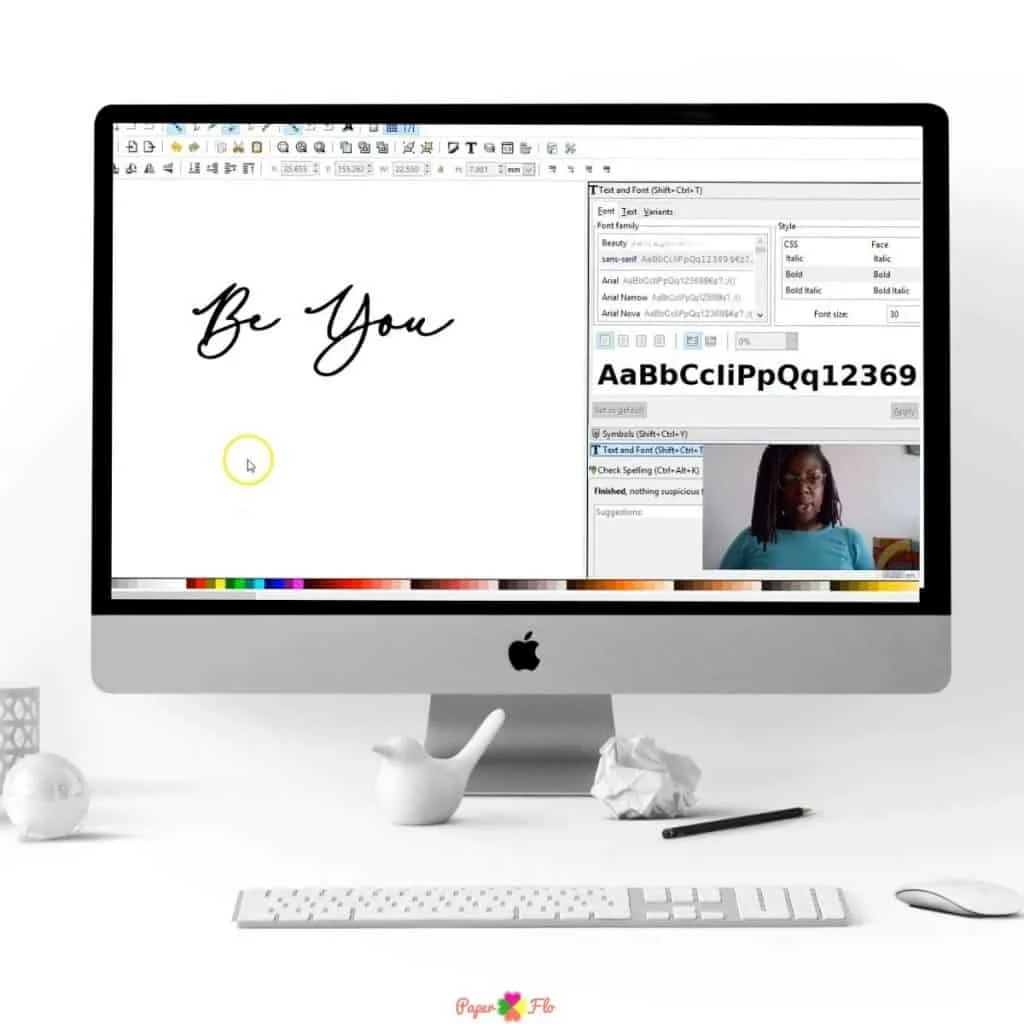
The machine requires a connection to your computer and the Cricut Craft Room software. Cricut used to sell a wireless adapter for the Expression 2 machine but it’s since been discontinued.
The same thing happened to Cricut Craft Room software on July 16, 2018.
Another major difference is their sizes. The Cricut Explore Air is much smaller than the Cricut Expression 2, so it will be easier to store and move around.
The Cricut Explore Air has a built-in battery and charger, while the Cricut Expression 2 requires an outlet to plug it in.
Cricut Explore Air Pros and Cons – Is it worth the $$$?
The Cricut Explore Air is a wireless cutting machine that is a recent addition to the Cricut family. It has been designed to be portable, lightweight, and easy to use.
In this article, we will discuss the pros and cons of Cricut Explore Air. We will also talk about if it is worth the price tag or not.
Older machines vs. Newer machines
Since we’ve covered the major differences between these two machines, let’s get into the other things that you should consider.
The first is the thickness of the material that you want to cut. The Cricut Expression 2 can cut through up to 12-inch thick materials, while the Explore Air 2 can only cut through up to 8-inch thick materials.
Each machine also has its own set of features that make it more or less suitable for your needs.
For example, the Cricut Expression 2 has a built-in laser pointer, which is perfect for making sure that you’re cutting out your desired design in the right spot.
On the other hand, if you’re looking for a machine with an LCD touchscreen display, then you’ll want to go with the Explore Air 2
Cricut Expression 2 is the most popular and well-known of all the Cricut cutting machines. It can be used for a variety of projects, from scrapbooking to card making to home décor.
The Cricut Expression 2 has a few drawbacks that you should know about before you buy it. The software is not as user-friendly as some would like, and there are some features that are not included in the package.
If you’re looking for a machine with more features, then the Cricut Explore Air 2 is a better choice for you. It is a more expensive machine but you can pay for it over time by using the Affirm program. The Affirm payment program allows you to get many of the new Cricut products by paying 4 interest-free payments. This works out to as little as $19 per month.


Features of a Cricut expression 2 and Cricut explore
Cricut expression 2 is one of the older Cricut machines. You can use it by itself without connecting it to a computer.
However, you will need Cricut cartridges to create designs using this cutter. These are images that you purchase to complete the projects on the machine.
They may indicate a cartoon character, a theme, holidays, or seasons of the year.
Other characteristics of the Cricut expression 2 are:
- It has a touchscreen LCD screen that has a stylus pen.
- The new machines come with two cartridges already packed.
- It is compatible with all Cricut cartridges available.
- It can cut various materials.
- The maximum size it can cut is 12 inches by 24 inches.
- Production of this model is discontinued but can be found in online stores.
Cricut explore was the first model in the explore line of the popular electronic cutting machine.
It was more straightforward than the current explore models and cheaper. Although outdated, it is still popular among new craft makers.
Features of the Cricut explore machine are:
- It has an automatic dial and settings.
- It is cheaper than the newest machines.
- Easy to work with various materials.
- It has strong cutting blades.
- The maximum size it can cut is 11.5 inches to 23.5 inches.
- It is slow to use.
- It cannot automatically connect to Bluetooth.





What does a Cricut expression 2 do?
It can cut various materials to different sizes. It is pretty powerful as one can cut pictures and letters on fabric, vinyl, cardstock, and wood to make decorations or inscribe a message.
This machine can do most home, office, and school decoration projects.
Does Cricut expression 2 cut vinyl?
Yes, Cricut expression 2 cuts through vinyl easily to make beautiful decals, stickers, and labels.
They come in all colors and shapes, providing a variety for each unique project.
One can use them to make gifts for all occasions, personalize kitchen items, and decorate your home.
What can you use Cricut explore to do?
Cricut explore cuts designs for your project in a short time. It has vast access to tools you can use to make your projects perfect.
Does Cricut explore use cartridges?
The Cricut explore machines do not use link cartridges. Instead, they use software known as the Cricut Design Space software.
It is a library of thousands of images and templates you can use to create and cut stickers and decals as desired. You can also upload your own images to these newer Cricut models.
If you don’t know how to make your own designs, you can take advantage of the free trial membership to Cricut Access (for new subscribers).
Can I cut fabric with Cricut explore?
Apart from fabric, the Cricut explore allows you to cut through different materials.
You will require a deep point knife blade to cut through rigid cardboard, thick fabric, magnets, and other thicker materials.
What is the thickest material a Cricut explore can cut?
A Cricut explore machine can cut through any material with a maximum thickness of about 2 millimeters. This includes all kinds of paper, fabric, balsa wood, and cardboard.
Delicate materials like silk, tissue paper, and lace would require a rotary blade. Unfortunately, the rotary blade is only able to be used on the Cricut Maker at this time.
Which is the best Cricut to buy for beginners?
For beginners, the best Cricut machine is the Explore Air 2. It can write and cut through a wide variety of materials.
The machine software is available on Android, Windows, Mac, and iOS. It is pretty fast and uses Bluetooth and of course, an internet connection.
The older Cricut expression machine and explore still work well.
Despite not being able to use them with Cricut’s design space and other challenges, they will get the job done if you’re on a tight budget.
However, compare the latest units if you want newer, faster, and beginner-friendly machines that produce excellent results.
Conclusion: Picking the Right Machine for You
The internet is a great place to find information about the best cutting machine for beginners. But, we should not be relying on them alone.
We should also take into account the feedback from other Cricut users so that we can make an informed decision.
New users should look for reviews that talk about the ease of use, the cutting force, and the specific needs of the person leaving the review.
This will help us determine which machine has the best features for our needs and budget.
