
What tools are best for digital artists – Digital Art Tools
Digital art is a form of art that uses digital tools to create images. An artist will use tools such as digital painting programs together with a graphic tablet or ipad pro to make a digital drawing. These powerful tools can be an image editor, vector graphics editor, or other types of software.
Beginner artists are always looking for the best digital art software before they get started. Once you dive into the world of digital art, you’ll soon learn that there are various tools to choose from.

I get commissions for purchases made through some of the links in this post. There is no extra cost to you. See my full disclosure here.
Just as there are many tools that you can use, there are also many kinds of hardware to create digital art. Some of these tools are a tablet and stylus, a graphic tablet, or even a mouse.
Some artists also use their fingers on the screen like they would on a touch screen device.
The most popular digital painting tool is Photoshop which has been around for over 20 years now and has grown into an essential part of the design process for many professionals in the industry. Its popularity stems from its power and versatility as well as its intuitive interface that allows people with no prior experience to quickly feel comfortable using it.
Top 10 Best Digital Painting Tools
A digital painting is a type of art that uses a mobile device or a computer to create images. These images can be made using a variety of software. The best digital painting tools are those that offer high-quality features and are cost-effective.
The following is a list of the top 10 best digital painting tools:
1) Adobe Photoshop
2) Illustrator
3) Inkscape
4) Paint Tool SAI
6) Corel Painter
7) Clip Studio Paint Pro
8) Krita
9) GIMP
10) Procreate app
Inkscape – The Powerful Yet Little Known Digital Art Tool
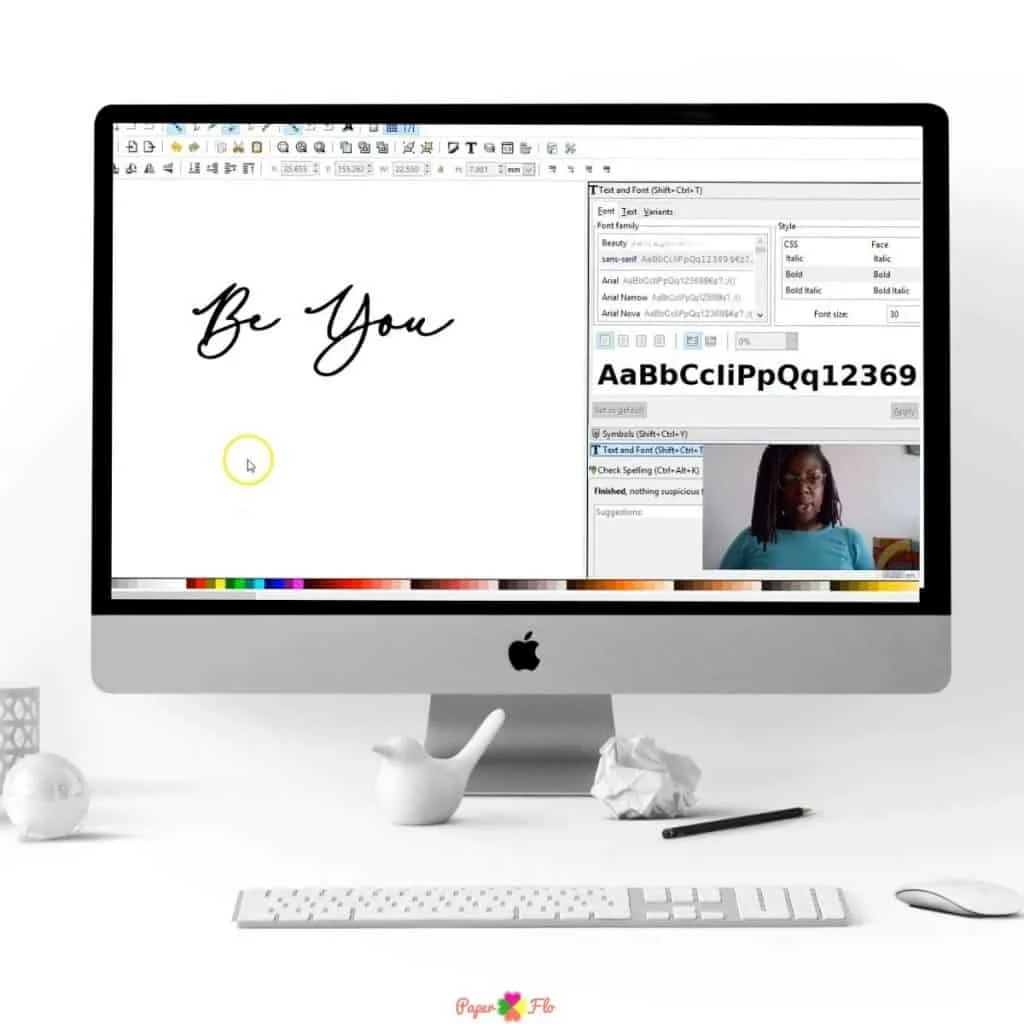
Inkscape is a powerful yet little-known digital art tool that has been used by many artists for years. It may come as a surprise to you, but this program is just as powerful as the industry standard, Illustrator.
My personal preference is Inkscape for so many reasons. One of those reasons is that it is free and open-source, which means anyone can download it and use it with no restrictions.
Inkscape offers many benefits over other graphic software programs. It is not just a vector drawing program, but also has tools for adding raster graphics and bitmap images. Inkscape also offers a wide range of tools for editing paths, shapes, text, colors, and more. This means that you can create anything from logos to icons to illustrations using this program.
The best part about Inkscape is that it’s free! You don’t need to pay anything to download this graphic software or use it in your projects.




PaintTool SAI – The Best Choice for Traditional Artists?
If you’re looking for a painting software that is widely used by professional artists, then PaintTool SAI is another popular and classic option.
PaintTool SAI is one of the most popular and powerful painting software available today. It’s free to download and use, which makes it a great option for those who want to start learning digital art.
Corel Painter – Better for Beginner Artists or Experienced Artists?
Corel Painter is a powerful digital art software that is designed for professional artists.
Some people think that Corel Painter is best for beginner artists because it offers more features for beginners. However, it also works well for experienced artists because of its powerful features and flexibility.
So, all in all, this program can be used by both beginner and experienced artists

Adobe Illustrator – The Best Way to Make Digital Drawings?
Adobe Illustrator is a vector graphics editor, which means that it creates digital drawings through the use of mathematical objects such as points, lines and curves. It is the best way to make digital drawings for any professional artist.
The Adobe Illustrator software application has been around for over 25 years and it has been one of the most popular tools for concept artists. It was originally developed by Adobe Systems in 1987 and it was first released on the Macintosh platform in 1988. Each year, Adobe updates the program and releases a new version of Illustrator. You can get a free trial here.
Affinity Designer is Here! Here’s Why You Should Use This Software for Digital Illustration This Year
Affinity Designer is a new digital illustration software that was released on November 14, 2017. It’s easy to use and has many useful features.
This program is a vector and raster illustration software that is used for creating logos, icons, infographics and more. It’s easy to use because you can start immediately without having to go through any tutorials or learning how to use it first. The interface is also very clean and intuitive which makes it great for beginners or if you’re not familiar with other illustration programs.
Up until recently, Illustrator has been the leading choice for digital art tools but now we have more options. Affinity Designer has been designed to be a more powerful and user-friendly alternative to Adobe Illustrator.
The Raster Persona in Affinity Designer is perfect for those looking to create an illustrated graphic look with their artwork.
If you’re a Mac user then you’ll be happy to hear that this painting software is designed to work with both Mac and iOS devices. It also works in conjunction with the Apple Pencil.
The software features an intuitive user interface that makes it easier for users to create vector graphics and complex illustrations without any prior knowledge of the program.
In this article, we will discuss some of the new features in Affinity Designer, how it can be used on Apple devices, and what you need to know about using Affinity Designer if you are an illustrator or graphic designer.
It’s designed to create, edit, and export vector graphics with precision. It supports multiple layers, clipping masks, filters (including blur), transparency settings for layers and paths, and advanced drawing tools such as the brush tool and Pencil tool with pressure.
Conclusion: Choose the Best Digital Art Tools for Your Project
Drawing is a skill that can be learned easily. However, it takes years of practice to master the art. There are many free and paid versions of digital art tools available on the internet. The free version of these tools will help you get started with your drawing practice and the pro version will help you master the art of drawing.
