
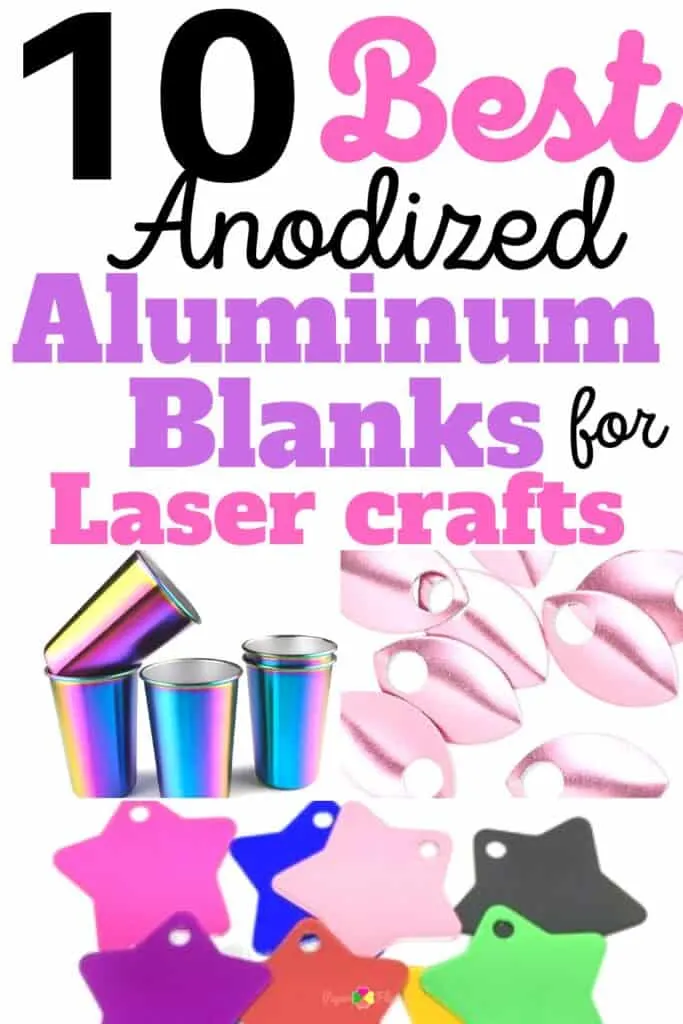
Anodized aluminum blanks are a great choice for laser engraving, since they’re are both lightweight and durable.
Anodized aluminum is anodized with a thin layer of aluminum oxide which makes it very resistant to corrosion and wear. It also has excellent thermal properties which make it suitable for laser engraving applications.
Let’s take a look at ten anodized aluminum blanks that you can use with a laser engraver.

I get commissions for purchases made through some of the links in this post. There is no extra cost to you. See my full disclosure here.
Should I use a laser engraver or a laser cutter to engrave on aluminum?
Choosing between a laser engraver or a laser cutter for engraving on aluminum can be a bit tricky. But worry not, for I’m here to help you out!
First things first, let’s talk about the difference between the two. A laser engraver uses a focused beam of light to etch or engrave designs onto the surface of a material. On the other hand, a laser cutter uses a high-powered laser to cut through materials such as metal, wood, and plastic.
When it comes to engraving on aluminum, both a laser engraver and a laser cutter can get the job done. However, there are a few things to consider before making a decision.
If you’re looking for precision and intricate details, then a laser engraver might be your best bet. Laser engravers are specifically designed for etching designs onto surfaces, so they can create incredibly detailed and precise engravings on aluminum.
They’re also great for producing large quantities of the same design quickly and efficiently.
However, if you’re looking to cut out specific shapes or designs, then a laser cutter might be a better choice. Laser cutters are designed to cut through materials, so they can easily create custom shapes and designs in aluminum. They’re also great for creating prototypes or small production runs.
Ultimately, the decision between a laser engraver and a laser cutter will depend on your specific needs and what you’re looking to achieve. Both options are great for engraving on aluminum, but they each have their own strengths and weaknesses.
You don’t necessarily need the top-of-the-line machine with all the bells and whistles. Go for a machine that does exactly what you need it to do.
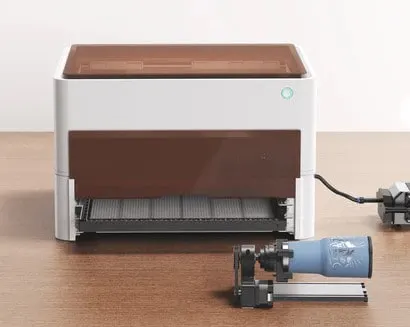
The most popular choice is rotary engraving machines like the xTool M1. These machines use a rotating cutting tool to engrave designs into the aluminum. They are versatile and can produce both fine details and deep cuts.

10 Aluminum Blanks for Beginners
When it comes to engraving anodized aluminum, there are plenty of objects you can choose to work on. Here are 10 blanks that you can use for your engraving project.
1. Keychain Bottle Opener
Bottle opener keychains are a popular option for engraving, as they are small, come in a variety of colors, and are easy to carry around in your pocket, your car, or the kitchen drawer. Personalize them to give away at parties or fundraisers.
2. Pet tags
The polished mirror-finish surface on these tags works whether you’re doing permanent laser engraving or handwriting with markers. Dog tags are a great option for pet lovers. But they also have a wide range of applications. Use them as keychains or charms to hang from a purse.
3. Fun jewelry
You can engrave aluminum color bracelet blanks, rings, or earrings for a unique and personalized gift. Here’s a 12-pack of blank bracelets in different aluminum colors. They are blank on the surface, have rounded corners and you can bend them into your favorite shape.
4. Shiny phone cases
Our phones are not just functional things but also fashionable accessories. Personalize your phone case with a custom engraving. Look for thinner options if you’re using a mini engraver or a portable engraving machine.
5. Water bottles
Engrave your name, favorite quote, or design onto a water bottle for a fun and functional gift.
6. Aluminum luggage tags
Forget standing at the luggage carousel and waiting half an hour to find your bag. Make sure your luggage stands out with a personalized aluminum luggage tag. Add any kind of artwork you like to it.
7. Metal business cards
Ask around to see if any small businesses in your area need engraved cards. You can make cards from pre-cut cards, aluminum tags, or aluminum sheets. They all come in a variety of colors. The nice thing about the sheets is that they can be custom cut in a wide range of shapes and designs. All of these options are very durable and resistant to high temperatures, making them ideal for laser engraving.
8. License Plate
Create a commemorative license plate with a custom design or message. The plates are pre-slotted so they can be easily mounted on your car.
9. Aluminum signs
An aluminum sign is a great alternative to a wood sign that may not hold up in outdoor areas. Consider making tactile signage for handicapped clients. This blank aluminum sign is UV protected and waterproof. Perfect if you need to make a monthly parking sign. Although this is made of aluminum, it’s probably better for sublimation instead of engraving.
10. Kids tumblers
Kids will be kids. So with the summer coming up, why not make each kid an engraved cup so you won’t have a hundred plastic cups piling up in the sink.
Or use them for a birthday party. How’s that for easy clean up!
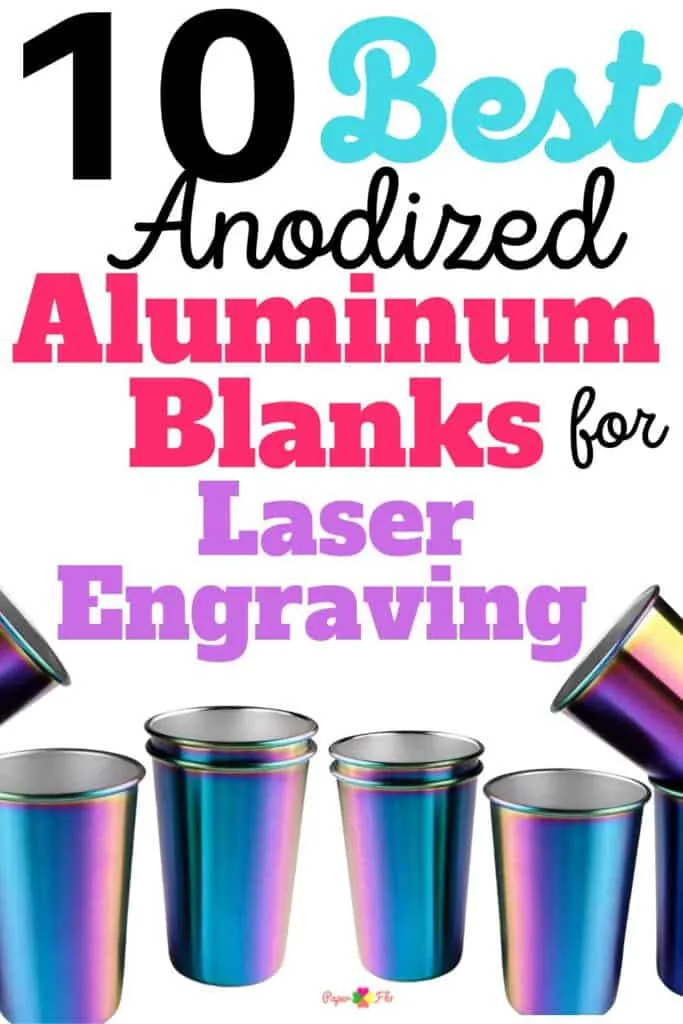
These colorful aluminum cups will save you from headaches. You can find them in stainless steel or aluminum and they’re stackable.
These are just a few ideas to get you started, but the possibilities are endless when it comes to engraving anodized aluminum. Choose an object that is meaningful to you, and let your creativity run wild!
6 Steps to Get Started with Engraving Anodized Aluminum
Engraving anodized aluminum is a great way to add personalized designs, logos, or text to metal objects. It’s a relatively simple process, and with some basic equipment, you can start engraving your aluminum creations in no time. Here are a few steps to help you get started:
- Choose your engraving tool: There are a variety of tools you can use to engrave anodized aluminum, including rotary tools, laser engravers, and even manual tools like chisels or gravers. Choose the tool that is best suited for your project and your level of experience.
- Prepare your aluminum: Before you begin engraving, make sure your aluminum blank is clean and free of debris. You may also want to lightly sand the surface of the aluminum to help the design adhere better.
- Create your design: Depending on the tool you’re using, you may need to create your design digitally or draw it by hand. If you’re using a laser engraver, you can create your design using software like Adobe Illustrator or Inkscape.
- Set up your engraving tool: Follow the manufacturer’s instructions to set up your engraving tool. This may involve adjusting the depth of the engraving bit, calibrating the laser, or installing the manual tool into a handle.
- Engrave your aluminum: Once your tool is set up and your design is ready, it’s time to start engraving! Use a steady hand and take your time to ensure your design is clear and accurate. If you make a mistake, don’t worry – you can always sand away the engraving and start again.
- Finish your engraving: Once you’ve finished engraving, you may want to clean up any rough edges or debris left behind. You can do this using sandpaper or a wire brush, depending on the size and shape of your object.
Engraving anodized aluminum is a fun and rewarding way to add a personal touch to your metal objects. With some basic equipment and a little bit of practice, you can create beautiful designs that will last a lifetime.

Conclusion: The Last Word on Using a Laser Engraver for Aluminum Crafts
Aluminum blanks are great to create laser engraving projects. Just remember to compare the costs, and the quality as well as the customer reviews.
