
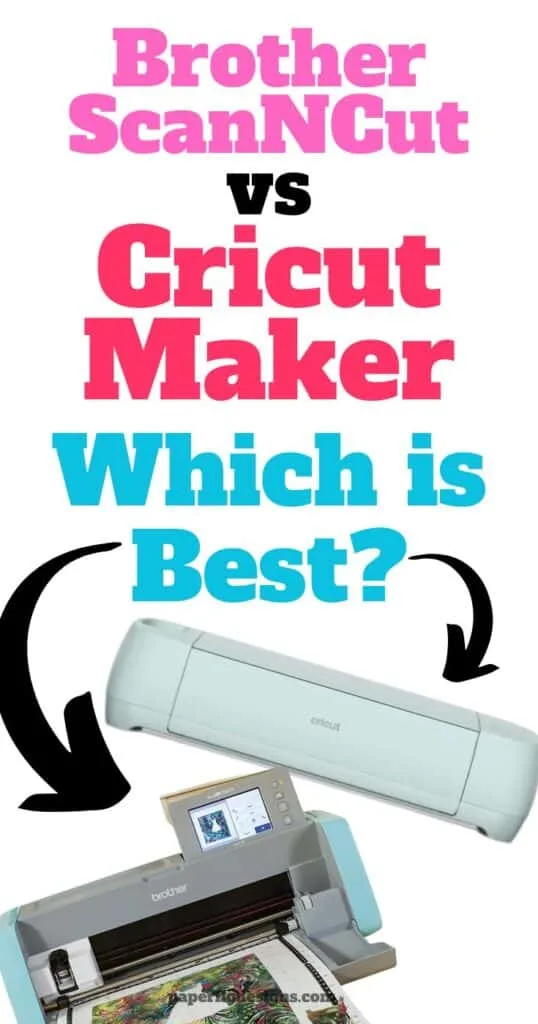
So, I’ve been on this quest to figure out whether the Brother ScanNCut or the Cricut Maker is the ultimate crafting machine.
I mean, both of these bad boys have some serious crafting cred, right? But, like many of you, I’ve been scratching my head, trying to decide which one’s the real MVP.
So, I thought, why not dive deep, compare the two, and share my findings with all of you?
By the end of this post, I promise you’ll have a clearer picture of which machine is your perfect match. Ready to find out with me? Let’s get started!
No time to read the whole post? Here is my quick take!
- 1st Choice: Cricut Maker – Great Tool for Beginners
- 2nd Choice: Brother ScanNCut – No internet access needed

I get commissions for purchases made through some of the links in this post. There is no extra cost to you. See my full disclosure here.
Cricut Maker: A Great Option for Beginner Crafters
Why the Cricut Maker is a Must-Have for Every Crafter
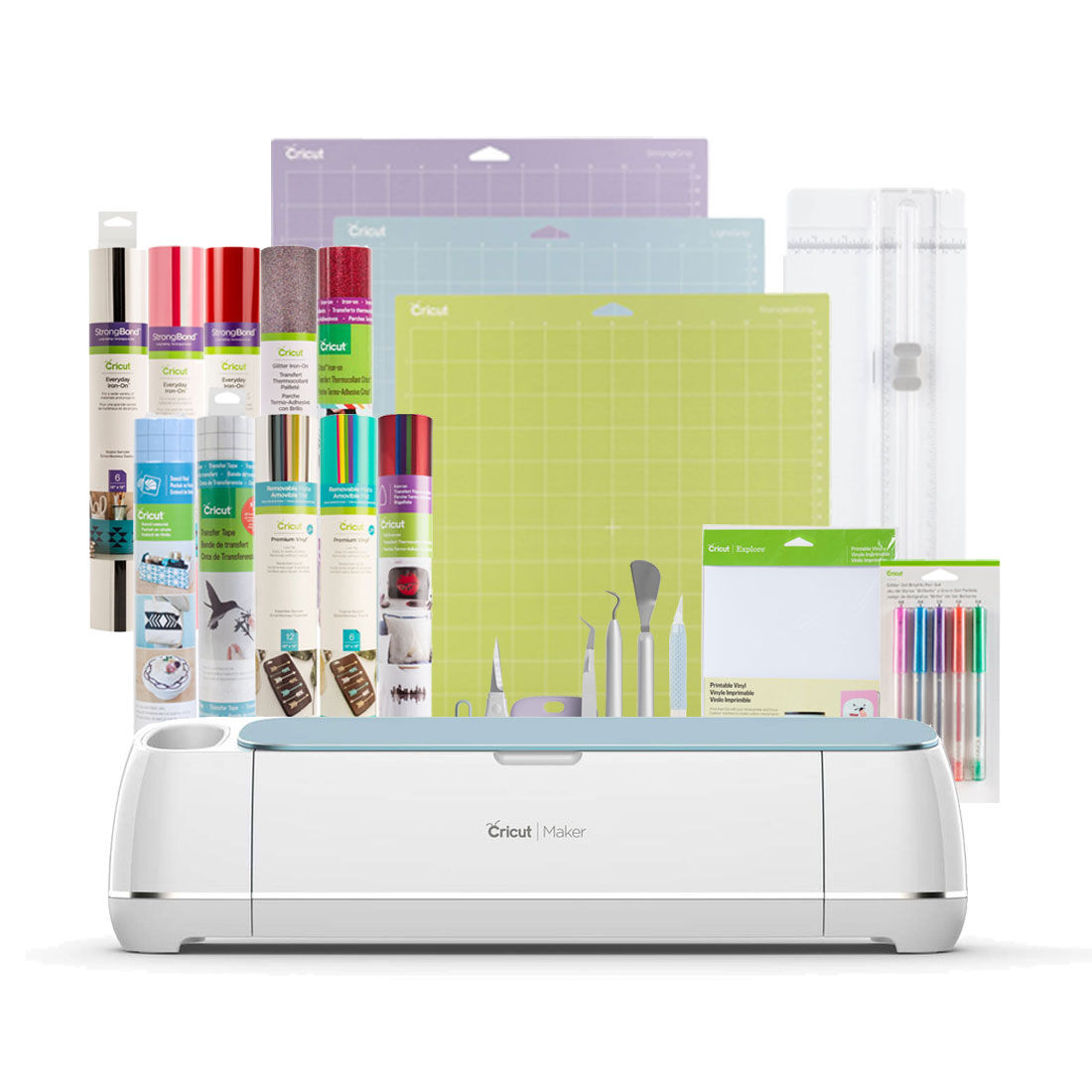
- Versatility at Its Best: The Cricut Maker is known for its ability to cut different materials, from adhesive-backed material to balsa wood. Whether you’re working on a new look for your home or crafting a gift, this machine offers versatility like no other.
- Design Freedom: With the Cricut Design Space software, you can bring your own designs to life. Whether it’s SVG files from Cricut Access or your own images, the possibilities are endless.
- Dual Carriage for Faster Projects: Time is of the essence, and the Cricut Maker understands that. With its dual carriage system, you can cut and write in one go, speeding up your projects.
- Smart Materials for Easier Crafting: Cricut’s got different mats depending on what materials you use. But you can say goodbye to the use of a mat. With Cricut’s smart materials, you can just load and go, making the cut process smoother and faster.
- A Fresh New Look: The Cricut Maker’s new machine design is not only sleek but also functional. Its storage compartments and adaptive tool system make crafting a breeze.
Pros:
- Versatile material handling.
- Freedom to design with Cricut Design Space software.
- Dual carriage system for efficiency.
- Supports smart materials for easier crafting.
- Sleek and functional design.
Cons:
- Requires an internet connection to Cricut software.
- Might be on the pricier side for some crafters.
Brother ScanNCut: The Craft Master’s Dream Machine


Why You Need the Brother ScanNCut in Your Crafting Arsenal
- Built-in Scanner Magic: One of the biggest differences between the Brother ScanNCut and other electronic cutting machines is its built-in scanner. Imagine the freedom of scanning your own designs and turning them into unique cut files. No more searching the internet for the perfect design; just create, scan, and cut!
- Diverse Material Handling: From balsa wood to felt to craft foam, the Brother ScanNCut handles a variety of materials with ease. Whether you’re working on intricate designs for art quilts or large projects for home decor, this machine has got you covered.
- No Internet? No Problem: Unlike some cutting machines that require an internet connection to access design software, the Brother ScanNCut stands alone. This means easier access to your projects anytime, anywhere.
- Loaded with Built-in Designs: If you’re not in the mood to create your own designs, the Brother ScanNCut comes packed with built-in designs. From adorable animals to elegant patterns, there’s something for every project.
- Precision and Power: With its auto blade and impressive cutting force, the Brother ScanNCut delivers precision in every project. Whether you’re cutting thicker materials or aiming for intricate designs, this machine delivers.
Pros:
- Built-in scanner for creating unique cut files.
- No need for an internet connection.
- Wide range of built-in designs.
- Handles a variety of materials.
- Powerful cutting force for precision.
Cons:
- Might have a steeper learning curve for beginners.
- Limited to the built-in designs unless you create your own.
Setup and User Experience
Setting up both the Brother ScanNCut and the Cricut Maker is relatively straightforward.
However, while the Brother ScanNCut offers a standalone experience without the need for an internet connection, the Cricut Maker requires access to the Cricut Design Space software online.
This could be a deciding factor for those who prefer offline crafting.
In terms of user experience, both machines offer a range of features that enhance the crafting process, but the Brother ScanNCut’s built-in scanner is a unique feature that sets it apart.
Maintenance and Longevity
Both machines are top of the line in terms of build quality. Regular maintenance, like cleaning the cutting mat and changing blades when they dull, will ensure they last for years.
The Brother ScanNCut’s auto blade system and the Cricut Maker’s adaptive tool system are designed to optimize performance and extend the machine’s lifespan.
Environmental and Cost Impact
In the long run, both machines are cost-effective, especially for avid crafters. They reduce waste by allowing precise cuts, ensuring you get the most out of your materials.
Additionally, both companies are moving towards more sustainable practices, making them a great choice for environmentally conscious crafters.
Conclusion
The Brother ScanNCut and the Cricut Maker are both powerhouses in the world of crafting.
While the Brother ScanNCut stands out with its built-in scanner, the Cricut Maker shines with its design software and smart materials. Your choice will ultimately depend on your crafting needs and preferences.
In my opinion, the biggest difference is the availability. Let’s face it, Cricut machines are everywhere on the market today!
This means that you can easily find compatible accessories and replacement tools like a new knife blade or a cut file.
So which one will it be for you?
FAQs
Q: Is there a machine superior to the Cricut?
A: While the Cricut is highly popular, some crafters prefer the Brother ScanNCut due to its unique built-in scanner feature.
Q: Can I utilize Cricut vinyl with my Brother Scan and Cut?
A: Absolutely! You can use Cricut vinyl with the Brother Scan and Cut, ensuring versatility in your projects.
Q: Is it possible to scan and then cut with the Cricut?
A: The Cricut doesn’t have a built-in scanner like the Brother ScanNCut. However, you can design and cut using the Cricut Design Space software.
