
I bet you’re wondering if you can tackle sublimation with your new Cricut, right? Absolutely, YES! You’re about to embark on an amazing crafting adventure, and I’m here to guide you through it.
We’ll talk about turning those vibrant designs in your head into really cute projects using your Cricut.
Whether you’re squeezing in some crafting time while the kids nap, looking to refresh your home decor, or dreaming of starting a little side hustle, this is made just for you.
Oh, and let me tell you, I’ve had my share of oops moments, like melting plastic on my sublimation blanks – we all start somewhere, right? Let’s dive in and make sure your sublimation journey with Cricut is smooth sailing!


I get commissions for purchases made through some of the links in this post. There is no extra cost to you. See my full disclosure here.
7 Expert Tips for Achieving Perfect Cricut Sublimation Results
- Understanding Sublimation Basics: Learn the fundamental principles of sublimation printing, including how sublimation ink and paper work.
- Choosing the Right Materials: Select appropriate sublimation blanks and materials, focusing on those compatible with high temperatures and sublimation dye.
- Mastering Cricut Design Space: Get familiar with Cricut Design Space for creating and adjusting your own sublimation designs.
- Optimizing Images for Sublimation: Understand how to prepare and optimize images for sublimation printing, including the use of ICC profiles and correct color settings.
- Using the Right Heat Press: Learn about different types of heat presses, including the Cricut EasyPress and Cricut Mug Press, and when to use each for the best results.
- Applying Heat Transfer Techniques: Gain knowledge on how to correctly apply heat and pressure, ensuring even and consistent transfer of your designs.
- Troubleshooting Common Issues: Be prepared to address common sublimation challenges, such as color discrepancies, image ghosting, and uneven transfers.
What’s Sublimation Anyway?
Think of sublimation as a magic show where ink turns into gas under heat and becomes part of your project – no peeling or fading! It’s perfect for creating those gorgeous, full-color designs that last.
Unlike heat transfer vinyl, sublimation ink merges with the material, giving you a super professional look.
Your Cricut: More Than Just a Cutting Machine
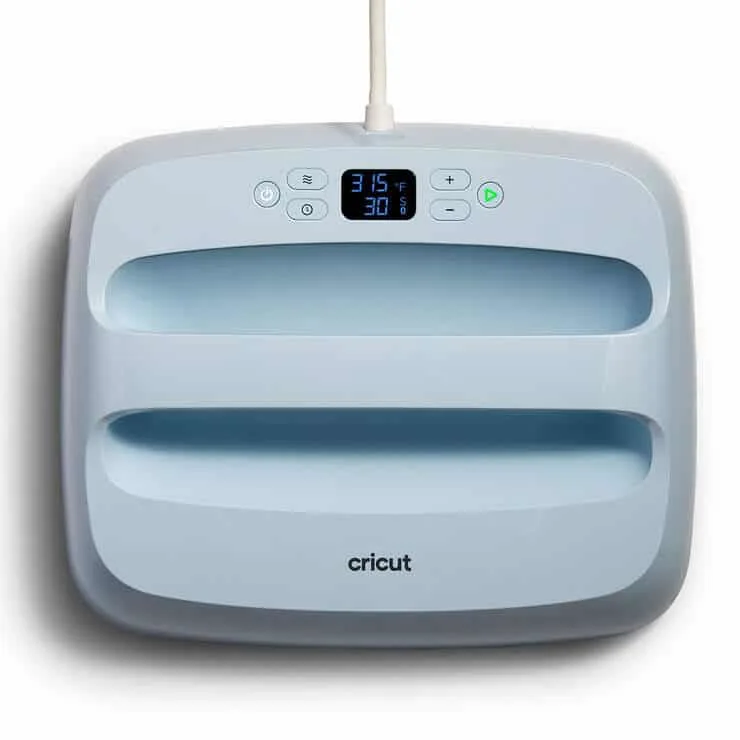
Your Cricut isn’t just for cutting – it’s your crafty sidekick for sublimation too! Sure, it’s not a printer, but it presses designs on your sublimation blanks like a dream. The Cricut EasyPress, in particular, is a superstar in versatility.

Getting Artsy in Cricut Design Space
Cricut Design Space is where the fun begins. Upload your own designs or play around with the ones you find online.
Remember to flip those images – sublimation prints in reverse. It’s like looking in a mirror, but for your crafts!
Picking the Right Gear
You’ll need a few things to get started: a sublimation printer (Epson EcoTank is a crowd favorite), sublimation paper, and, of course, sublimation ink.
Choose quality blanks with a special coating for those vivid, eye-catching finishes.

Your First Project: Easy Does It
Start small and simple. How about custom bookmarks or adorable tote bags? Your Cricut EasyPress or a Cricut Mug Press will do the trick for pressing.
And hey, don’t forget a lint roller – those blanks gotta be lint-free for the best results.
Budget Talk: Crafting Smart
Yes, the initial setup for sublimation can pinch the wallet, but think of the stunning, custom items you can create!
It’s an investment that pays off, especially if you plan to sell your crafts. Keep an eye on the costs of supplies like ink and paper, though.
Cricut vs. The World of Sublimation
Cricut’s Infusible Ink products, like their sheets and markers, offer a neat twist to traditional sublimation. They’re great for polyester fabrics and hard surfaces. It’s all about experimenting and seeing what works best for your style.
Leveling Up Your Crafting Game
Once you’re comfortable, why not try something bigger? Your Cricut is your playground – test out different materials, intricate designs, and maybe even some personalized gifts.
Choosing the Right Blanks for Your Sublimation Projects
Now, let’s chat about the fun part – picking the perfect blanks for your sublimation projects! These are the items you’re going to transform with your custom designs.
Remember, the sublimation process works best on polyester fabric or materials with a special coating that can withstand high temperatures. Here’s a list of sublimation-friendly blanks that are perfect for experimenting with your Cricut machine:
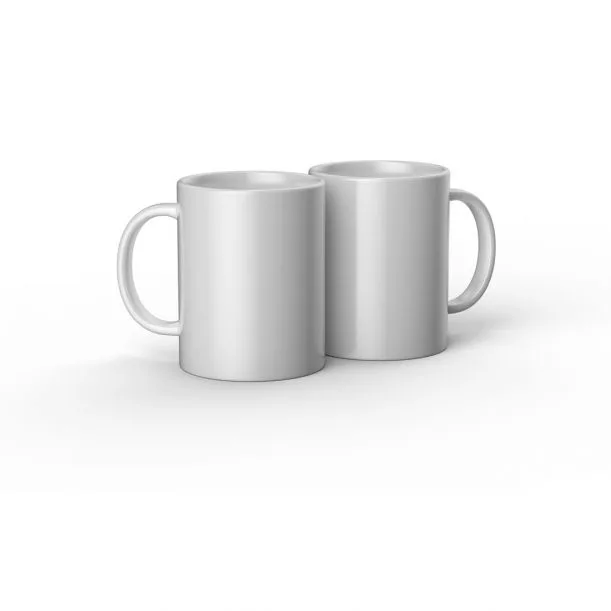
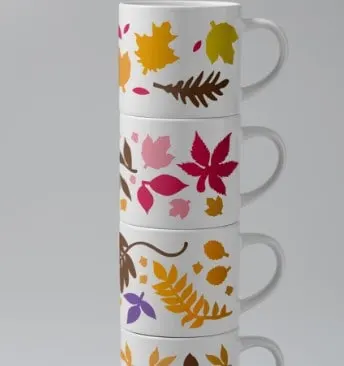
- Sublimation Mugs: The classic choice! They’re a hit for gifts or even for your Etsy shop. Use your Cricut machine to cut heat-resistant tape and secure your printed sublimation transfer before pressing with a Cricut Mug Press.
- Polyester T-Shirts: Perfect for personalized apparel. Polyester fabric ensures your designs come out vibrant and lasting. Tip: Use your Cricut EasyPress for even heat distribution.
- Tote Bags: Ideal for smaller projects. Pick polyester or poly-coated ones for the best results with dye sublimation.
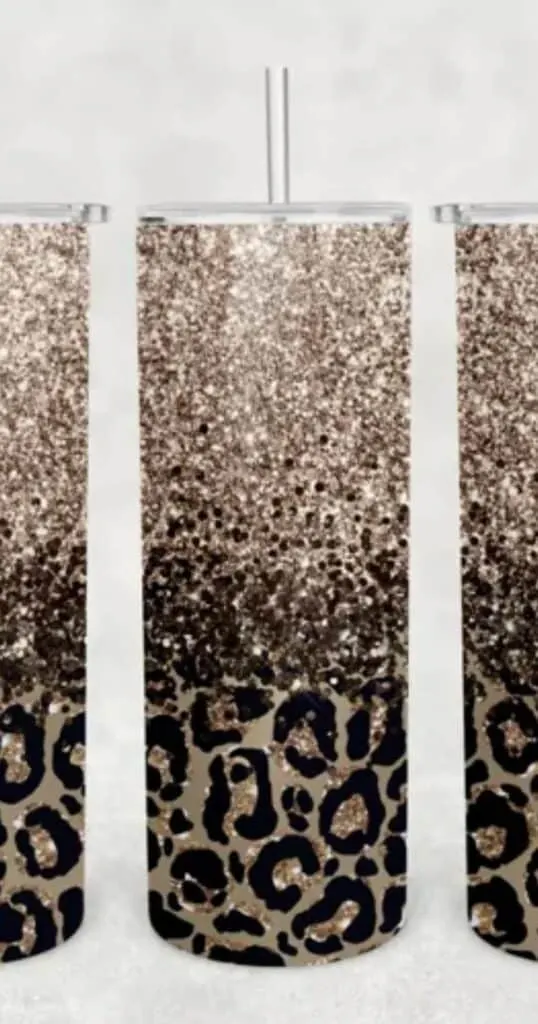
- Skinny Tumblers: Trendy and practical, these are great for custom designs. Wrap your own sublimation transfers around the tumbler and use a heat source like a mug press, an oven or a tumbler press.
- Mouse Pads: A fantastic option for office gifts or branding. They usually have a polyester top perfect for sublimation.
- Phone Cases: With the right sublimation blank, you can create stunning custom cases. Make sure they have a special coating compatible with sublimation dye.
- Pillow Covers: Transform home decor with your own sublimation designs. Opt for polyester covers for vibrant and durable prints.
- Keychains: A great way to dip your toes into sublimation crafts. Small, easy, and super fun to personalize.
- Flags and Banners: For those ready to take on a larger project. Polyester fabric works best to showcase bold, full-color designs.
- Coasters: A beginner-friendly option. Use a Cricut cutter to trim your designs to size, then press for custom coasters.
- License Plates: For a unique twist! Special coated plates are available for sublimation, making for eye-catching car accessories.
- Ornaments: Perfect for seasonal crafts or special occasions. They come in various materials like ceramic or metal, all ready for your creative touch.

Always remember to test your materials first – different blanks may require varying temperatures or pressing times.
Why This Sublimation Time Calculator is Useful:
- Time-Saving: Say goodbye to guesswork and constant checking.
- Efficiency: Want to plan your crafting day like a pro? Knowing the time each project takes can help.
- Beginner-Friendly: New to crafting? This tool gives you a leg up in mastering time management.
Sublimation Time Calculator
The calculator estimates the time needed for the sublimation process based on your sublimation blank. Keep in mind, that this is just an estimate. 🕒

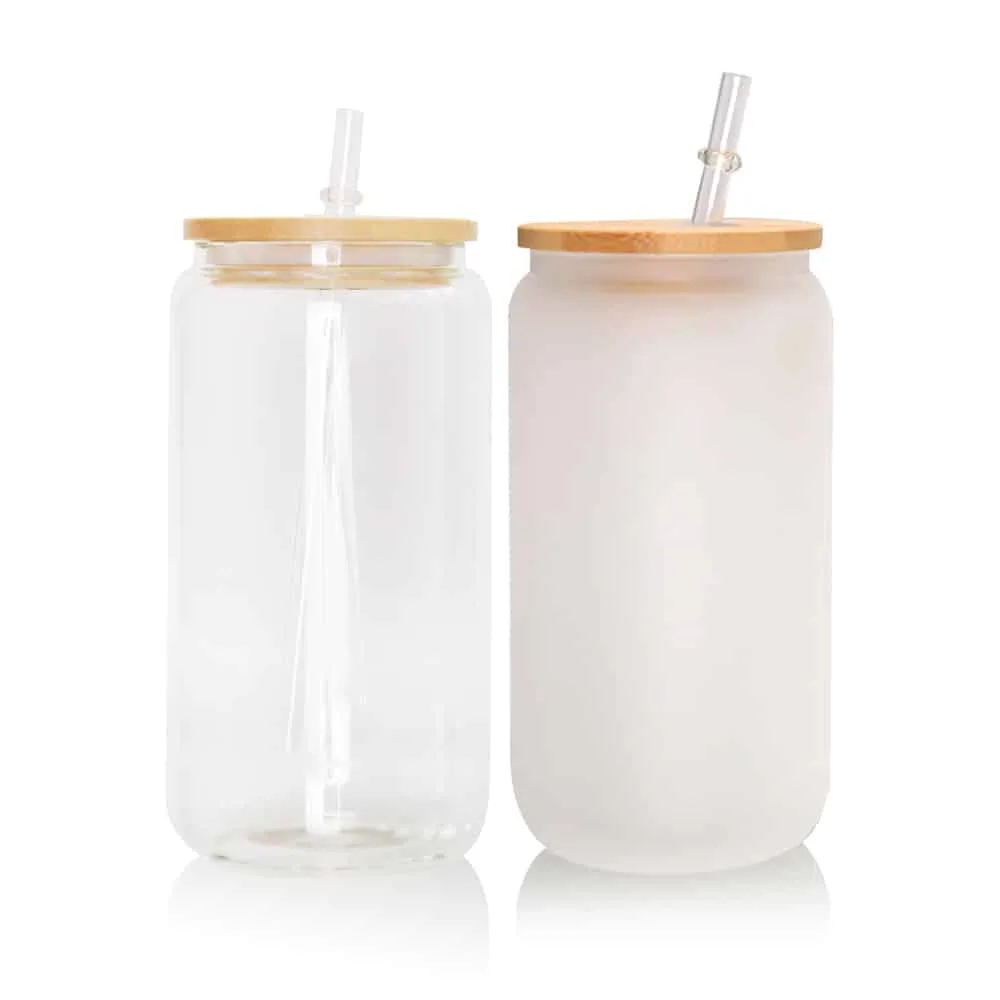


And don’t forget, by using the affiliate links I’ve provided for these products, you’re helping support more great content at no extra cost to you – it’s a win-win!
So, grab your Epson EcoTank printer, load it with special ink, and get ready to turn these blanks into stunning, personalized creations. With your Cricut machine and a sprinkle of creativity, the possibilities are endless.
FAQ Corner
- “Do I need a special printer?”Yep, a sublimation-friendly one, like certain Epson models.
- “Can I use regular paper?”Nah, sublimation paper is what you need for those vivid prints.
- “What can I sublimate on?”Mostly polyester fabrics and coated surfaces like mugs.
| Sublimation Tip | How to Use It | |
| 1 | Understanding Sublimation Basics | Learn the core principles of sublimation printing, including the function of sublimation ink and paper. |
| 2 | Choosing the Right Materials | Select the best sublimation blanks and materials that are suitable for high-temperature transfers. |
| 3 | Mastering Cricut Design Space | Develop proficiency in using Cricut Design Space for creating and modifying your sublimation designs. |
| 4 | Optimizing Images for Sublimation | Prepare and enhance images for sublimation, ensuring correct color settings and ICC profile usage. |
| 5 | Using the Right Heat Press | Understand the different heat presses available, like the Cricut EasyPress, and their appropriate applications. |
| 6 | Applying Heat Transfer Techniques | Learn the correct methods for applying heat and pressure to achieve even and quality transfers. |
| 7 | Troubleshooting Common Issues | Equip yourself with solutions to address typical sublimation problems such as color issues and image ghosting. |
Wrapping It Up
That’s your beginner’s guide to sublimation with Cricut. It’s a fantastic way to make something truly special. Don’t worry about little mistakes; they’re all part of the learning curve. Just enjoy the process, have fun with it, and who knows, you might just create something incredible!
Now that you know it’s possible to sublimate with Cricut, you might be curious about what else you can do with this versatile tool. For those of you looking to explore further, I’ve got just the thing. Check out my blog post on Must-Have Supplies for Making T-Shirts with Cricut. It’s a treasure trove of information, especially if you’re thinking about expanding into custom apparel.
And if you’re feeling extra creative and ready to design your own SVG files for these projects, don’t miss my guide on How to Make SVG Files in Canva for Cricut. Both of these posts are packed with helpful tips for you.
