
Here’s How to Keep Your Cricut Heat Press from Overheating: 3 Easy Tips
If you’ve been having issues with your Cricut heat press overheating, don’t worry—you’re not alone.
If you’re a crafter, you know how important a heat press can be to help you get the perfect finish on your projects.
However, it can be frustrating when your Cricut heat press overheats, leading to uneven or burnt results.
In this article, we’ll dive into why your Cricut EasyPress is overheating and share 3 tips on how to fix it. Let’s get started!


I get commissions for purchases made through some of the links in this post. There is no extra cost to you. See my full disclosure here.
Why is my heat press overheating?
There could be a few reasons why your Cricut heat press is overheating. One possibility is that there’s a buildup of dust or debris in the vents, which can restrict airflow and cause the device to overheat.
It could also be that your heat press is being used for too long without a break, or the temperature setting is too high for the material you’re working with.
How do you fix an overheating problem?
Of course, there are lots of ways to fix an overheating problem but I’ll give you my 3 favorites that you can do in a few minutes.
1. Clean it Up
When was the last time that you gave your EasyPress a good wipe down?
A quick clean up is one way to fix an overheating problem. Start by unplugging the EasyPress and letting it completely cool down. Once it’s cool, simply wipe it down with a soft cloth or microfiber towel.
Next, you’ll want to check the vents for any dust or debris and clean them out if necessary. Use a soft toothbrush and a few cotton swabs to finish it off.
Make sure you unplug the device before doing this. (I feel like this was important enough to say twice).
If you don’t want to wait for it to cool down, then you can use a heat-activated product. EZ Off Hot Iron Cleaner will get all the gunk off while the press is still warm.
You may also want to get a cover for your machine to avoid any dust build-up in the future.


2. Give it a Rest Already!
Next, try giving your heat press a break in between uses to let it cool down. Turn it off, grab a cup of coffee, and just let it chill for a few minutes.
3. How Hot is It?
Finally, double-check the recommended temperature settings for the material you’re working with and adjust accordingly.

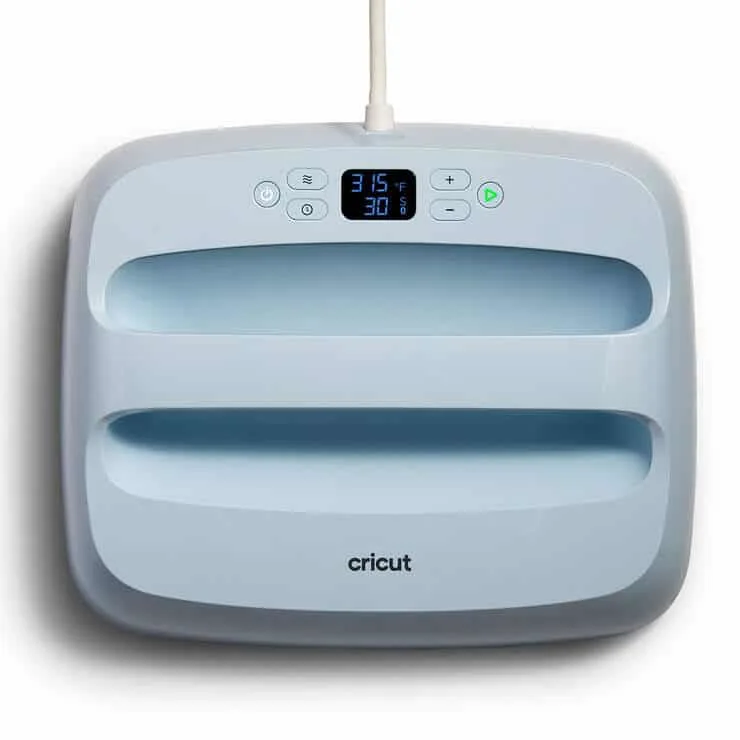
What temperature should my Cricut EasyPress be set at?
The ideal temperature for your Cricut EasyPress depends on the material you’re working with. For example, if you’re using iron-on vinyl, the recommended temperature is usually between 280°F and 320°F.
Not a fan of Fahrenheit? Well, then you can switch from Fahrenheit to Celcius by holding down the temperature button. It will switch from Fahrenheit to Celcius and back if you change your mind.
If you work with lots of different materials, be sure to consult Cricut’s heat guide for the specific material you’re using, as this can vary.


Conclusion
Dealing with an overheating Cricut heat press can be frustrating, but with the right steps, you can keep your device running smoothly.
Remember to clean the vents, give your heat press a break, and use the correct temperature settings for your materials. With these tips in mind, you’ll be back to crafting in no time!
Now when was the last time you cleaned your cutting mats?

FAQ
Can you reset a Cricut EasyPress?
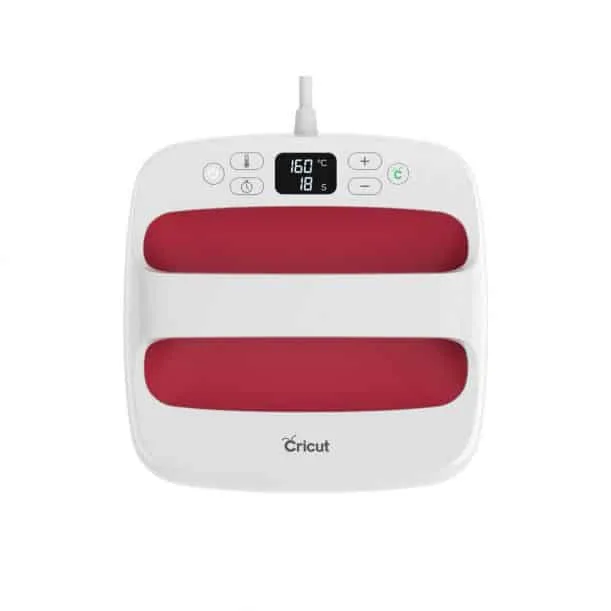
Yes, you can reset a Cricut EasyPress by turning it off and unplugging it for a few minutes. This will allow the machine to cool down and reset any internal sensors.
Why does my Cricut press keep turning off?
There could be a few reasons why your Cricut press keeps turning off. One reason could be that it is overheating, so make sure to check the temperature setting and allow the machine to cool down before attempting to use it again. Another reason could be that the machine is not properly plugged in or there is an issue with the power source.
Can Cricut overheat?
Yes, a Cricut heat press can overheat if it is not properly maintained or if it is exposed to moisture. It’s important to regularly clean your heat press and keep it away from any sources of moisture to prevent overheating.
