It’s time for another Draw with Me lesson!
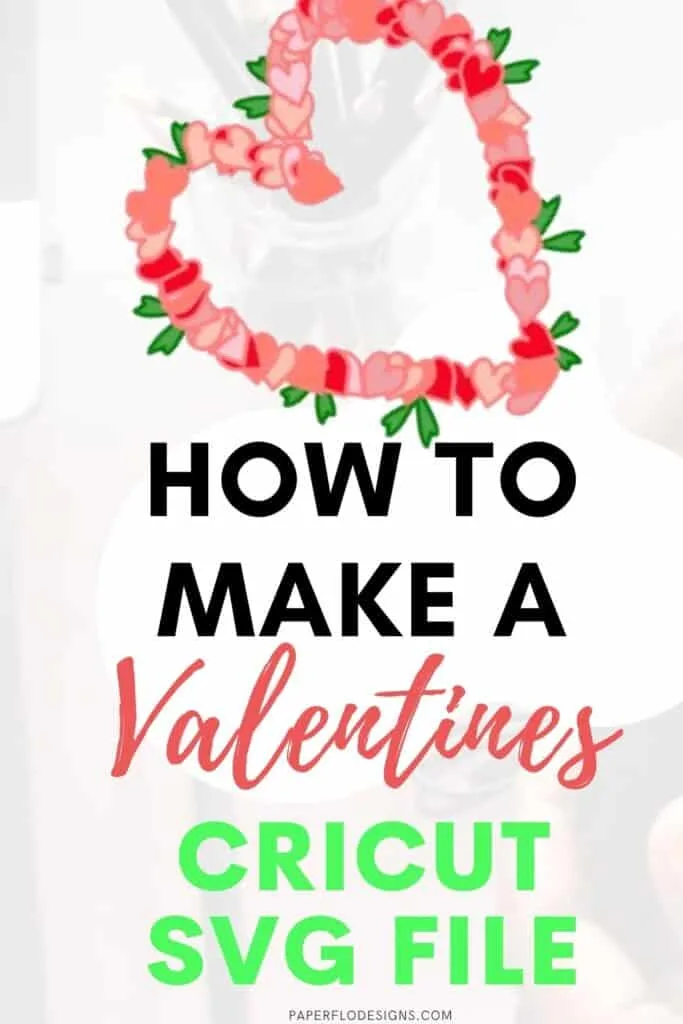
This week, I’m sharing my method to draw a quick and pretty Valentine’s heart wreath in Inkscape. We’ll add some fresh green leaves here and there to complete the look.
Watch the Valentine’s Heart Wreath intro Video
Scroll to the bottom to see the full tutorial video
The finished wreath can be used to make cards and other Valentine’s day decorations.
If you’re a beginner, you’re gonna love this tutorial. This method uses two basic shapes, an oval and a triangle.
We’ll use these shapes to make the basic heart design. It’ll serve as the base, the decorative bulk section of the wreath, and also the leaves. You can make all of this from one basic shape.
We’ll also use tips and shortcuts from my Inkscape Ready Set Go ebook.


I get commissions for purchases made through some of the links in this post. There is no extra cost to you. See my full disclosure here.
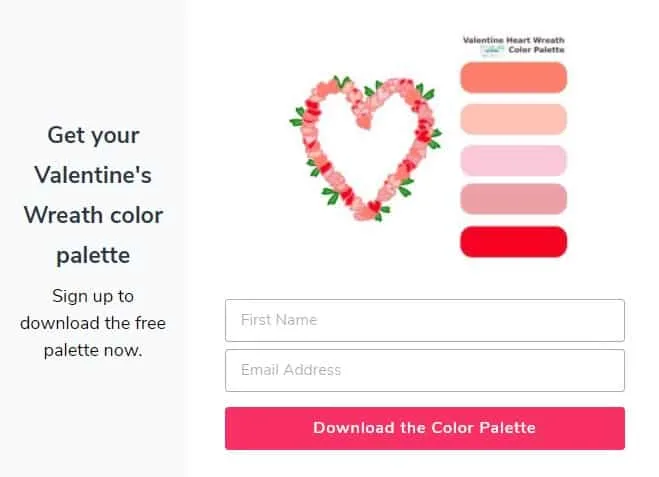
You can make this wreath using my free color palette that you can download just below.
Once you have the color palette and the supplies listed below, you’re all set to draw.
Digital Drawing Supplies
Here is a list of digital drawing supplies that I use for all of my Inkscape projects.
This is the same tablet that I used when I started learning how to make graphics and still works great.
The Inkscape Ready Set Go ebook has my favorite essential shortcuts to help you learn the program faster.
They are both easy to use and budget-friendly.
Digital Art Supplies


Graphic Drawing Tablet
Graphic tablet (optional)
Huion HS610 Pro Graphic Drawing Tablet with Pen Pressure Sensitivity


Inkscape Ready Set Go! ebook
This e-book will show you the default keyboard and mouse shortcuts of Inkscape.
These easy shortcuts will help you use Inkscape simply and quickly.
Make your designs in Inkscape with ease once you know these tips.


So Simple SVG Files course - 3 Month Payment Plan
In this video course, you'll learn how to use ordinary shapes, like circles and squares, to draw svg files with Inkscape in Microsoft Windows.
Let me know if you try the tutorial.
If you like it and are looking for more valentine drawing ideas then try these other tutorials below.
- Draw a Valentine Gnome
- Make an easy cupcake drawing
- Valentine boho rainbow
- How to draw a candy heart
Pin it to your favorite craft ideas board on Pinterest so that you can find it the next time you need it.

Click to watch the full tutorial