
It’s getting hot outside, which makes me think of good times and of course, Summer. Let’s draw the sun in an easy and fun way.
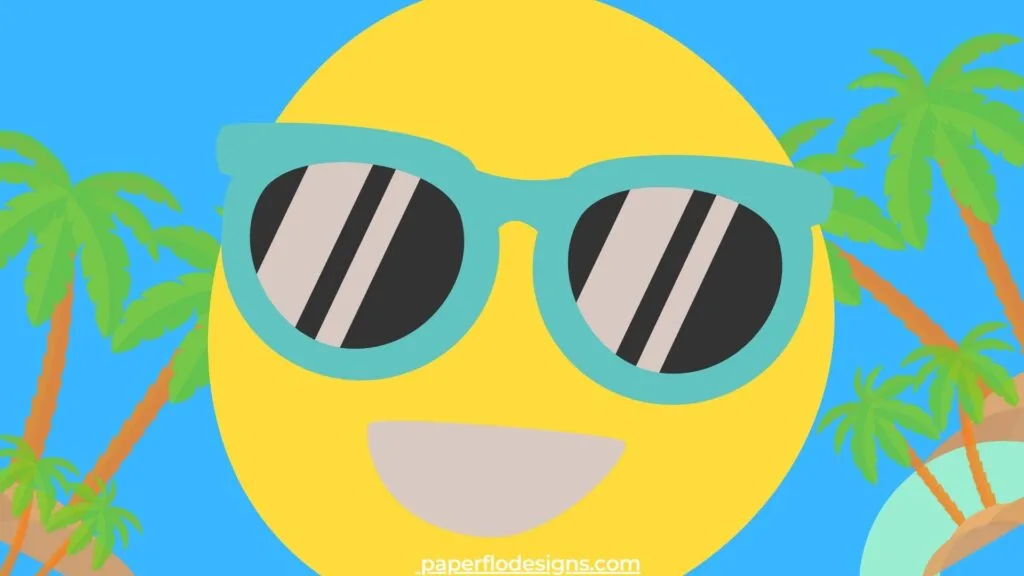
The video tutorial is easy to follow along with. We’ll draw a cute sun. We’ll add a smile and a pair of sunglasses from the Hello Summer drawing challenge.
Take a look at what we’ll be drawing in the video below.
The full tutorial is super quick and takes less than 10 minutes. Use the finished svg design to make summer crafts like sublimation t-shirts for camp and family reunions.
We’ll use Inkscape for this drawing. You can find all of the shortcuts that I use in the video in my Inkscape Ready Set Go! Ebook.


Scroll to the bottom for the free color palette
I get commissions for purchases made through some of the links in this post. There is no extra cost to you. See my full disclosure here.
Happy Planet Drawing Challenge
This week’s challenge is called Happy Planet. The three lessons are inspired by emojis. Since I love emojis, I picked a theme where you can make your own.
Fun fact – Did you know that the sun is actually a star?
The Sun is the symbol of warmness, Summer, and happiness — so no wonder that we use this emoji for these meanings. You can pair it together with the Full Moon emoji to represent heavenly bodies. – Source – www.emojis.wiki
And that’s exactly what we’ll be drawing in this challenge.
This is the first lesson from the Happy Planet drawing challenge. See the list below to find out what to draw each week.
- Week 1 – How to draw the sun.
- Week 2 – How to draw the moon.
- Week 3 – How to draw the earth.
- Week 4 – How to draw a star.

Are you ready to make your own artwork for fun and original crafts? You can make them by signing up to my weekly drawing challenges. Every Friday you’ll be the first to hear about the new challenge.
We’ll use a color palette that I make for each drawing challenge. Scroll to the bottom of the post and sign up to get it for free.
You’ll become a member of my VIP club and find out about upcoming courses and lessons!
Too busy to watch the video lesson now? I get it, we all have busy lives. By saving it to your summer drawing ideas board on Pinterest, you can watch it later.


Drawing Supplies
Check out the supplies we’ll be using below. You can also use whatever you have if you prefer another program.
Digital Drawing Supplies
Here is a list of digital drawing supplies that I use for all of my Inkscape projects.
This is the same tablet that I used when I started learning how to make graphics and still works great.
The Inkscape Ready Set Go ebook has my favorite essential shortcuts to help you learn the program faster.
They are both easy to use and budget-friendly.
Digital Art Supplies


Graphic Drawing Tablet
Graphic tablet (optional)
Huion HS610 Pro Graphic Drawing Tablet with Pen Pressure Sensitivity


Inkscape Ready Set Go! ebook
This e-book will show you the default keyboard and mouse shortcuts of Inkscape.
These easy shortcuts will help you use Inkscape simply and quickly.
Make your designs in Inkscape with ease once you know these tips.


So Simple SVG Files course - 3 Month Payment Plan
In this video course, you'll learn how to use ordinary shapes, like circles and squares, to draw svg files with Inkscape in Microsoft Windows.


Need more drawing tutorials? Take a look at a few from my Summer drawing videos below.
If you like this tutorial and want to save it for later, click the link to pin it to your favorite cut files board on Pinterest.


