
Crafting with your Cricut machine opens up a world of possibilities, and when it comes to writing, the versatility is truly impressive.
So, whether you’re a DIY beginner looking to personalize gift tags or an entrepreneur crafting custom pieces, knowing how to use the writing feature of your Cricut is a game-changer.
Let’s get into how you can get the most out of this feature for all your creative projects.

I get commissions for purchases made through some of the links in this post. There is no extra cost to you. See my full disclosure here.
Getting Acquainted with Cricut Fonts and Writing Style
The first step to writing with your Cricut is understanding the fonts and styles available. In Cricut Design Space, you’ll find an array of Cricut fonts that you can use for every project.
However, not all fonts are created equal when it comes to writing.
You’ll want to look for single-line fonts or Cricut writing fonts, which are specifically designed to create a seamless writing effect without the bubble letters of outline fonts.

Selecting the Right Materials and Pens
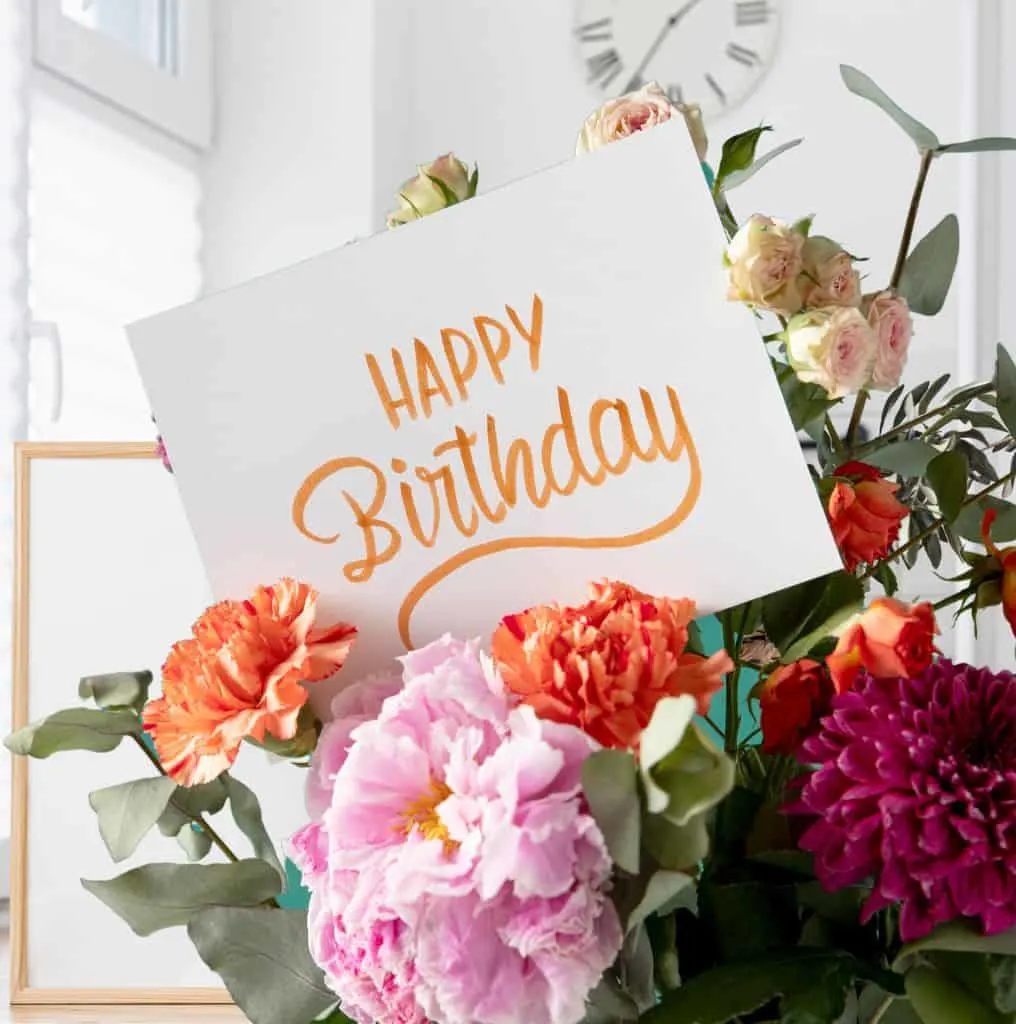
Your Cricut Maker or Cricut Explore Air can write on more than just paper. From wood to cardstock, the right pen can bring your text to life on different blank surfaces.

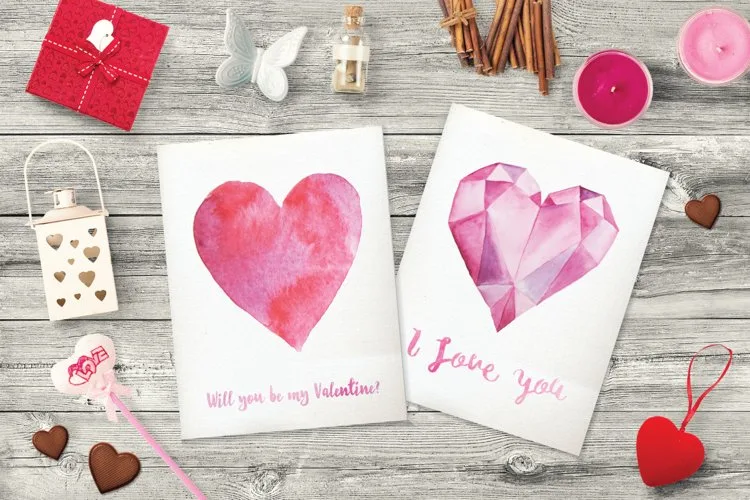
The Cricut Joy pens, for instance, come in lots of pen types and different colors.
For the best results, match your pen type to your material, such as using infusible ink pens on laser copy paper or extra fine point pens for intricate work on paper.
You can also use different pens or markers with a basic marker pen adapter. These adapters are great if you already have markers or sharpies that you love to use but don’t fit in your Cricut adaptor.

Setting Up Your Project in Cricut Design Space
Open Design Space and start a new project. Use the text tool to type your text into a text box. For scripts and more elegant writing styles, script fonts are your go-to.

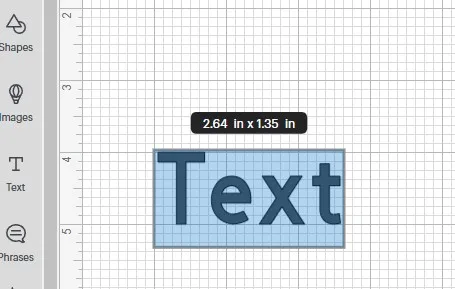
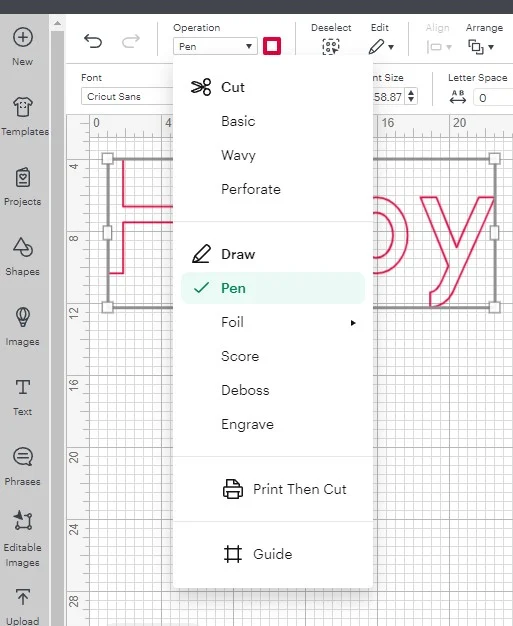
Once you’ve typed out your text, select it and choose ‘Draw’ from the line type drop-down menu in the top toolbar. This tells your Cricut you want to write, not cut.

Choosing Your Pen and Color
In the operation menu, select your pen type. Cricut offers different pens, including calligraphy pens for that fancy script font and Cricut markers for a thicker line.
Once you’ve selected your pen, choose a pen color that complements your project.
For projects like Christmas cards, and wedding invitations a metallic pen can add a touch of elegance.
Preparing to Write
Cricut has lots of fonts, some are free and some are paid. If you have Cricut Access, then you can use all 700 fonts in the library.
Once you have the text selected, you’ll see a new menu at the top with a Font button.


This is also where you can adjust font size, line spacing, and even search for different fonts using the search bar if you’re looking for a fresh style.
Writing with Your Cricut
Now it’s time to watch the magic happen. Load your chosen pen into the pen tool slot, secure your material on the cutting mat, and hit ‘Go’.
Your Cricut will precisely follow the paths of your text, creating beautiful, handwritten-look text without the hassle of doing it by hand.


Troubleshooting and Tips
Not getting the results you expected? The great way to troubleshoot is to check your line type and see if you’ve selected ‘Draw’.
If your letters are coming out as basic cut lines, it means your Cricut is still set to cut, not write.


Conclusion
Wrapping up, isn’t it wonderful how your Cricut machine transforms simple writing into something extraordinary?
With the right Cricut fonts, pen color, and a dash of creativity, you can elevate your craft projects from basic to brilliant.
Remember, the best way to get good at writing with your Cricut Maker or Cricut Explore Air is through practice and exploration.
So keep experimenting with different pens and materials, and don’t shy away from those intricate script fonts.
And here’s a thought – now that you know how to use your Cricut for beautiful writing, why not take your skills to the next level?
If you’re itching to try something new, making custom t-shirts is a perfect project to dive into.
I’ve got just the thing to get you started: a curated list of must-have supplies for making t-shirts with your Cricut. It’s a fantastic way to show off your Cricut expertise and I can’t wait to see what amazing designs you’ll come up with.
