
Do you need an easy way to convert pdf files to svg? You can do it for free, and it’s easier than you think.
I’m going to show you how to do this with the help of an easy free tool called Google Drive. Maybe you’ve heard of it, lol.
How do I save a PDF as a SVG?
It only takes a few steps to save a pdf as an svg file. In case you’re wondering, an svg is a scalable vector graphic.
It’s scalable because you can enlarge or decrease the size of the image and still maintain the same crisp quality. Fun, right?!
But before you can save your file as an svg, you need to convert it. I promise you, it’s painless and only takes 8 steps and less than 10 minutes.
I get commissions for purchases made through some of the links in this post. There is no extra cost to you. See my full disclosure here.
How do I convert a file to SVG?
So how can you convert a file to svg? In my opinion, the cleanest method is to use Inkscape. Inkscape is a graphic design software program that allows you to create, edit and open svg files and make custom fonts.
But maybe, you don’t know how to use Inkscape or you’re just in a hurry. Ok, I get it. Here are my super easy instructions to convert pdfs to svg format, online and for free!

Steps to Convert a PDF to SVG
Here are the 8 steps you need to follow to convert your files. It takes less than 5 minutes to get the final svg. You can also watch the video to see it in action and get extra tips.
Easy Way to Convert PDF Files to SVG


Here are the 8 steps to take to convert your files. It takes less than 10 minutes to get the final svg. You can also watch the video to see it in action and get extra tips.
Materials
- Google Drive
- PDF image file
Tools
- Computer
Instructions
- Open Google Drive


- Locate your pdf file and right-click on it
- Scroll down to “Open with” and choose “CloudConvert”, if you don’t have CloudConvert, scroll down to “+ Connect more apps”. GSuite Marketplace will open in a new window.


- Enter CloudConvert in the search bar, and install it.


- Cloud Convert app will open in a new window and pdf will already be selected.


- Click on the down arrow to choose “Vector” then “SVG”.


- Click the Convert button to save the svg to your Google Drive.
- Go back to Google Drive and you’ll see your converted svg file in the same folder as your pdf.


Recommended Products
As an Amazon Associate and member of other affiliate programs, I earn from qualifying purchases.


So now that you know how to easily convert pdf to svg, what can you do with your brand spanking shiny new svg file? Of course, you can upload it to your cutting machine program. If you need help with that, I show you how to upload svg files to Cricut Design Space in this post.


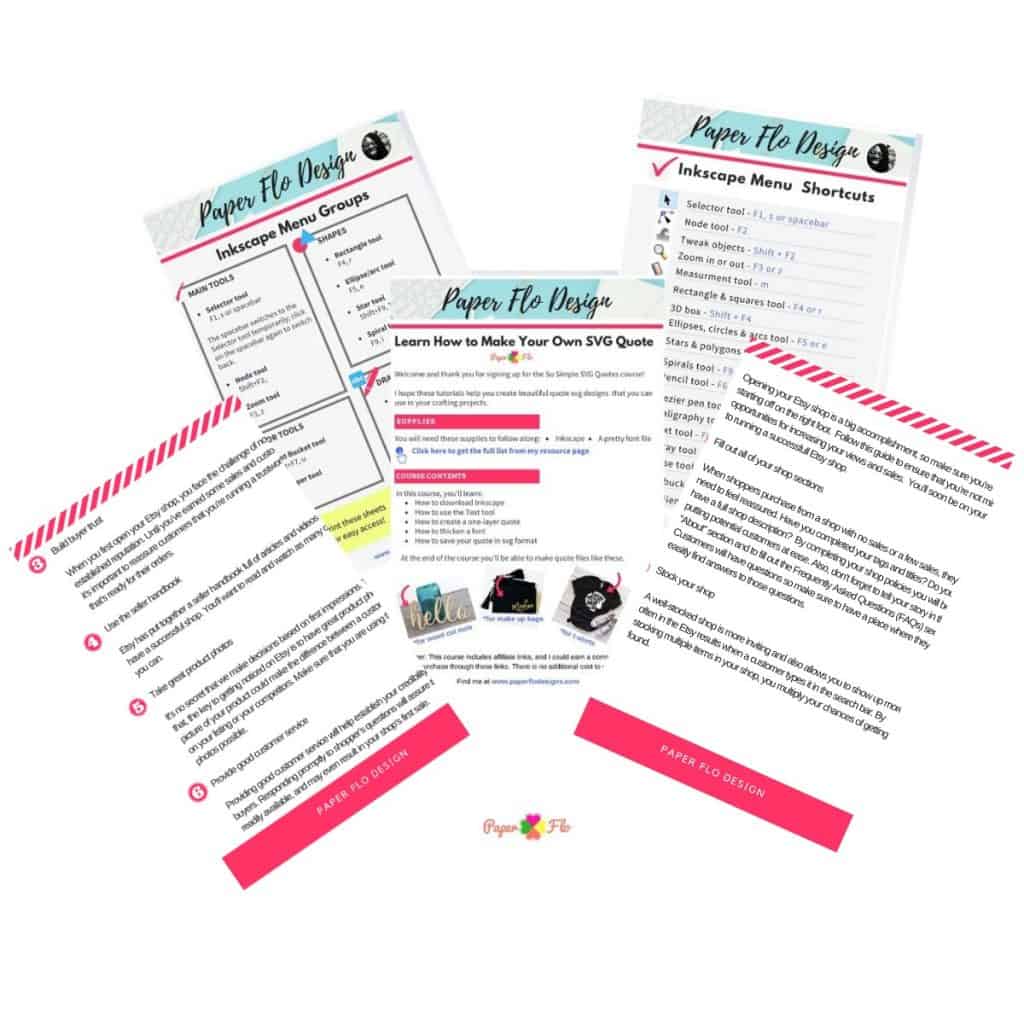

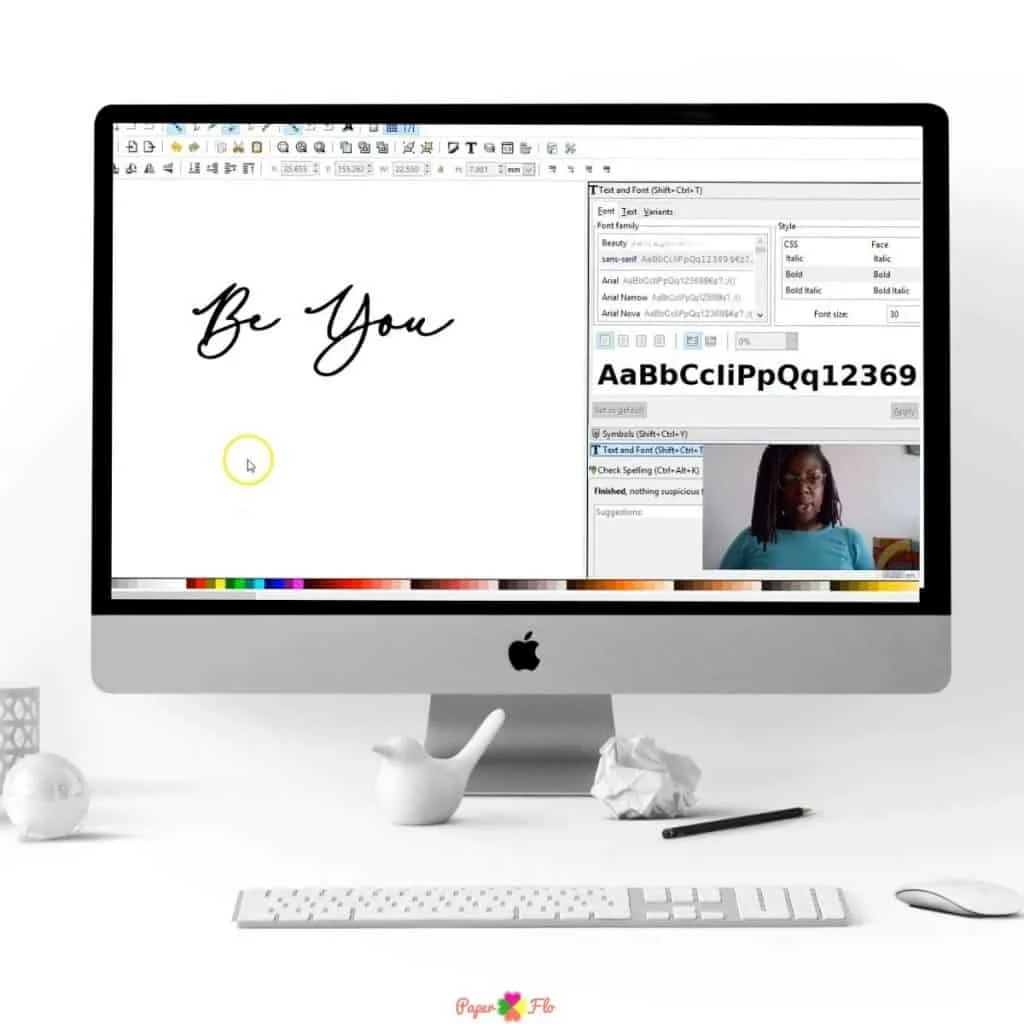
If you want to learn how to make your svg files, try my So Simple SVG Files course. It’s an easy step by step set of video tutorials that gives you the basic beginner steps for creating, editing and saving svg files.
Making svg files is one way of turning your craft or skill, like drawing, into a digital creation. There are lots of ways to turn a craft project, into a digital product. Here are 4 more ways to make digital products from crafts.
You can also take your svg files and make videos using Kapwing, which is an online video editor.
This is the way that I make videos for my social media accounts like Pinterest and Facebook and even to make cover photos for my Etsy listings.
If you liked this tip and want to remember it, pin it to your svg board on Pinterest.


Marie
Monday 31st of January 2022
Finally an app that change pdf´s to svg!!! So much faster and you don´t have to save every page before, makes the job so much faster. As always you chare and make lovely instuctions. Thank you so much <3
Naa Ardua
Monday 31st of January 2022
Always happy to help Marie!
Shelly
Sunday 11th of April 2021
Do you have the steps of making a JPEG into a SVG file? If so, could you please send it to me. Thank you so much!!!
How to Create an Svg Image Online - Paper Flo Designs
Thursday 1st of October 2020
[…] can upload any image file type, like jpg, png or svg. If you need help to convert a pdf to svg, see this related […]