
Wondering how to make money with Cricut? I’m going to tell you how to transform your Cricut machine into a profitable side hustle.
We’ll cover everything from crafting options to selling platforms and even design sourcing. Trust me, I’ve been in your shoes—wondering if a new crafting tool is worth the investment.
But just like my graphic tablet became a revenue stream on Etsy, your Cricut can too!
So if you’re juggling a busy life, a tight budget, or you’re a crafting newbie, this post is tailor-made for you!


Top 15 Ways to Start Making Money with Your Cricut
I know that you’re thinking about getting a Cricut machine, and you know that you want to turn your crafting into cash. But where do you start? Here are the top 15 ways you can start making money with your Cricut:
- Designer Mugs: Create custom mugs with unique designs or personalized messages.
- Personalized Clothing: From custom t-shirts to baby onesies, use your Cricut to add a personal touch.
- Custom Jewelry: Craft intricate jewelry pieces like leather earrings or charm bracelets.
- Home Decor: Think wall decals, custom pillows, and even intricate paper flowers.
- Teaching Cricut Classes: Once you’ve got the hang of it, offer online or in-person classes to teach others.
- Selling SVG Files: If you’re good at design, sell your own SVG files for others to use.
- Blogging: Share your crafting journey and tips through a blog. You can earn through sponsored posts and affiliate links.
- Personalized Water Bottles: Use permanent vinyl to create custom designs on water bottles.
- Custom Decals: Create and sell decals for cars, laptops, or any other surface.
- Handmade Cards: Craft beautiful, personalized greeting cards for special events.
- Party Supplies: Think custom banners, cupcake toppers, and party favors.
- Stickers: Design and sell your own line of stickers, perfect for planners or scrapbooking.
- Pet Accessories: Custom pet tags, feeding mats, and even outfits for pets.
- Seasonal Crafts: Capitalize on holidays and seasons by creating themed crafts like Christmas ornaments, ugly sweaters for Christmas parties or Halloween decor.
- Crafting Kits: Assemble and sell kits that include everything one needs for a specific project, from materials to instructions.
These are just a few ideas to get you started on the right track. I’ll cover the best options and tell you how to transform your Cricut machine into a profitable side hustle.


I get commissions for purchases made through some of the links in this post. There is no extra cost to you. See my full disclosure here.
What You Need to Get Started
Initial Investment
The first thing you’ll need is a Cricut machine. The cost can vary depending on the model you choose.
The Cricut Maker is a great way to go if you’re looking for versatility, but the Cricut Explore Air and Cricut Joy are also solid options.
Additional Tools
Beyond the machine, you’ll need some additional tools and supplies. This could include transfer tape, iron-on vinyl, and balsa wood, depending on what Cricut projects you plan to tackle.
Commercial License
If you’re planning to sell your Cricut crafts, make sure you have a commercial license for any designs you didn’t create yourself. This is crucial to avoid legal issues.
Choosing the Right Cricut Machine for You
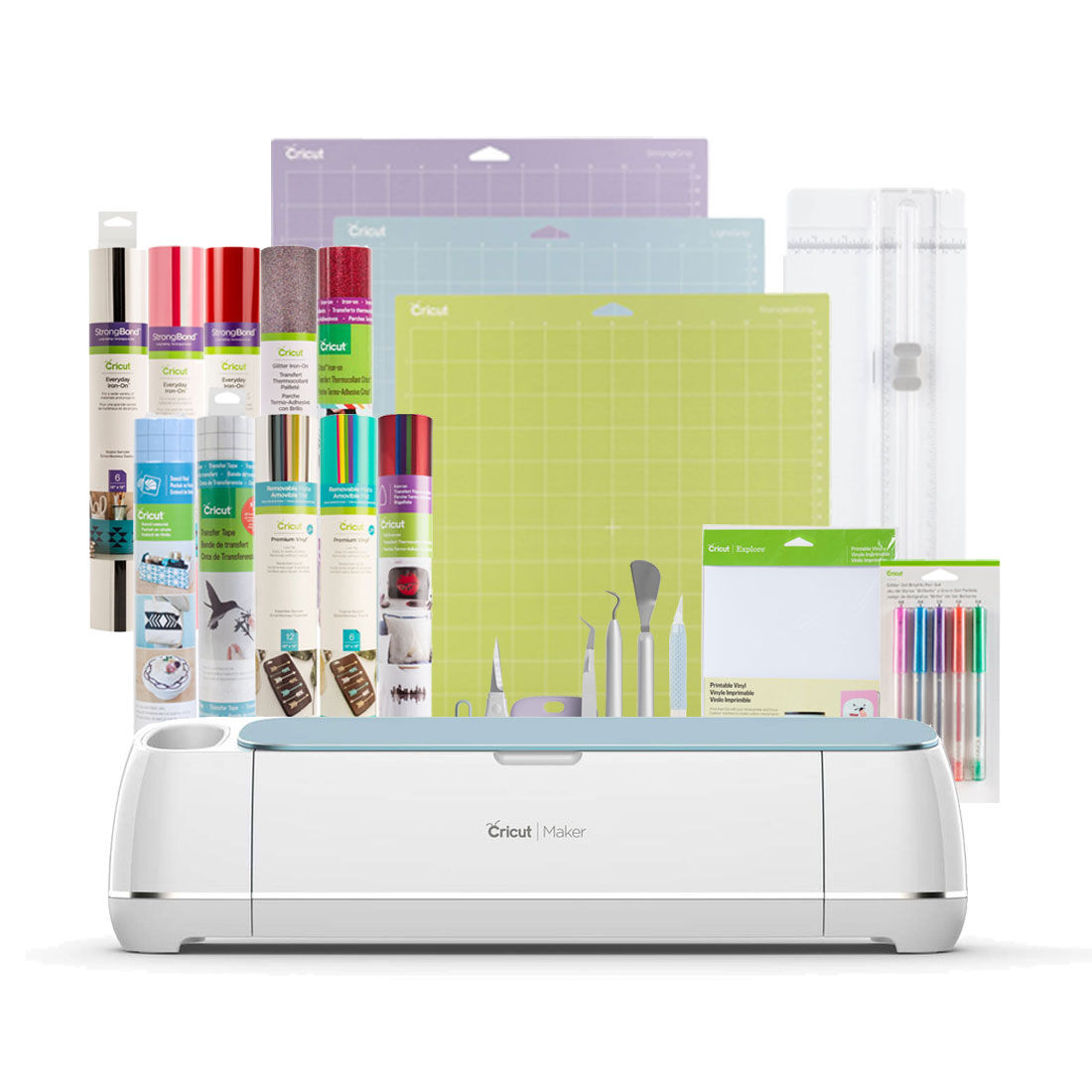
Cricut Maker: More to Know
What’s New?
- Adaptive Tool System: The Cricut Maker comes with an adaptive tool system that allows you to expand your crafting horizons. It can cut over 300 materials, from delicate fabric and paper to tough materials like leather and balsa wood.
- Rotary Blade: This machine features a rotary blade that can glide and roll through fabric, making it a great choice for quilters and textile crafters.
- Design Space Access: Like the Explore Air 2, the Cricut Maker is also compatible with the free Cricut Design Space app, which is available for multiple platforms.
Why Choose Cricut Maker?
- Advanced Crafting: This machine is perfect for those who are looking to take their crafting to the next level. It’s ideal for intricate and complex projects.
- Wide Material Range: From paper and vinyl to fabric and leather, this machine can handle it all, making it a versatile choice for varied crafting needs.
What’s the Buzz?
The Cricut Maker is a fan favorite year after year. So many people swear by it and love it for its advanced capabilities and versatility. It’s particularly popular among those who are into more complex crafting projects, like quilting or leatherwork.
Cricut Explore Air 2: More to Know
What’s New?
- DIY Dreams Come True: This machine is designed with simplicity and value in mind for every crafter. It can cut everything from cardstock, vinyl, and iron-on to specialty materials like glitter paper, cork, and bonded fabric.
- Ready-to-Make Projects: With access to thousands of images, fonts, and ready-to-make projects, you can go from idea to ‘I Did It’ in no time.
- Free Design Space App: The Cricut Explore Air 2 is compatible with the free Cricut Design Space app, available for iOS, Mac, Windows, and Google.
Why Choose Cricut Explore Air 2?
- Versatility: From cards to custom T-shirts to home decor, this machine has got you covered.
- Ease of Use: The machine is user-friendly and comes with easy design tools like Monogram Maker, Automatic Background Remover, and Editable Images.
What’s the Buzz?
The Cricut Explore Air 2 is highly recommended for its user-friendliness and versatility in crafting projects.


Cricut Joy: More to Know
What’s New?
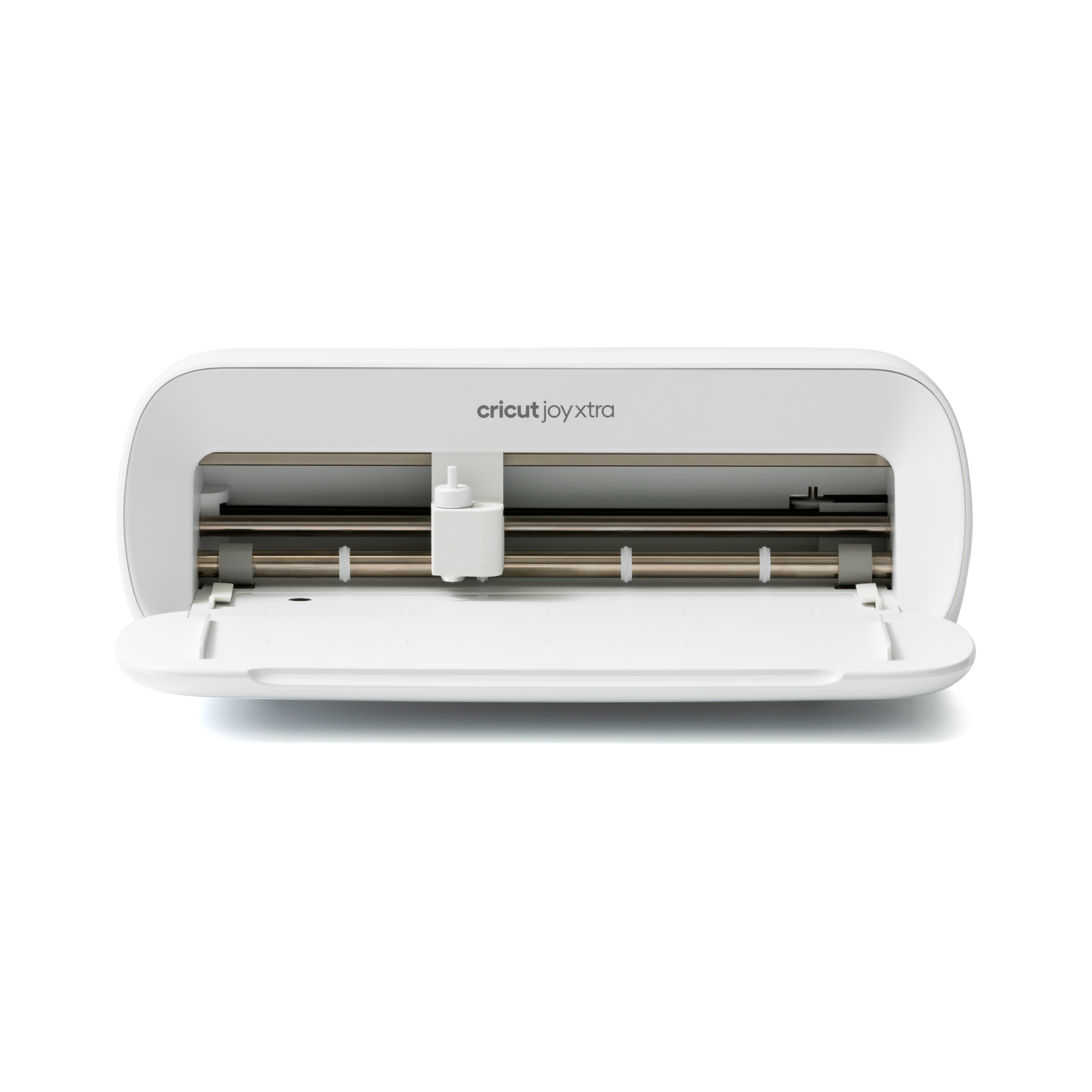
- Compact and Portable: The Cricut Joy is designed for life on-the-go. Its compact size makes it easy to store and transport.
- Quick Projects: This machine is perfect for quick, everyday projects. You can make a card in under 15 minutes!
- Cricut Design Space: The machine is compatible with the Cricut Design Space app, allowing you to design on your smartphone and cut with your Cricut Joy seamlessly.
Why Choose Cricut Joy?
- Convenience: If you’re short on space or always crafting on the go, this is the machine for you.
- Quick Crafts: It’s designed for quick and simple projects, making it a great way to introduce crafting to kids or beginners.
What’s the Buzz?
The Cricut Joy is well-received for its convenience and portability. It’s a hit among crafters who are looking for a machine that’s easy to take along for crafting sessions with friends or quick projects at home.

Cricut Venture
What’s New?
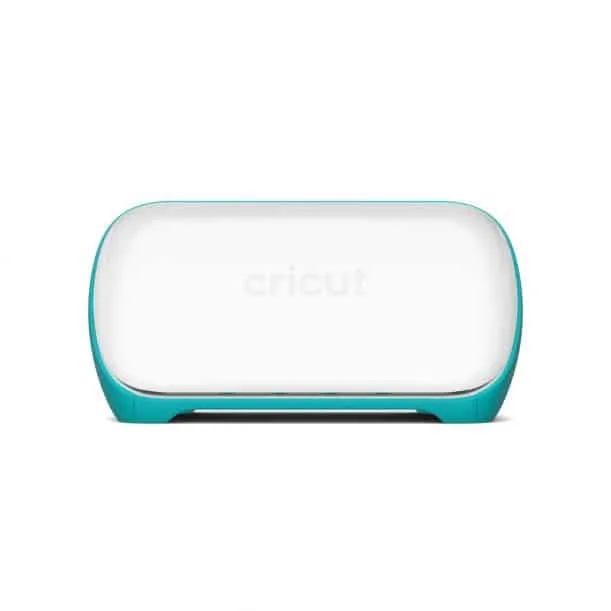
- Adaptive Tool System: The Cricut Venture is a powerhouse for those who are serious about crafting. With its Adaptive Tool System, you can cut over 300 different materials, from the most delicate fabric to tough leather and wood.
- Design Space App: It’s perfect for small business owners who need a machine that can handle bulk orders. Plus, it’s compatible with 13 different tools, so your crafting possibilities are endless!
Why Choose Cricut Venture?
- Advanced Crafting: This machine is perfect for those who are looking to take their crafting to the next level. It’s ideal for intricate and complex projects.
- Wide Material Range: From paper and vinyl to fabric and leather, this machine can handle it all, making it a versatile choice for varied crafting needs.
What’s the Buzz?
The Cricut Venture is highly recommended for its advanced capabilities and versatility. It’s particularly popular among those who are into more complex crafting projects, like quilting or leatherwork.
Cricut Joy Xtra
What’s New?
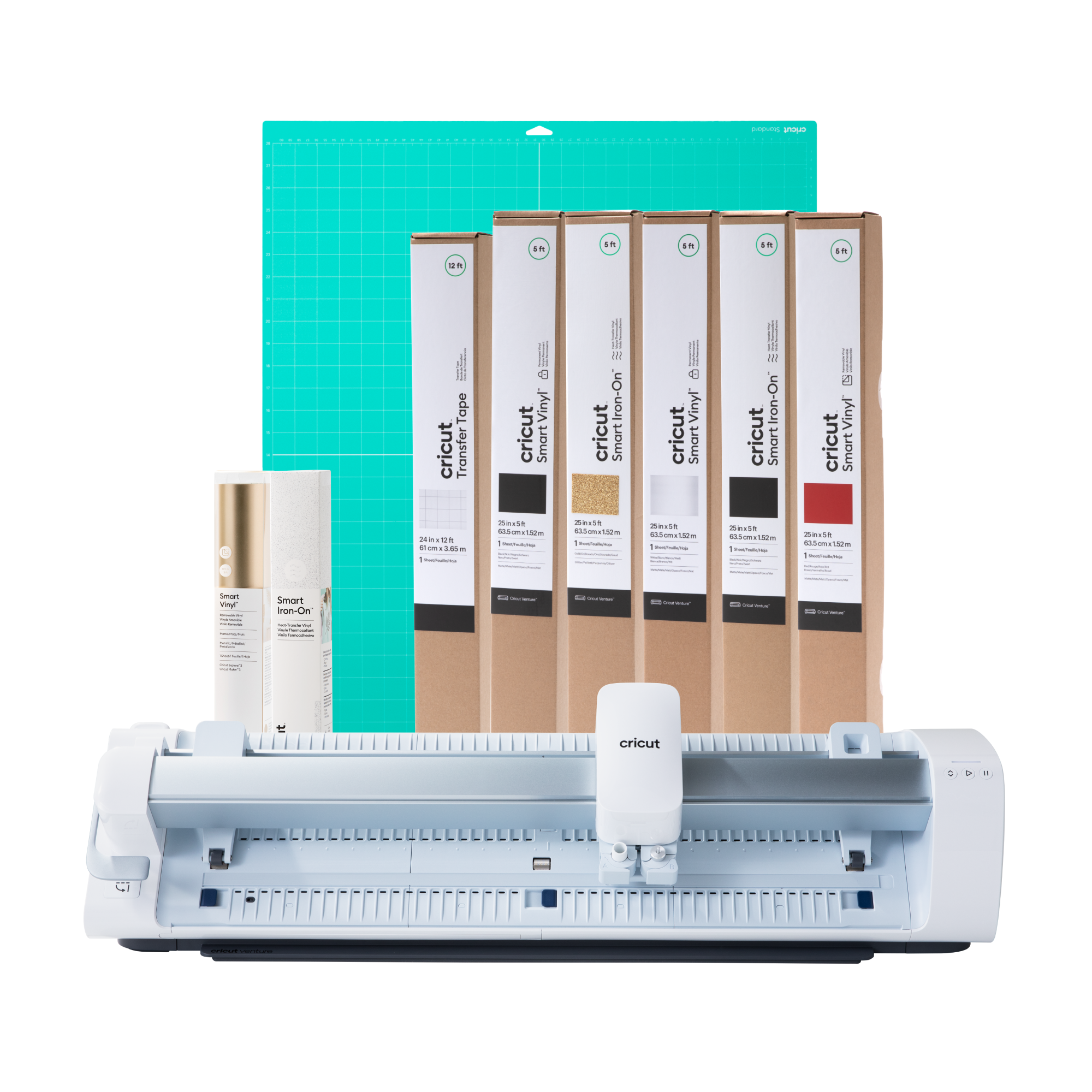
- Compact and Portable: The Cricut Joy Xtra is designed for life on-the-go. Its compact size makes it easy to store and transport.
- Quick Projects: This machine is perfect for quick, everyday projects. You can make a card in under 15 minutes!
- Cricut Design Space: The machine is compatible with the Cricut Design Space app, allowing you to design on your smartphone and cut with your Cricut Joy seamlessly.
Why Choose Cricut Joy Xtra?
- Convenience: If you’re short on space or always crafting on the go, this is the machine for you.
- Quick Crafts: It’s designed for quick and simple projects, making it a great way to introduce crafting to kids or beginners.
What’s the Buzz?
The Cricut Joy Xtra is well-received for its convenience and portability. It’s a hit among crafters who are looking for a machine that’s easy to take along for crafting sessions with friends or quick projects at home.
With all this information, you’re well-equipped to pick the right machine for you. Don’t worry about it if you’re just a beginner, there’s one that’s right for you no matter what stage you’re at.
What Can You Create and Sell?
Designer Mugs
Yes, it’s possible to create custom mugs that can be a hit at craft fairs or your online store.
Personalized Clothing
From custom t-shirts to baby onesies, the possibilities are endless.
Custom Jewelry
Think beyond paper and vinyl; you can even make intricate jewelry.
Home Decor
From wall decals to custom pillows, the sky’s the limit.
Why NOW is the Best Time to Start Making Crafts
Did you know the demand for handmade goods is at an all-time high?
That’s right! With the rise of platforms like Etsy, the good news is that now is the best time to start your Cricut business.
Selling Platforms and Their Impact
Can you believe it? There are so many places to sell your Cricut crafts online, but not all platforms are created equal.
Let’s dive into the numbers to see where most sellers are hanging out.

What are the Top Selling Platforms for Cricut Crafts?
- Etsy: With a whopping 2.1 million sellers, Etsy is clearly the go-to platform for many. Yes, it’s possible to find a niche here!
- Amazon Handmade: This platform has around 500,000 sellers. It’s a smaller pond, but sometimes that’s a good thing, right?
- Facebook Marketplace: With 1 million sellers, it’s a solid middle-ground option. You’ve got this if you’re considering it!
Why Does This Matter?
This helps you to see where the majority of sellers are concentrated. You might be thinking that’s a lot of competition to deal with. But it also means there are lots of customers there too.
If you want to start a side hustle in crafting or DIY projects, this is valuable insight for you.
You can learn about more craft industry insights like this to see why this matters.
Whether it’s custom t-shirts or unique home decor, people are craving that personal touch in their products.
Where to Sell Your Crafts?
Etsy Shop
Like I mentioned above, Etsy is a great platform for crafters. Setting up an Etsy shop is one of the easiest ways to get your products in front of a large audience.
This is one of the ways that I sell my Cricut cut files.
Craft Fairs
Don’t underestimate the power of a good old-fashioned craft fair. It’s a great way to meet your target market face-to-face.
Your Own Website
If you’re tech-savvy, setting up your own website can give you full control over your business.
Social Media
Platforms like Instagram and Facebook Marketplace are also effective ways to sell your crafts.
Alternative Ways to Make Money
Teaching Cricut Skills
Once you’ve mastered your Cricut machine, why not teach others? You can offer classes or tutorials online.
Selling SVG Files
If you’re good at design, you can create and sell your own SVG files. This one works for me. It’s fun and a great creative outlet for anyone artistic.
Blogging
Starting a blog about your Cricut journey can be another revenue stream. You can make money through sponsored posts, affiliate links, and ads.
Final Thoughts
You don’t have to be a tech wizard to start making money with a Cricut machine. All you need is the initial investment and your time.
The demand for personalized and homemade goods is at an all-time high, making now the perfect time to kickstart your Cricut side hustle.
Whether you’re selling physical products or offering lessons, the opportunities are endless.
Remember, I wasn’t sure about investing in a graphic tablet and the design software to make my own designs, but I still did it. And it was one of the best decisions that I’ve made.
I’m not saying that the Cricut machine will change your life, but there’s a lot that you can do when you believe in yourself and take a chance to learn new skills.
You’ve seen in this blog post, that it’s an easy way to make money from home.
Now that you’re all set to turn your crafting hobby into a profitable business, you might be wondering about the nitty-gritty details of using Cricut Design Space or how to fix common issues with your machine.
If you’re new to Cricut Design Space and want to get the hang of it, I’ve got you covered. Trust me, you won’t regret getting a cutting machine.
