
Learn how to draw a leprechaun gnome just in time for your St. Patrick’s Day crafts.
This gnome has a long pointy green hat, little grey boots, and a grey beard. He’s holding a shamrock (a three-leaf-clover) in front of his beard.
He’s similar to the Valentine’s day gnome that I made.
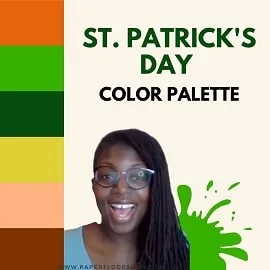
We’ll use a free color palette that you can download just below, at the bottom of the post.
This is part of my St. Patrick’s Day drawing tutorial series. You can get instructions to draw a pot of gold, a lucky charm and a rainbow shamrock in the same collection.
WATCH the leprechaun gnome intro video
Scroll to the bottom of the post for the color palette and the full tutorial

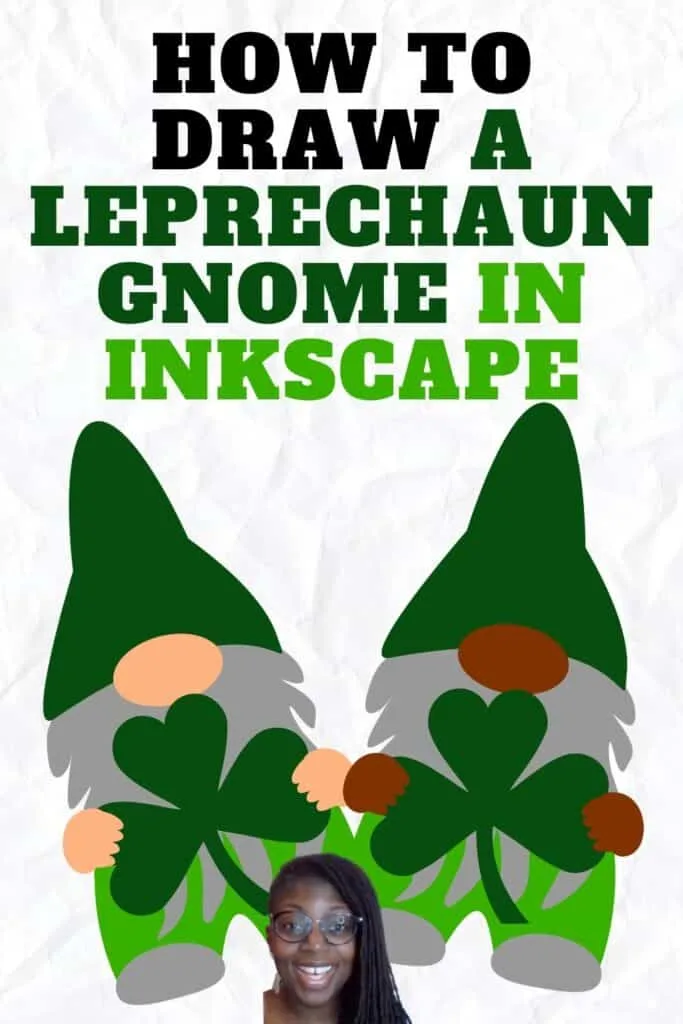
If you’re looking for easy holiday drawings for craft projects, then this is a good place to start. Once you’re done, you’ll be able to upload your finished drawing to your Cricut machine or any cutting machine.
After you upload the svg to Cricut, you can use the cut file to cut vinyl, paper, fabric, leather and lots of other material.
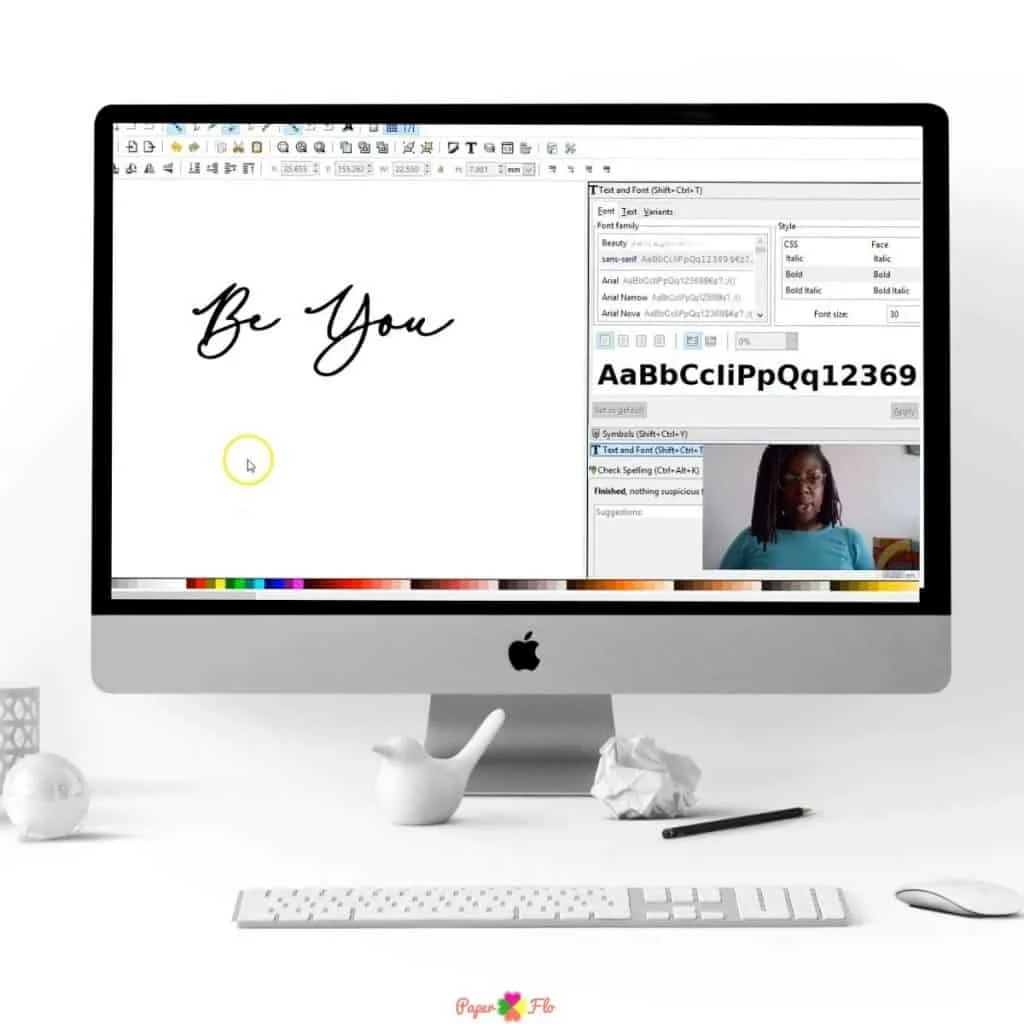
To personalize your drawing, you can add a name to the shamrock. There is enough space to write a short name or a monogram. Here are three ways that you can add text to your drawing.
For a step by step tutorial on how to do this in Inkscape, sign up for my So Simple SVG Quotes course.


How to Draw an Easy Leprechaun Gnome
Drawing Supplies
Digital Drawing Supplies
- Graphic tablet (I use this one from Amazon (optional))
- Computer
- Inkscape software program
Paper Drawing Supplies
I like to use Inkscape to make my digital drawings. Inkscape is an open-source graphic software. Which means it’s free to use.
For svg designs, I can use other online drawing apps, or downloadable vector apps like Affinity Designer.
I also use raster apps like Procreate, if I’m using my iPad.
Draw a Leprechaun Step by Step
For the first step, we’re going to draw the hat.
Select the triangle tool. Make a medium size triangle and double click the nodes to round the corners.
Use the color dropper to select the deep green color from the color palette and change the color of the hat.
Draw the nose by making a small circle at the bottom center of the hat.


Click on the bezier tool to draw the beard and make it a light grey color.
Use the rectangle tool to draw his body. Double click on the rectangle to get the nodes.
Adjust the nodes to form curves on the sides and create two legs at the bottom.
We’ll draw his boots by using the nose. To do this, just duplicate the nose and adjust the nodes. Then change the color to a medium shade of grey.
We’ll draw his hands by using the nose again. Duplicate the nose to make the first hand, adjust the nodes.
Make the fingers with this same shape by duplicating it and adjusting the size.
How to Draw a Shamrock
Let’s make a shamrock for the leprechaun.
Draw a small circle, duplicate it and move the second circle to the right of the first so that they are side by side.
Now draw a triangle using the triangle tool. Put it just below the two circles.
Select all three shapes and unite them using the Union tool.
Now you have a heart shape that you’ll duplicate two more times. Rotate them so that the points are touching to form the shamrock. Unite all three shapes.
Draw a rectangle and curve the edges to make the stem of the shamrock.
Pull the stem to the bottom middle of the shamrock and select both the stem and the shamrock and unite them.
Now you can put the shamrock behind the leprechaun’s hands.
Make Different Skin Tone Leprechauns
To make a brown skin color gnome, I’ll duplicate the entire first gnome and then click and drag the duplication to the right.
I’ll select the nose and the hands and use the eye-dropper to choose the brown color from the color palette.
That’s it, you’re leprechaun gnome is done. What are you going to make with him?
Click the video below to see the full tutorial
If you liked this lesson, you’ll love my So Simple SVG Files course. I will walk you through the steps to make digital drawings using simple shapes in Inkscape. You’ll also learn how to transfer your drawings to your craft projects and get better use from your cutting machine.

Want more easy drawings for starter projects like this? Check out my collection of holiday drawing tutorials.
You’ll find lessons on how to draw a unicorn, spiders, bunnies and more.
Make sure to save this to your favorite drawing board on Pinterest. Click the link below to save it for later.
Feel free to add a photo of your drawing to the pin so that I can see your cute leprechaun.



FAQ – How to Draw a Leprechaun Gnome
Q: What materials do I need to draw a leprechaun gnome?
A: To draw a leprechaun gnome, you’ll need paper, pencils, erasers, and colored pencils or markers for coloring your drawing. You can also use drawing software if you prefer digital drawing.
Q: Are there any specific steps to follow when drawing a leprechaun gnome?
A: Yes, there are specific steps to follow when drawing a leprechaun gnome. You can follow our step-by-step guide in the blog post to create your drawing. It will walk you through the process.
Q: Can I customize the appearance of my leprechaun gnome?
A: Absolutely! You can customize your leprechaun gnome’s appearance. Feel free to add your own creative touches, change colors, and make your gnome unique to your style.
Q: What are some tips for drawing a realistic leprechaun gnome?
A: To draw a realistic leprechaun gnome, pay attention to details such as facial expressions, clothing texture, and shading. Take your time and practice to improve your drawing skills.

How to Draw a Lucky Horseshoe - Paper Flo Designs
Friday 26th of February 2021
[…] the first two lessons, I teach you how to draw a leprechaun gnome, and how to draw a pot of […]
How to Draw a Shamrock - Video Tutorial - Paper Flo Designs
Friday 19th of February 2021
[…] lessons 1 and 2, I teach you how to draw a leprechaun gnome, and a pot of […]
How to Draw a Pot of Gold - St. Patrick's Day Drawing with Video - Paper Flo Designs
Saturday 13th of February 2021
[…] Patrick’s Day drawing series! ☘️ The other lessons in the series teach you how to draw a leprechaun gnome, a rainbow shamrock and a lucky […]