
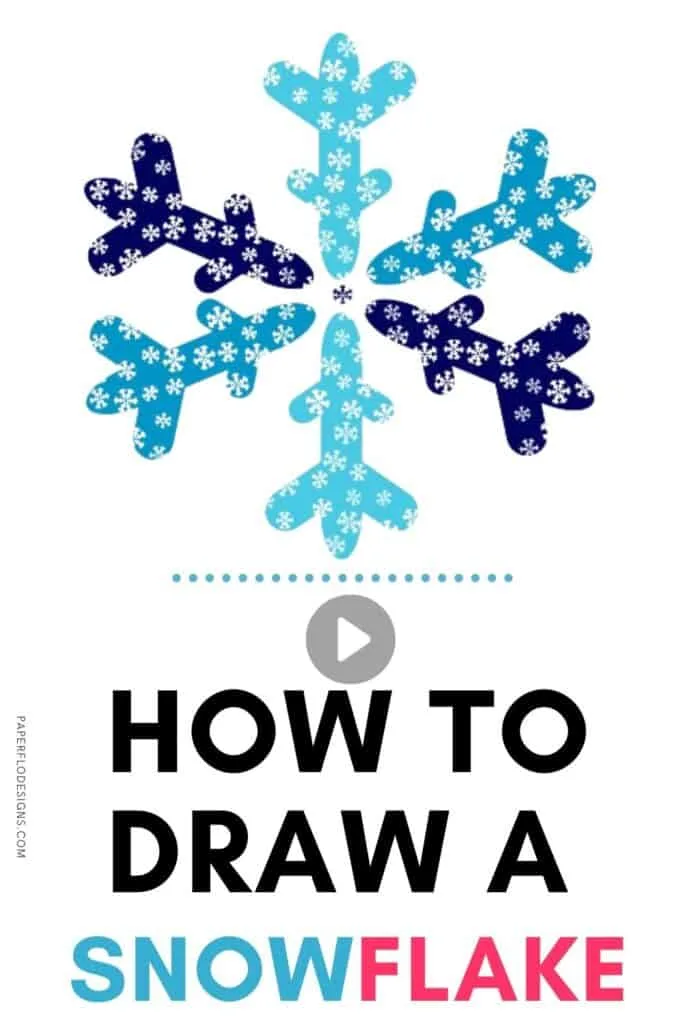
This week, I’m sharing my method to draw a multicolor snowflake in Inkscape.
It’s an svg file that you can upload to Cricut or Silhouette and use as cut files for your craft project.
Watch the snowflake drawing intro video
The finished design will have a layer for each blue base color and the top light blue color pattern will be on its own layer.
If you want to keep the multicolor aspect of the drawing, then see my post on how to cut a multicolor design in Cricut.
We’ll use 3 shades of winter fresh blue and repeating patterns to make this design. The finished snowflake can be used to make sweatshirts and other winter decorations and outfits.
Winter Cut File Ideas
If you missed last week’s session, I made a Winter snow globe with a snowman sitting on a hill, and a flurry of snowflakes around him.
The snowman was from another tutorial in my Winter holiday drawings collection.
It was easy to make. I used a set of circles and a triangle to make him.
You can make this snowflake with the free color palette just below. It will download in svg format, so you can import it into Inkscape just like I did in the video.
Once, you have the color palette, scroll down to the video below to see how to make the snowflake.

Click to play the full tutorial video
If you like this tutorial, save it to your favorite svg board on Pinterest so that you can find it when you need it again.
