
Do you need to know how to cut a multi color design in Cricut Design Space?
It can seem simple and complicated at the same time. That’s because there are several ways to cut a design like this.
Recently, I got a message in my Etsy svg shop inbox from a customer that had the exact same question.
Hello
I love your designs. I’ve never cut a multi color file. Can you explain how to cut it? Will I need to cut each color separately and layer them one on top of the other?
I love your designs and will be purchasing more!
Thank you
Joan
Are you in a hurry? No time to read the post right now? Save it to Pinterest for later.
WATCH how to cut a multi color svg video
I get commissions for purchases made through some of the links in this post. There is no extra cost to you. See my full disclosure here.
The Easiest Way to Cut an SVG with Several Colors
To cut a multi color design in Cricut Design Space, upload the image to your canvas and select it.
If the design is not already ungrouped, you will need to ungroup it. To do this, just click on the design then go to the Layers panel, then click on ungroup.
You’ll see each color on a separate layer in the layers panel on the right.
Each color will be on its own mat. You’re all set, and your design is ready to be cut on your Cricut machine.
There are more ways, but this is the simplest method.

Below are some questions and answers that will help you if you’re new to using cut files in Design Space.
To upload a multicolor image to Cricut, you can use the same method that you use to upload a single color image to Cricut. Start by signing in to Cricut, click New Project, click the Upload icon on the bottom left tools panel. The Upload screen will open and then you click Upload Image.
To convert an image to svg, use a graphic design software program like Inkscape or Adobe Illustrator or a website that will convert the image for you.
Cricut has a large catalog of images in their library known as Cricut Access but you can also upload your own images to Cricut. This includes svg files that you buy from Etsy or other marketplaces.


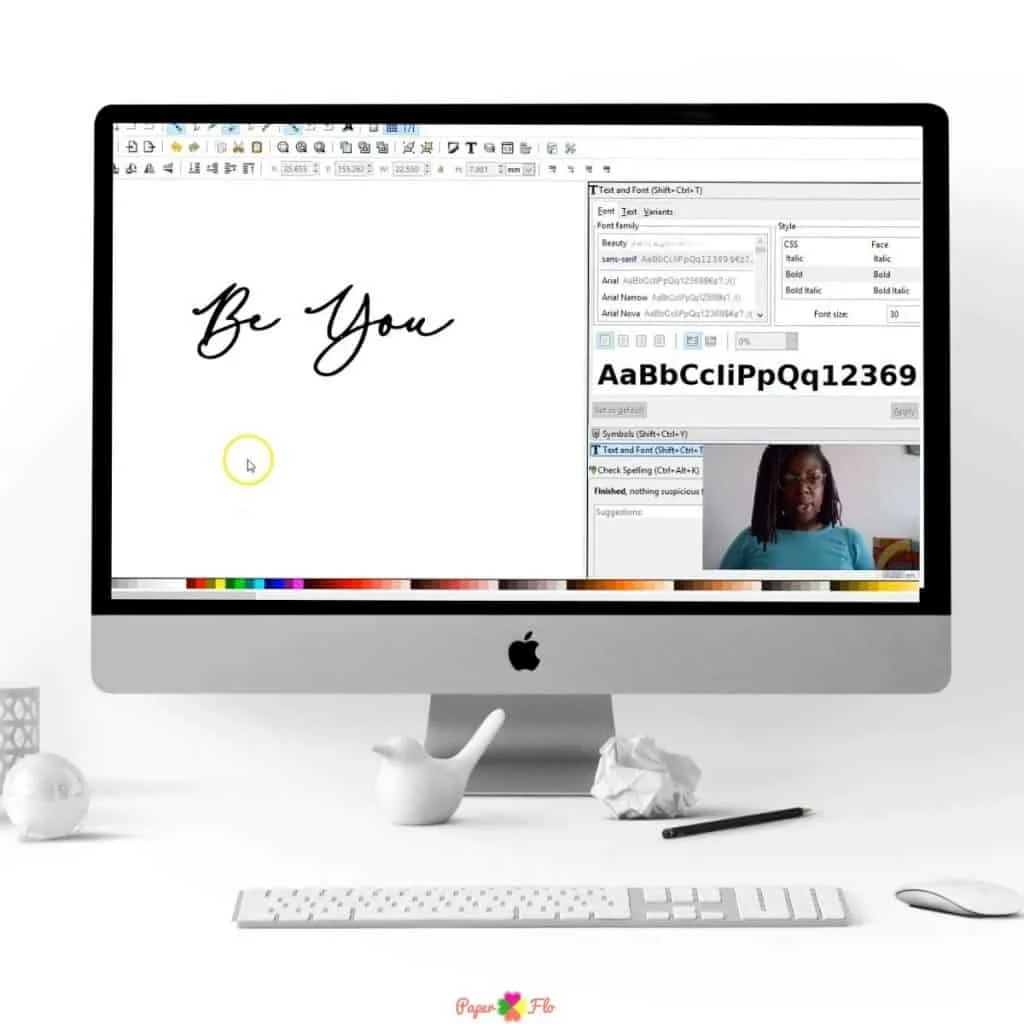


Have you ever thought about making your own svg files? If so, you’ll love my So Simple SVG Files course. I will walk you through the steps to make digital drawings using simple shapes in Inkscape. You’ll also learn how to transfer your drawings to your craft projects and get better use from your cutting machine.
Make sure to save this to your favorite Cricut board on Pinterest. Click the link below to save it for later.
Those are the tips and tricks for cutting a multi-layer svg file. Check out this post if you’re curious about how to layer glitter htv.

What Materials Can You Sublimate On? - Paper Flo Designs
Wednesday 31st of March 2021
[…] is perfect for you if you don’t want the bulk that can come from cutting multiple layers of heat transfer vinyl to put on […]
20 HTV On Wood Projects - Paper Flo Designs
Sunday 7th of March 2021
[…] You can use printable htv on wood. A good use case for this is if you’re crafting with a multi-color svg file. […]
How to Draw a Multicolor Snowflake - Paper Flo Designs
Friday 22nd of January 2021
[…] If you want to keep the multicolor aspect of the drawing, then see my post on how to cut a multicolor design in Cricut. […]