


You love to use svg images but now you want to create your own svg image online.
When it comes to making svg files, I have tried several different software programs. My favorite program at the moment is Inkscape.
It’s an open-source program, meaning that anyone can inspect, modify, and enhance the software and there are no fees to use it.


Inkscape is great but it’s a desktop program. You need to download the program to your computer. So you can’t use it online.
Until now! I found an online application that lets you use Inkscape online! Let me tell you, I was super excited when I found this application.
Finally, I can make and create svg files from any computer, anywhere.
I don’t have to wait until I get home to use my laptop. Talk about freedom!


I get commissions for purchases made through some of the links in this post. There is no extra cost to you. See my full disclosure here.
What programs create SVG files?
There are a lot of different programs and online apps to create svg files.
I have tried a few of them and they all have different features but do pretty much the same thing.
The one svg editor that I really like is rollApp Inkscape.


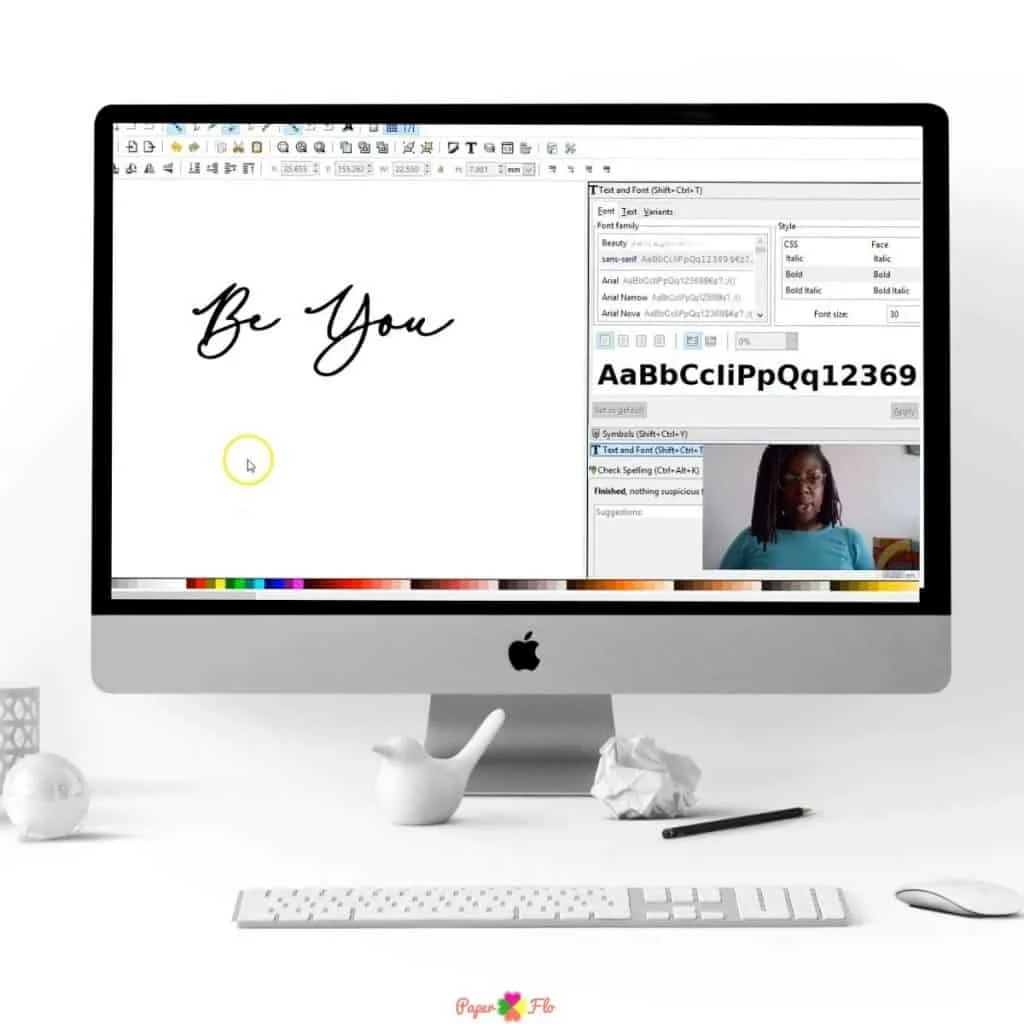
With rollApp you can create your files online in a browser.
The window will open up in your browser. This will look like the same window you are used to seeing when you use the downloaded version of Inkscape.
How do I edit a SVG file?


Let’s say you have already drawn and designed svg files and you want to make a few changes.
Just like in the desktop version you can use the online app to edit an svg file.


All of the features like the shape, text, pen tool, and grouping and ungrouping are available in rollApp. You can also make font svg files with this program.
How do I save an image as SVG?


Using a file that you have saved in Dropbox or Google Drive is no problem.
You can upload any image file type, like jpg, png or svg. If you need help to convert a pdf to svg, see this related post.
Once you have them uploaded and you can edit them and save them.
There is also the possibility to save them to these and other cloud storage systems.
If you want to watch how it’s done, I show you a quick run-through of how to use the rollApp online editor in the video.
How do I download SVG files to Cricut?
After you save it, you can upload the svg to Cricut Design Space and start using it to make paper or vinyl crafts.



Now that you know about this easy way to make svg files online, where do you think you can use this app?
If you need ideas for where to start, I have a list of 25 crafts to make with Cricut or Silhouette.
How to Create an SVG Image Online


Learn how to download the online svg editor application for Inkscape
Materials
- Rollapp application
Tools
- PC or Mac
- Google Chrome (optional)
- Graphic Tablet (optional)
Instructions
- Search for the rollApp application in your browser
- Download the app from the website. Google Chrome users can install the extension from the Chrome store.
- Click "Launch Online"
- Create an account
- A new pop up window will appear. Maximize window.
- Use the pen tool, text and shapes tools to draw your svg image. Upgrade your account in order to save your work.
Recommended Products
As an Amazon Associate and member of other affiliate programs, I earn from qualifying purchases.


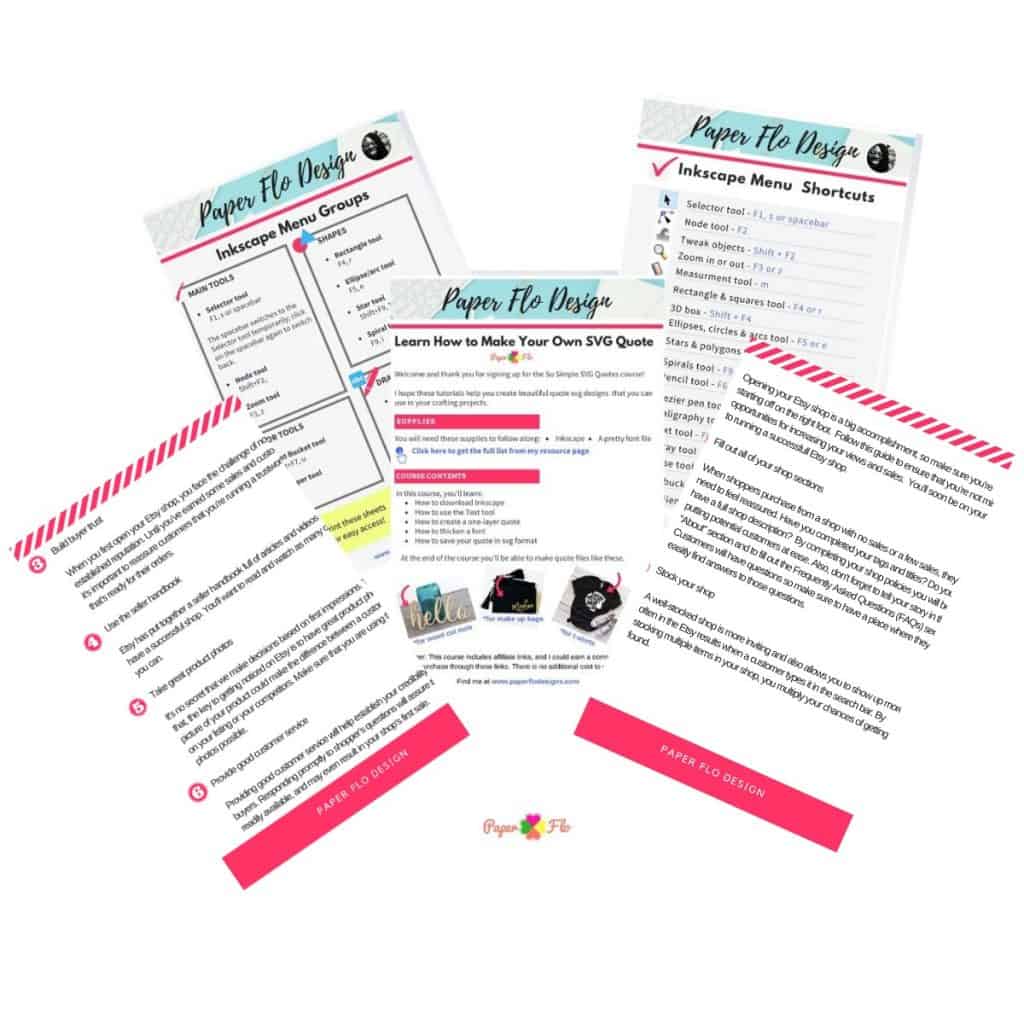
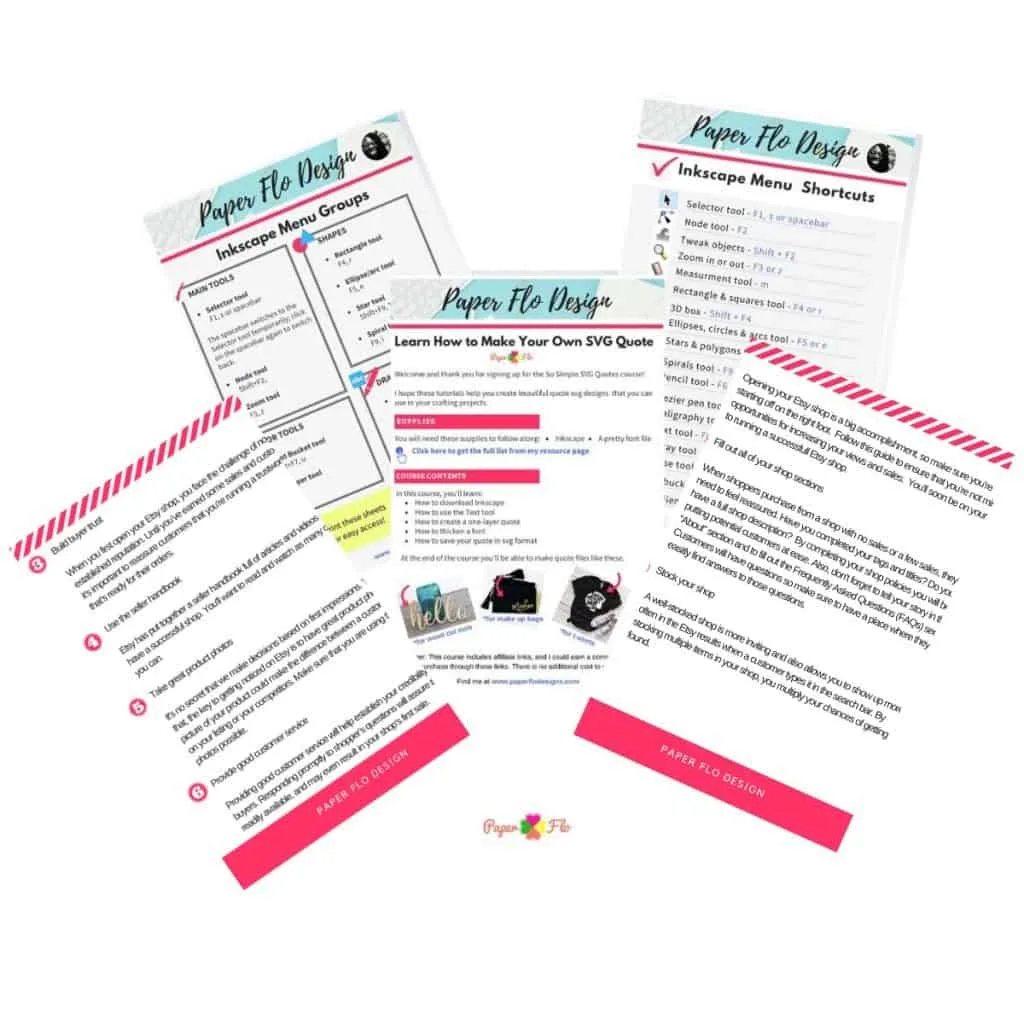
Will it make it easier to make cut files for your cutting machine? I hope so!If you want to learn how to make your own svg files, check out my So Simple SVG Files course!


How to Draw a Summer Gnome - Paper Flo Designs
Thursday 27th of May 2021
[…] good thing is that you can save the drawing in lots of different formats which means that you can make svg files or save them in jpg or png […]